

 To Next Page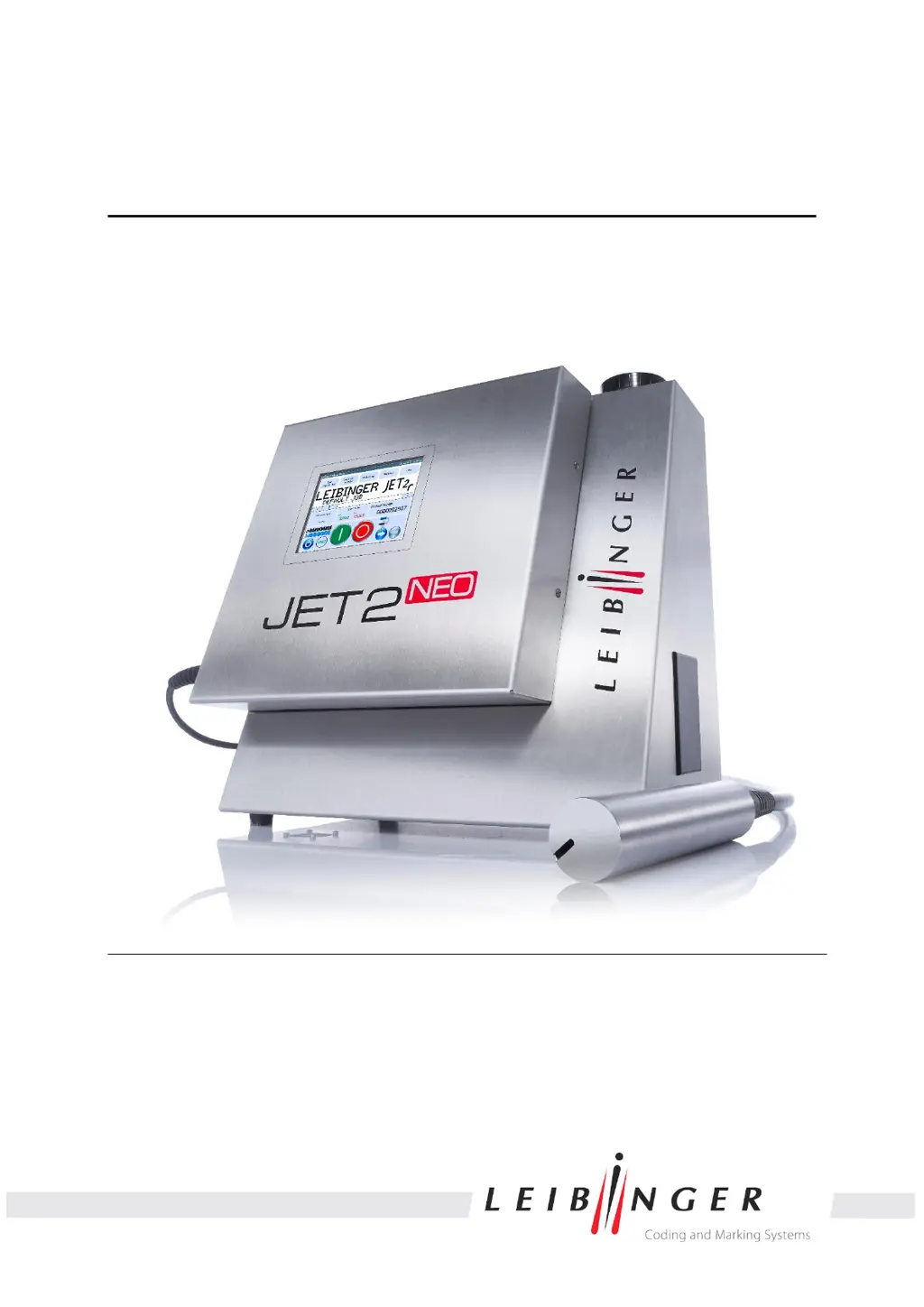

M
Melissa BowenSep 12, 2025
What to do if Leibinger Printer charging electrode is dirty?
- MMarcus SchultzSep 12, 2025
If the charging electrode of your Leibinger Printer is dirty, you should clean it.

What to do if Leibinger Printer charging electrode is dirty?
If the charging electrode of your Leibinger Printer is dirty, you should clean it.
What to do if Leibinger Printer shows 'Stroke-Go error'?
If your Leibinger Printer displays a 'Stroke-Go error', it means the next stroke output was initiated during a stroke. To resolve this: * Reduce the production speed. * Increase the font width. * Use another printing mode (high-speed mode). * Reduce the height of the total printing image (reduce the amount of dots).
Identifies potential health, equipment, and operational dangers.
Explains safety symbols and provides general safety recommendations.
Defines the proper applications and limitations of the JET2neo printer.
Illustrates and explains the safety stickers applied to the device.
Specifies qualifications and responsibilities for operating personnel.
Details risks associated with electrical components and safe handling procedures.
Lists necessary personal protective equipment for safe operation and handling.
Outlines built-in protective devices and the overall safety concept.
Provides crucial safety measures for device installation and environment.
Warns about dangers related to handling inks and solvents.
Provides guidelines for safe storage, handling, and general precautions for consumables.
Details immediate first aid procedures for eye, skin, and inhalation exposure.
Outlines recommended extinguishing agents and risks during fires.
Provides procedures for handling accidental spills and environmental protection.
Lists physical dimensions, materials, and weight of the device and print head.
Details input voltage, current consumption, and power consumption values.
Specifies acceptable temperature and humidity ranges for operation.
Lists available interfaces, digital inputs, and digital outputs for device integration.
Describes printing capacity, character height, and printing speed capabilities.
Lists supported font types, sizes, and features for printing.
Details various text writing styles like mirror-inverted and backwards.
Explains how fonts can be combined in a single print output.
Lists key automatic functions like nozzle seal and drop control.
Outlines software functions including print delay, text combinations, and counters.
Provides instructions for safe transport, storage, and shipping of the device.
Details safety precautions and requirements for mounting the device.
Covers mains supply, grounding, and explosion protection during installation.
Guides through initial startup procedures like removing safety devices and filling tanks.
Describes the various interfaces available on the rear of the electronics cabinet.
Explains the two-part stainless steel cabinet and main components.
Details the continuous ink jet process, drop creation, charging, and deflection.
Highlights critical safety warnings related to flammability and ink exposure.
Describes the components of the basic menu, including title bar and display area.
Covers fundamental operations like device initialization, power on, and shutdown.
Introduces data entry methods and control via digital signals.
Explains the main menu and its functional areas: Job, Extra, Settings, Service.
Provides procedures for editing the currently loaded print job.
Guides on selecting and loading saved jobs for printing.
Describes the layout of the job editor, including menu bar and buttons.
Details creation tools (text, barcode, graphic) and edit tools (copy, paste, delete).
Explains how to set parameters for print style, PrintGo, encoder, and date.
Covers settings for font, contrast, position, bold level, ICG, orientation, and display.
Provides settings for Printstyle position, Printstyle values, and PrintGo parameters.
Details implementation and parameters for Barcodes, Date/time, Counters, and Shift codes.
Offers guidance on using error diagnosis and contacting service.
Explains the difference between warning and error messages and their display.
Lists error codes, reasons for failure, and recommended workarounds.
Covers safe handling of consumables, electrostatic discharge, and TAG reader system.
Details daily, weekly, and annual servicing tasks and safety warnings.
Provides instructions for cleaning the print head and necessary safety precautions.
Guides on removing ink/solvent and draining the system.
Covers safe dismantling and disposal according to regulations.
Provides circuit diagrams for various device interfaces.
Illustrates wiring examples for outputs and inputs.
Includes diagrams of the print head and the main cabinet.
 General
| Type | Continuous Inkjet Printer |
|---|---|
| Technology | Continuous Inkjet (CIJ) |
| Print Technology | Continuous Inkjet (CIJ) |
| Protection Class | IP 65 |
| Operating Temperature | 5 - 45°C |
| Connectivity | Ethernet, USB |
| Font Height | 0.8 mm to 12 mm |
| Power Supply | 100 – 240 V AC, 50/60 Hz |




