72
3.7 System monitor screen
HINT
•••••••••••••••••••••••••••••••••••••••••••••••••••••••••••••••••••••••••••••••••••••••••••••••••••••
• Perform shutdown of this device on this screen.
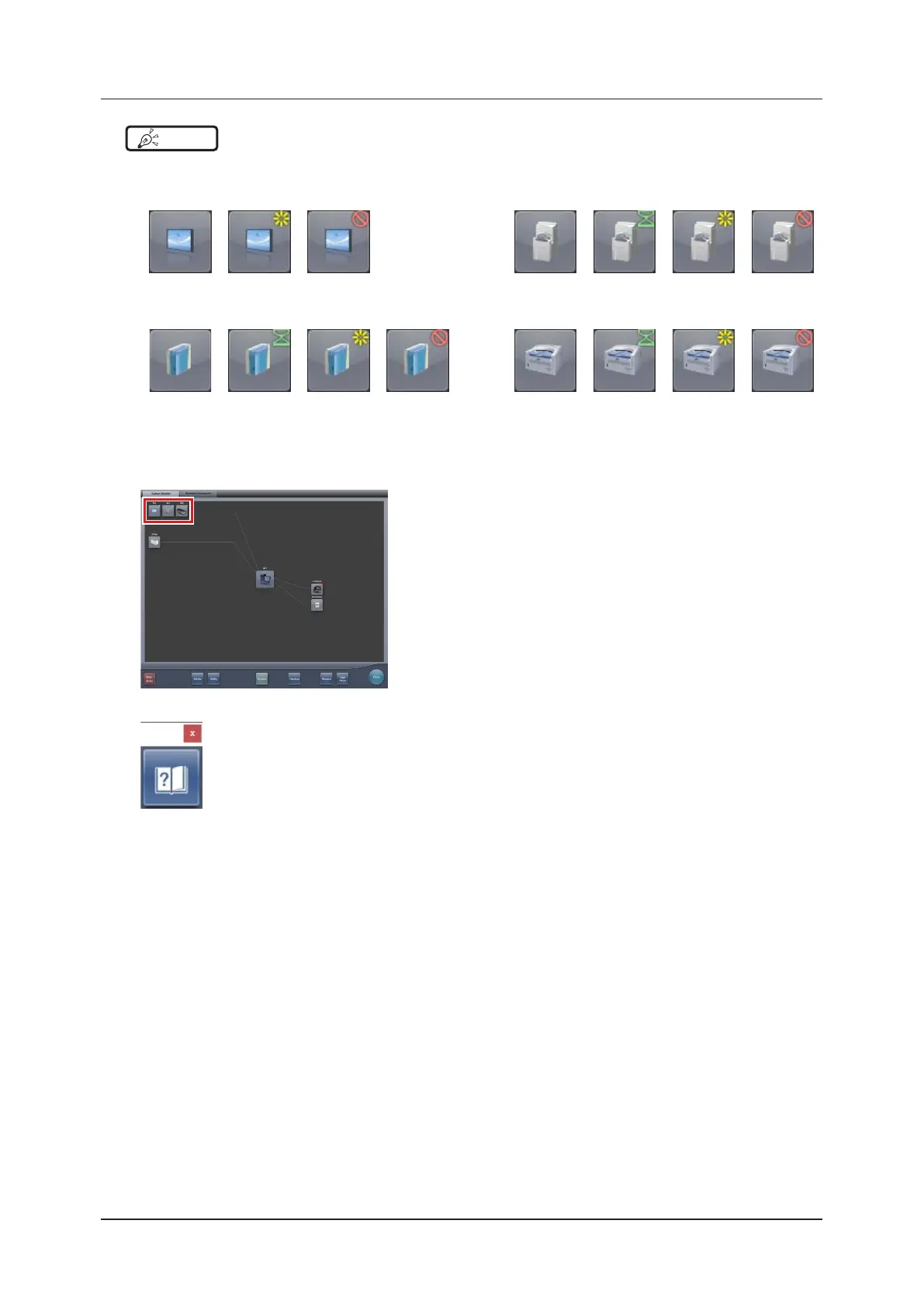
• The display of the device icon changes as follows depending on device status.
AeroDR REGIUS 170/190/210
Normal Normal Not connected Normal Processing Power o or in
standby mode
Error
REGIUS 110/110HQ REGIUS SIGMA/SIGMA2
Normal Processing Power o or in
standby mode
Error Normal Processing Power o or
not connected
Error
• When the AeroDR UF cable is connected to the DR Detector, the DR Detector icons change to the icons for the device con-
gured with the AeroDR UF cable.
• During manual display, the following manual display dialog is displayed. This dialog can be moved to any desired position.
• The wireless button, AeroSync button, detection algorithm button, and initial detection level can be shown or hidden depend-
ing on the setting. For more details, contact Konica Minolta technical representatives.
•••••••••••••••••••••••••••••••••••••••••••••••••••••••••••••••••••••••••••••••••••••••••••••••••••••••••••••••••••••













 To Next Page