OPERATION
1. Ensure center-link is set to D.
2. Ensure all header and adapter electrical and hydraulic
connections are made.
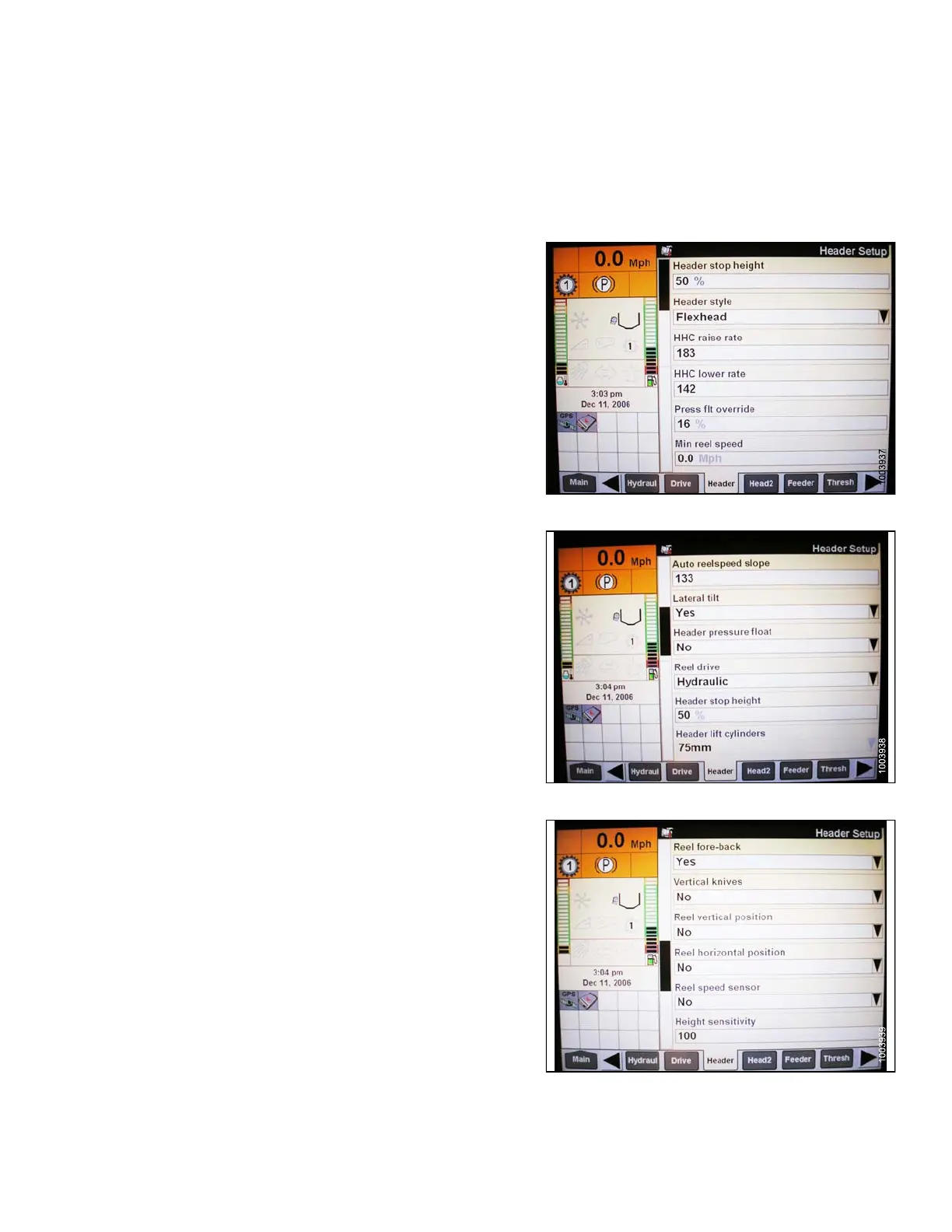
3. Select TOOLBOX on the MAIN screen, and then
select HEAD ER.
4. Set appropriate HEAD
ER STYLE.
Figure 3.140: Case IH Combine Display
5. Set AUTO REEL S PEE
DSLOPE.
6. Set HEADER PRESS
URE FLOAT to YES if equipped,
and ensure REEL D
RIVE is HYDRAULIC.
Figure 3.141: Case IH Combine Display
7. Install REEL F
ORE-BACK (if a pplicable).
8. Set H EIGHT SE
NSITIVITY to desire d value. The
recommended
starting point is 180.
Figure 3.142: Case IH Combine Display
147695
1
11
Revision A









 To Next Page