OPERATION
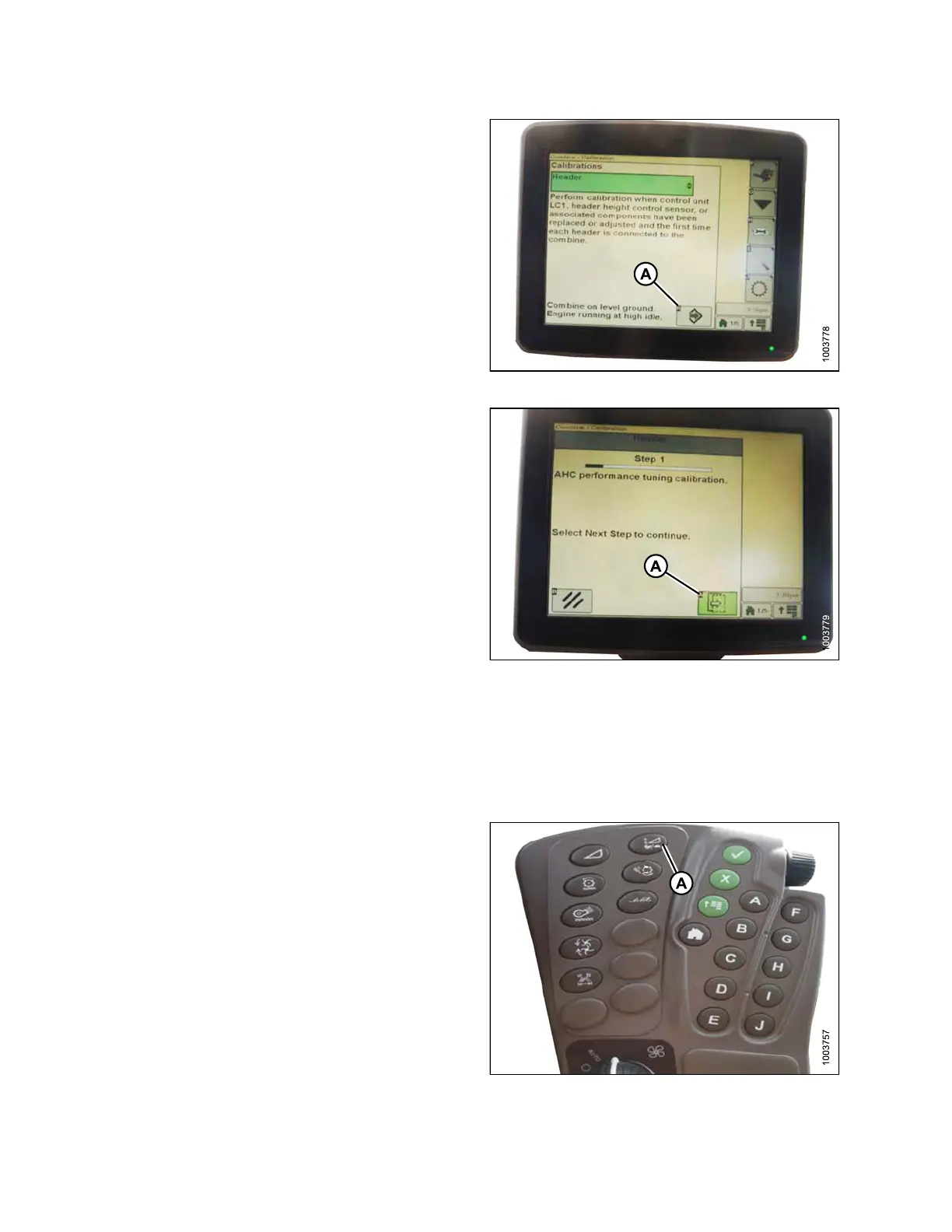
8. Press icon (A) with either FEEDER HOUSE SPEED or
HEADER selected and t he icon will turn green.
Figure 3.208: Combine Display
9. Click button (A) and instructions will appear on screen
to guide you through the remaining calibration steps.
NOTE:
If an error code appears during calibration, the
sensor is out of voltage range and will require
adjustme nt. Refer to Checking Voltage Range
from the Combine Cab (John Deere S Series),
page 143.
Figure 3.209: Combine Display
Setting the Sensitivity o f the Auto Header Height Control (John Deere S Series)
NOTE:
Change
s may have been made to the combine controls or display since this document was published. Refer to
the co
mbine operator’s manual for updates.
1. Press button (A) twice and the current sensitivity
setting will appear on the monitor.
Figure 3.210: C ombine Command Center
147695 148 Revision A









 To Next Page