OPERATION
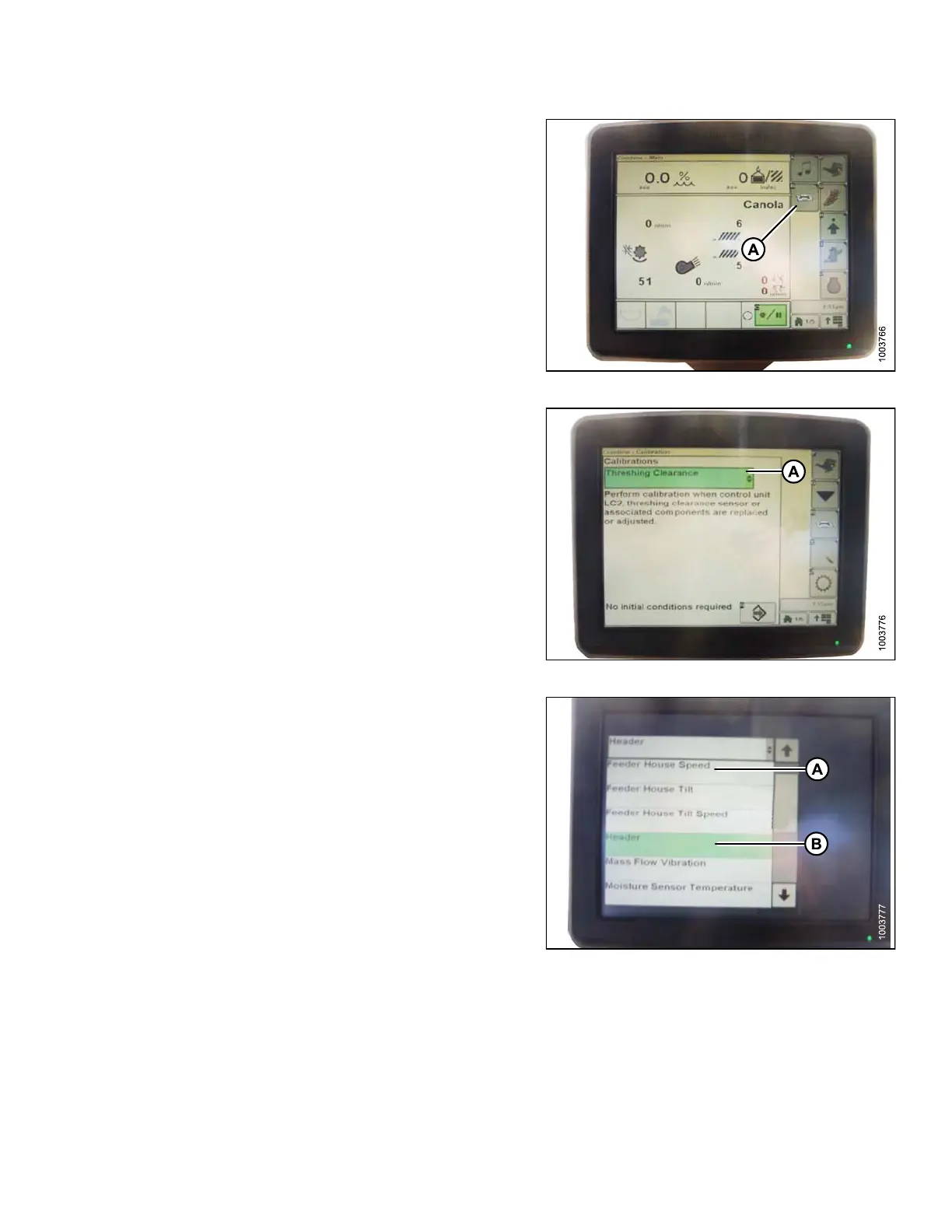
4. Press the DIAGNOSTIC icon (A) on the main page of
the monitor. The CALIBRATION page appears.
Figure 3.205: Combine Display
5. Select THRESH ING CLEARANCE (A) and a list o f
calibration options appears.
Figure 3.206: Combine Display
6. Select FEEDER HOUSE SPEED (A) and calibrate.
7. Select HEADER (B) and calibrate.
Figure 3.207: Combine Display
147695
1
47
Revision A









 To Next Page