OPERATION
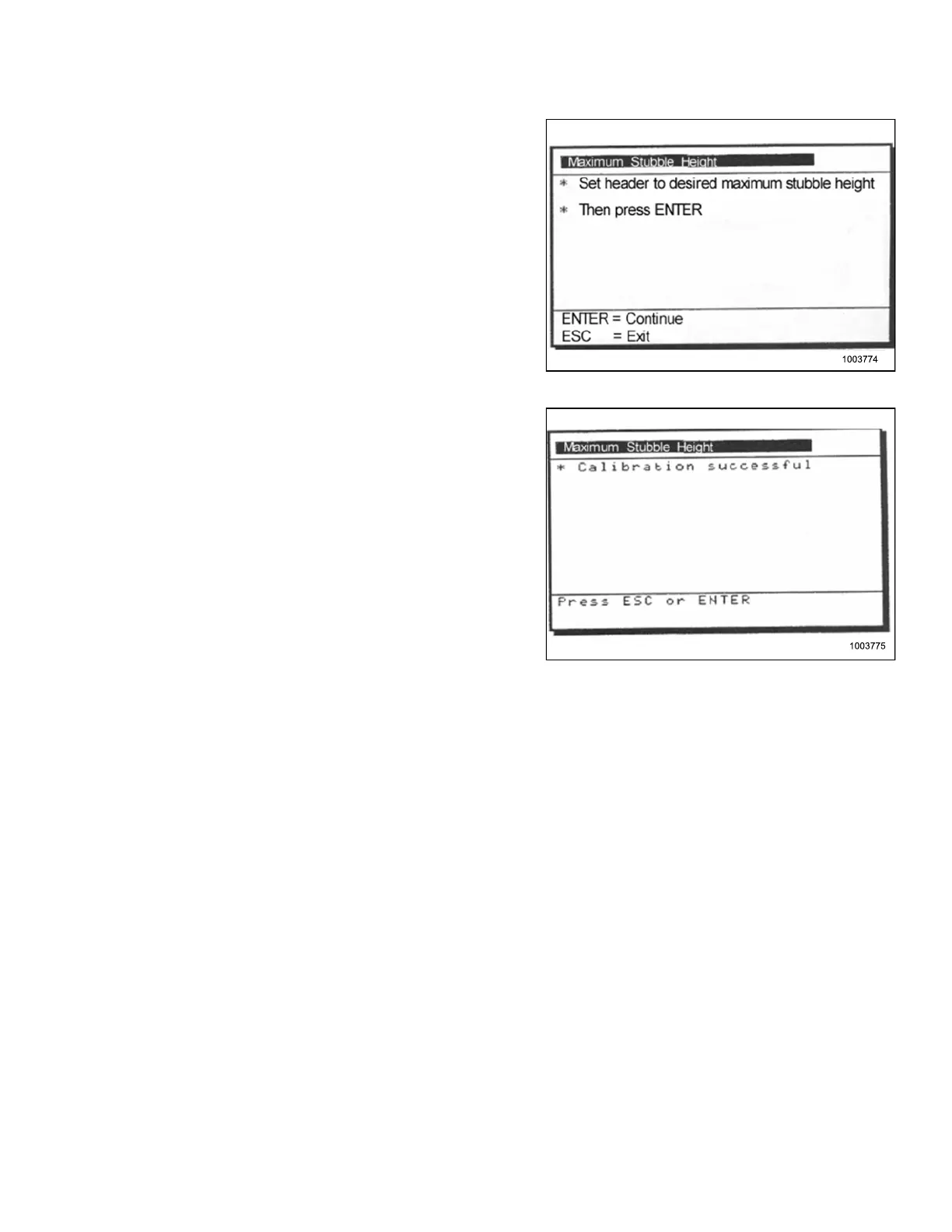
1. Select the MAXIMUM STUBBLE HEIGHT
calibration window.
Message: “Set header to desired maximum
stubble height”.
Message: “Then press ENTER”.
Figure 3.256: Calibration Window
2. Move header to the correct position using the header
up or down control switch on the multifunction handle.
3. Press ENTER to continue.
Message: “Calibration successful”.
4. Press ENTER or ESC to close the calibration window.
The calibration is now complete.
Figure 3.257: Calibration Window
Adjusting Header Raise Rate (New Holland CR/CX Serie s)
If necessary, the header raise rate (the first speed on the header height rocker switch of the multifunctional
handle) can be adjusted.
NOTE:
Chang
es may have b een made to the combine c o ntrols or display s ince t his docu ment was published. Refer to
the co
mbine operator’s manual for updates.
147695 169 Revision A









 To Next Page