OPERATION
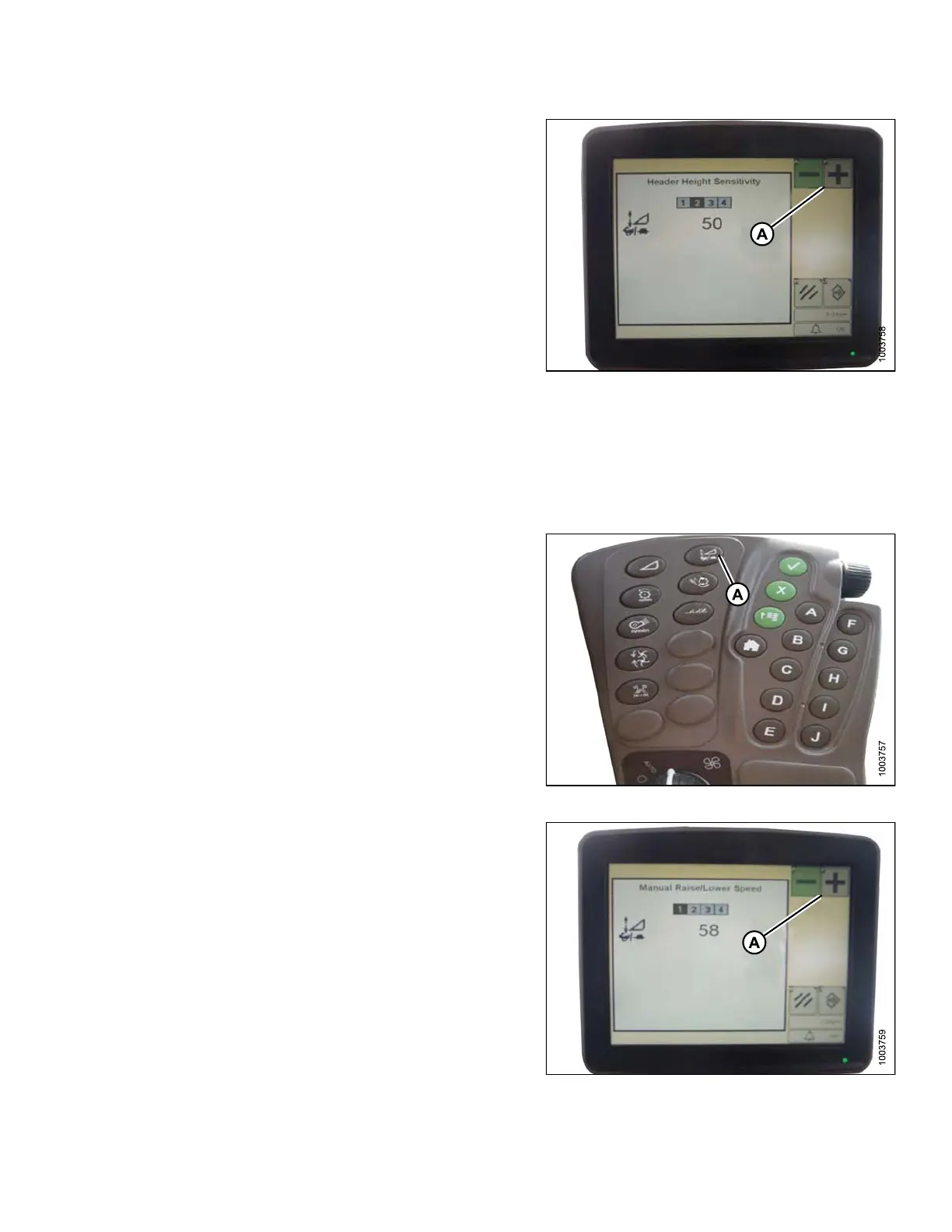
2. Press the ‘-’ or ‘+’ icon (A) to adjust rates.
NOTE:
The numbers dep
icted on the display s in th ese
illustration
s are for reference purposes only;
they are not in
tended to represent the specific
settings fo r y
our equip ment.
Figure 3.211: Combine Display
Adjusting the Manual Header Raise/Lower Rate (John Deere S Series)
NOTE:
Changes m
ay have been made to the c ombine controls or display since this document was published. Refer to
the combi
ne operator’s manual for updates.
1. Press button (A) and the current sensitivity setting will
appear on the monitor.
Figure 3.212: Combine Command Center
2. Press the ‘-’ or ‘+’ icon (A) to adjust rates.
NOTE:
The nu
mbers depicted on the displays in these
illus
trations are for reference purposes only;
they
are not intended to represent the specific
sett
ingsforyourequipment.
Figure 3.213: Combine Display
147695 149 Revision A









 To Next Page