MAINTENANCE AN D SERVICING
5.5 Electrical
Use electrical tape and wire clips as required to prevent wires from dragging or rubbing.
Keep lights clean and replace defective bulbs.
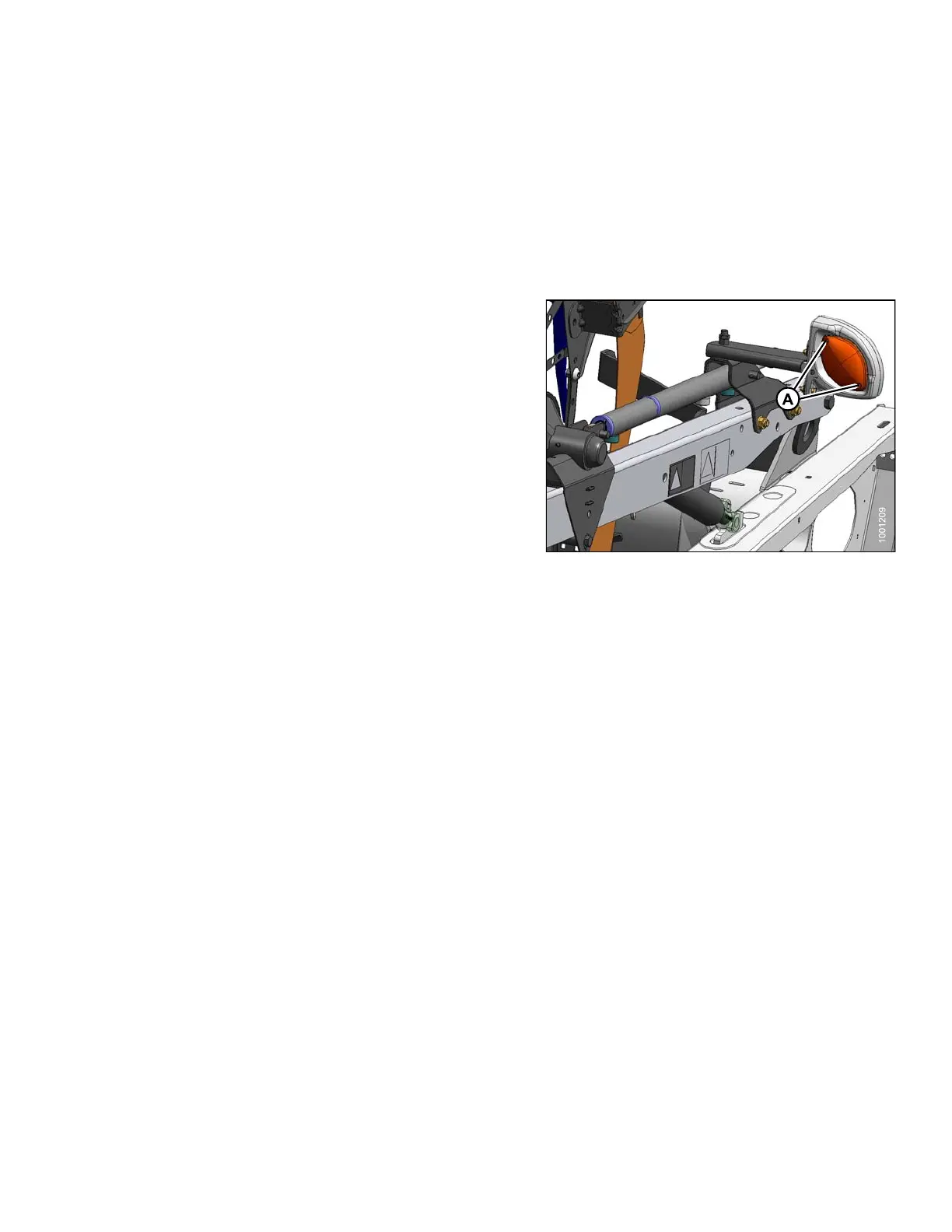
5.5.1 Rep lacin g Light Bulbs
To replace a l
ight bulb, follow these steps:
1. Using a Phill
ips screwdriver, remove screws (A) from
fixture and re
move plastic lens.
2. Replace bul
b and reinstall plastic lens and sc re ws.
NOTE:
Use bulb trade #1156 for amber clearance lights and
#1157 for red tail light (Slow Speed Transport option).
Figure 5.32: Clearance Light
147695
2
77
Revision A









 To Next Page