MAINTENANCE AN D SERVICING
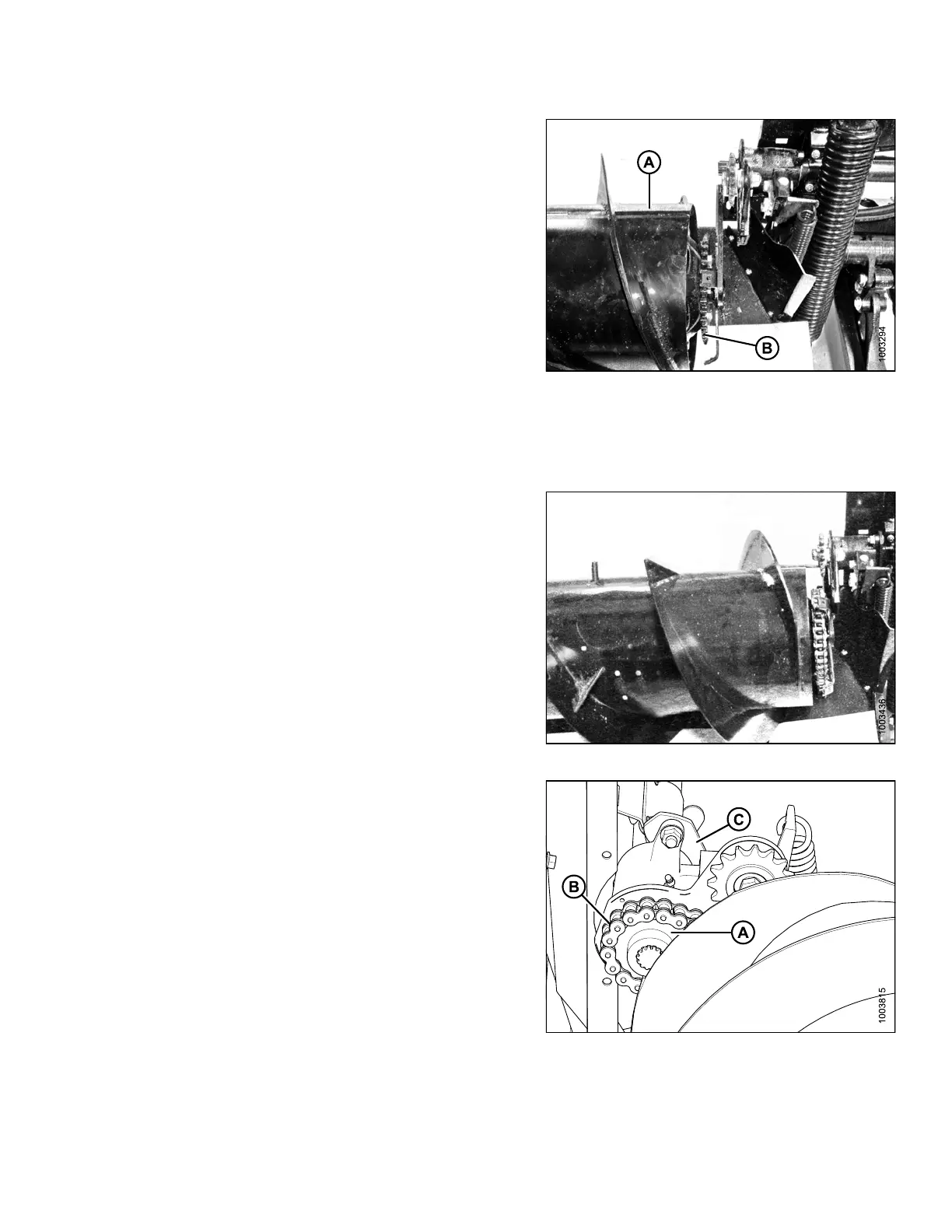
11. Slide left housing (A) back into position so the endless
chain (B) can be removed.
Figure 5.61: Auger Drive
5.7.4 Installing Auger Drive Chain
To install
the auger drive chain, follow these steps:
1. Place the d
rive chain over the sprocket. Slide the
left-han
d housing toward the drum and m ount just
enough to
still leave the driveshaft 1/2 in. (13 mm)
exposed.
Bolt the assembly together.
NOTE:
Blocking the left side o f the drum may make this
step easier.
2. Remove block if used. Prior to hooking up the chain to
the drive assembly, rotate drum in forward and reverse
a couple of times. This will ensure the drum has been
rebuilt correctly.
Figure 5.62: Auger Drive
3. Align s
procket on shaft and put drive sprocket (A) into
chain (
B).
NOTE:
The shoulder of the drive sprocket (A) faces
the auger.
4. Slide entire drum assembly back in place and bolt down
the C-clamp (C) over the housing.
Figure 5.63: Auger Drive
147695 291 Revision A









 To Next Page