OPERATION
Setting Cutting Height (Lexion 700 Series)
NOTE:
Changes may have been made to the combine controls or display since this document was published. Refer to
the combine operator’s manual for updates.
1. Lower th e hea
der to desired cutting height or ground
pressure set
ting. The float indicator box should be
set to 1.5.
Figure 3.
236: Float Indicator Box
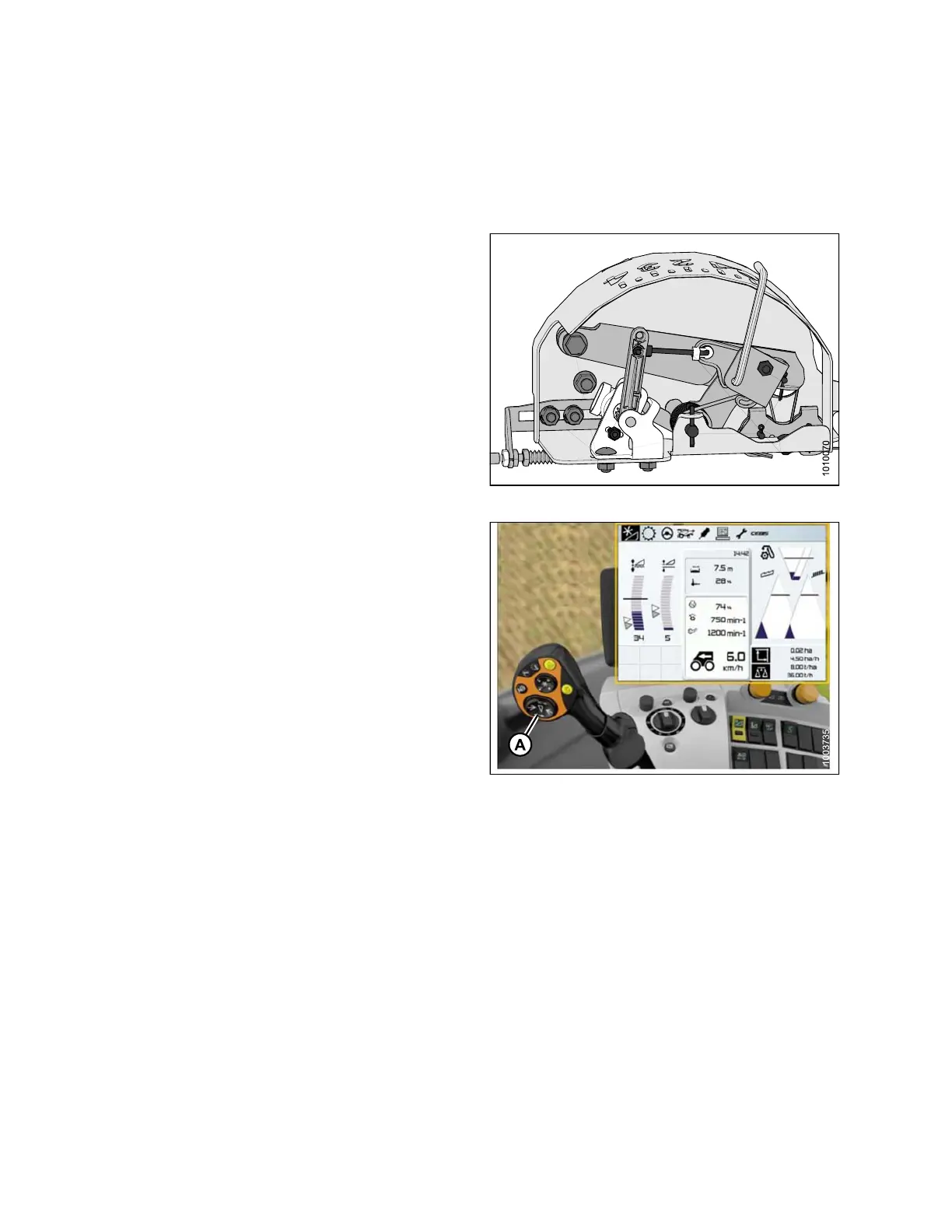
2. Hold the left side of the header raise and lower
switch (A) until you hear a ping.
NOTE:
You can s
et two different cutting heights.
Figur
e 3.237: Combine Display, Console, and
Joyst
ick Lever
Setti
ng the Sensitivity of the Auto Header Height Control (Lexion 700 Series)
NOTE:
Changes may have been made to the combine controls or display since this document was published. Refer to
the combine operator’s manual for updates.
147695 160 Revision A









 To Next Page