OPERATION
Calibrating the Auto Hea der Height Control (John Deere 50 Series)
For best performance of the Auto Header Height Control (AHHC), perform these procedures with the center-link
set to D. When setup and calibration are complete, adjust the center-link back to desired header angle. Refer to
3.7.3 Header Angle, page 66.
NOTE:
Changes may h
ave been made to the combine controls or display since this document was published. Refer to
the combine o
perator’s manual for updates.
1. Ensure center-link is set to D.
2. Rest header on down stops, and unlock adapter float.
3. Put win g s in locked position.
4. Start the combine.
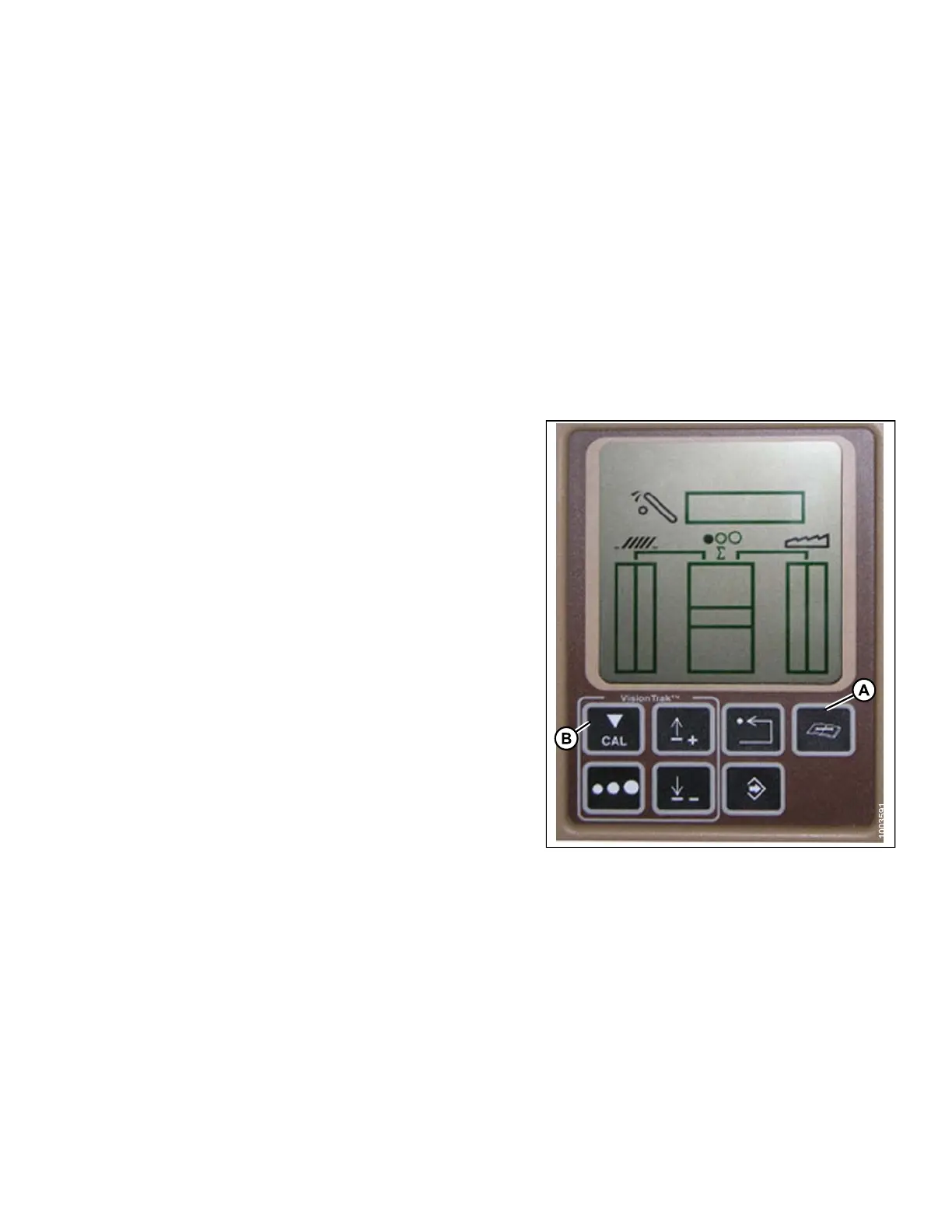
5. Press the DIAGNOST
IC button (D) on the mo nitor–
DIA appears on the m
onitor.
6. Press the CAL but t
on (B) – DIA-CAL appears on
the mo nitor.
Figure 3.170: Combine Display
147695 129 Revision A









 To Next Page