OPERATION
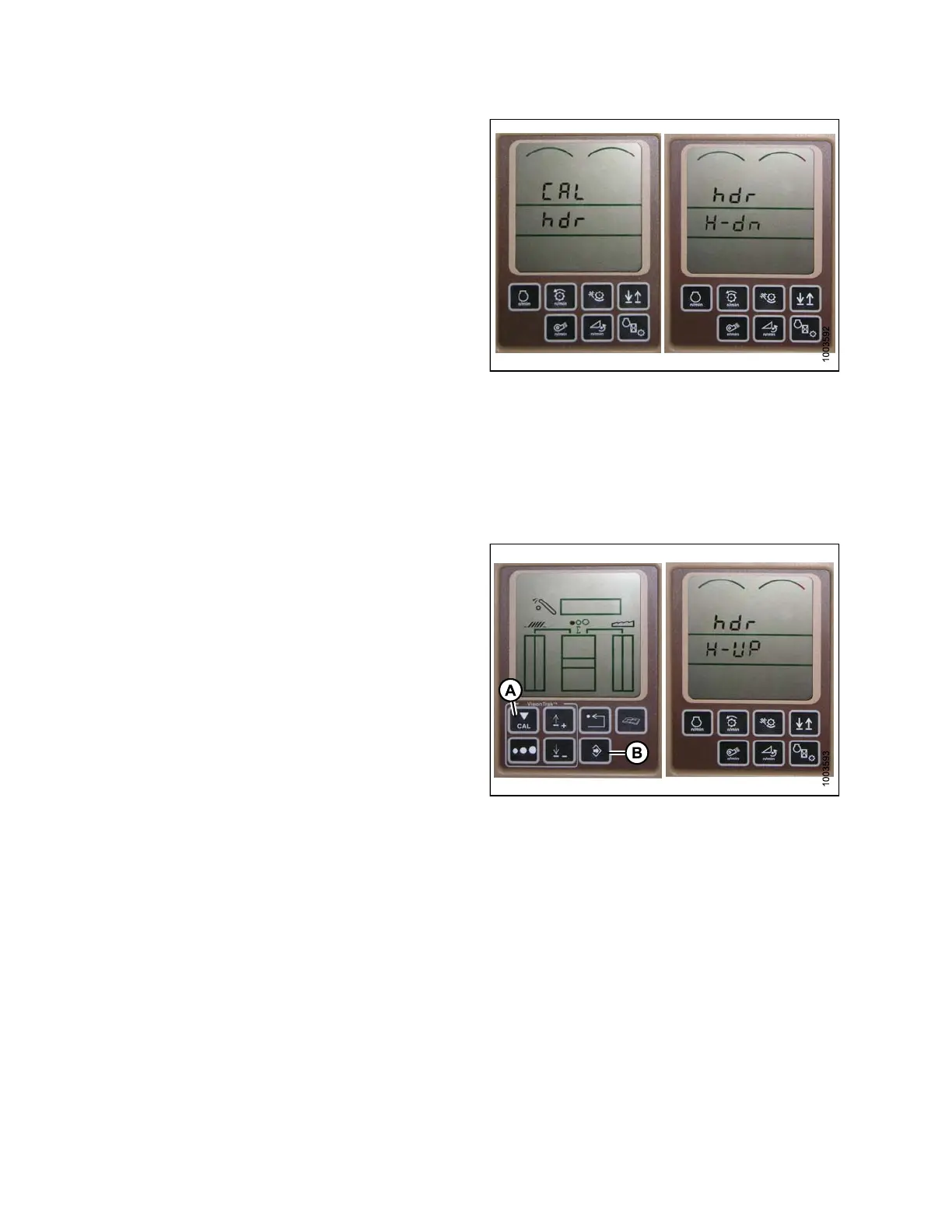
7. Press the UP or DOWN buttons until hdr appears on
the mon itor.
8. Press the enter button – HDR H-DN appears on
the mon itor.
Figure 3.171: Combine Display
9. Fully lower feeder house to the ground.
NOTE:
You may nee
d to h old the header down switch
for a few se
conds to ensure the feeder house is
fully lowe
red.
10. Press the CAL button (A) to save the calibration of the
header – HDR H-UP appears on the monitor.
11. Raise the header three feet off the ground, and press
the CAL (A) button – EOC appears on the monitor.
12. Press the enter button (B) to save the calibrat ion of the
header. Your AHHC is now calibrated.
Figure 3.172:
Combine D is play
13. Adjust the voltage limits (refer to Ad justing Voltage
Limits, page 93) if the sensor voltage is not within the
low and high limits or if the range between the low and
high limits is insufficient (refer to Table 3.10 Combine
Voltage Limits, page 91).
NOTE:
After the ca
libration is complete , sp ecific
combine ope
ration settings need to be made to
ensure prop
er field operation.
147695 130 Revision A









 To Next Page