MAINTENANCE AN D SERVICING
5.14.6 Replac
ing Reel Speed Sensor
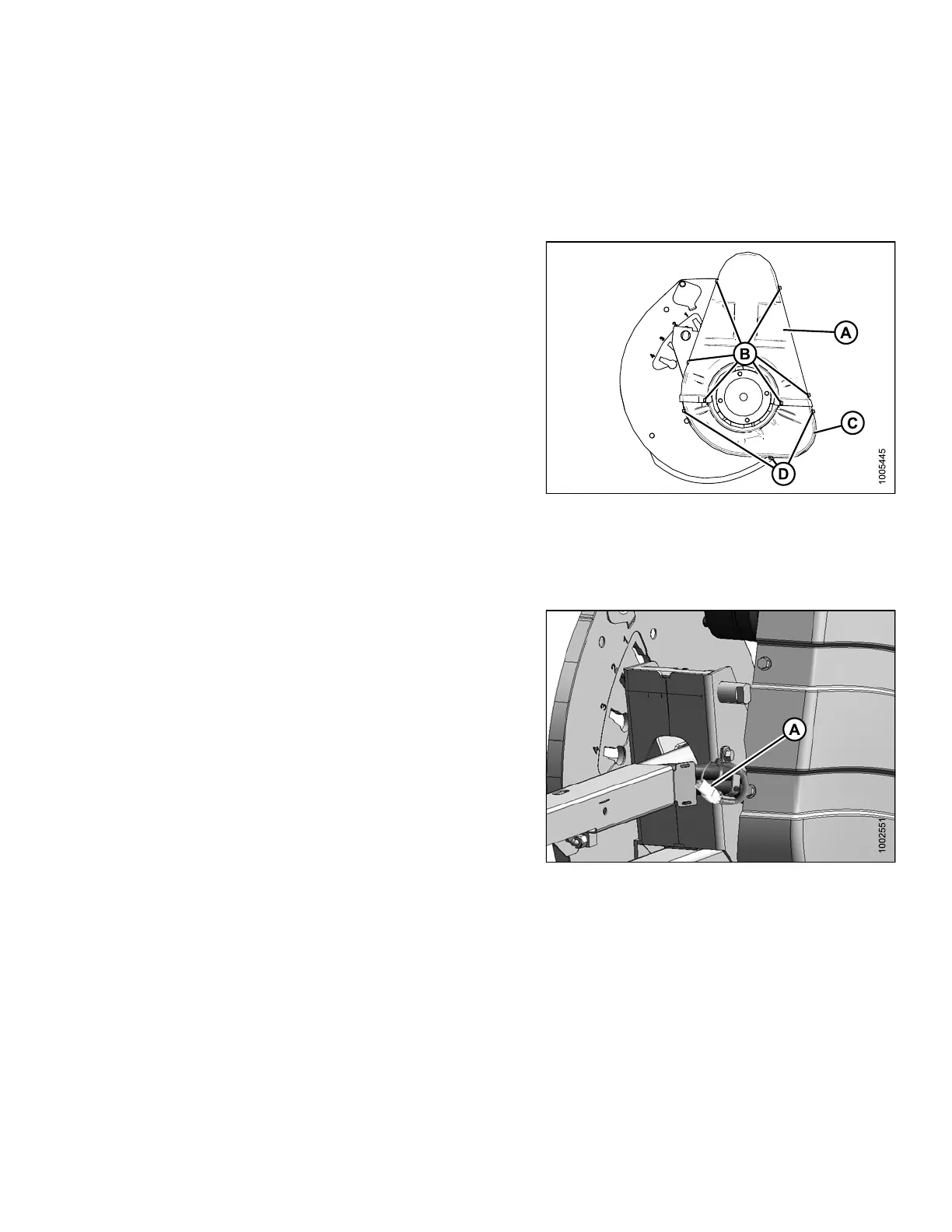
The reel speed sensor system is located inside the reel drive cover.
Removing Drive Cover
1. Remove the six bolts (B) that secure the upper
cover (A) to the reel drive and to the lower cover (C).
NOTE:
The lower co
ver (C) may also be removed by
taking off t
he three bolts (D).
Figure 5.
284: Drive Cover
Replaci
ng AGCO Sensor
To replace the reel speed sensor for an AGCO combine, follow these steps:
1. Disconnect connector (A).
Figure 5.285: Electrical Harness
147695 389 Revision A









 To Next Page