OPERATION
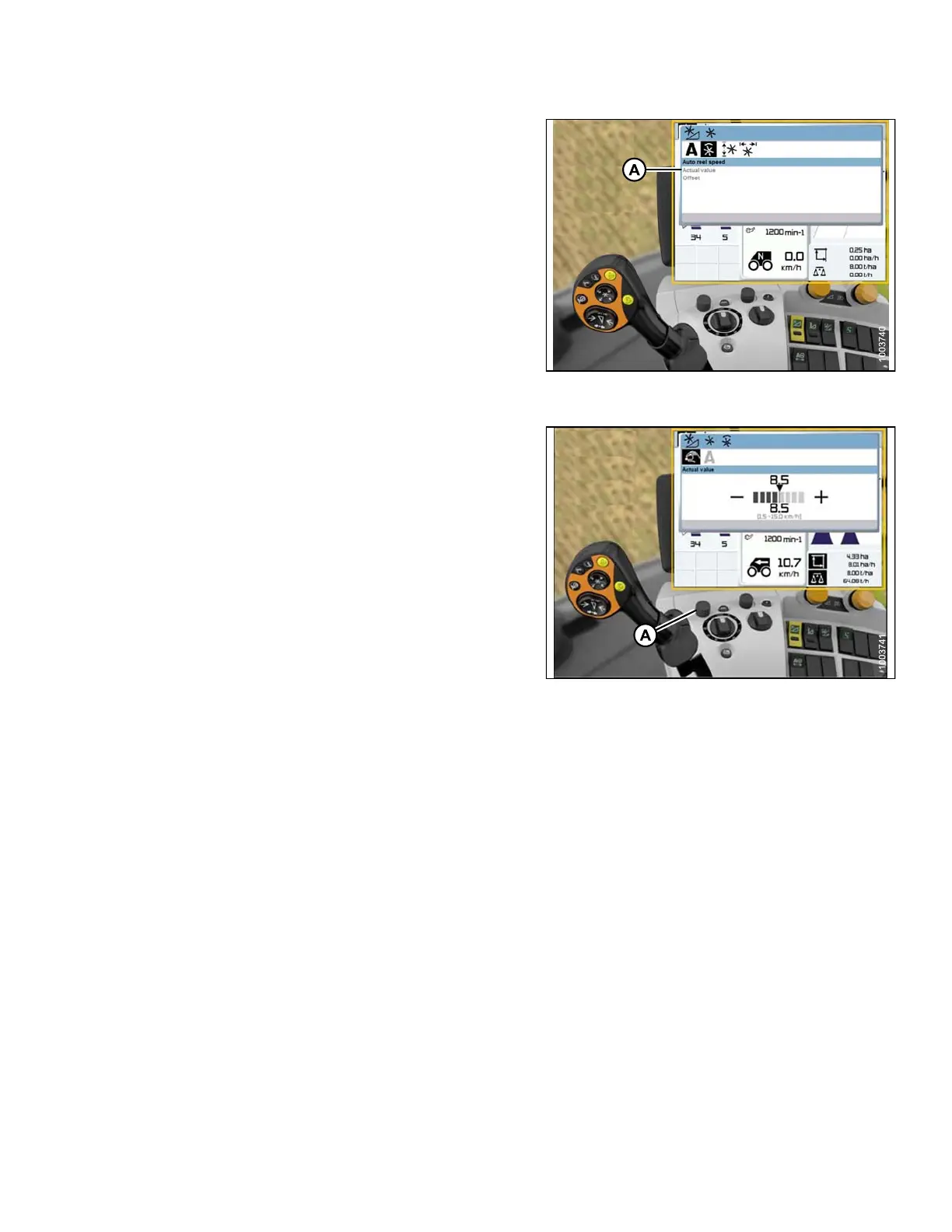
3. Select A CTUAL VALUE (A) from the AUTO REEL
SPEED window (if you are using Auto Reel Speed).
The ACTUAL VALUE window opens and displays the
auto reel speed.
Figure 3 .243: Combine Display, Console, and
Joystick Lever
4. Use control knob (A) to raise or lower the reel speed.
Figure 3 .244: Combine Display, Console, and
Joystick Lever
3.8.13 New Holland Combines
Checking Voltage Range from the Combine Cab (New Holland)
NOTE:
Chang
es may have b een made to the combine c o ntrols or display s ince t his docu ment was published. Refer to
the co
mbine operator’s manual for updates.
To check the sensor output voltage range from the combine cab, follow these steps:
1. Position the header 6 in. (150 mm) above the ground, and unlock the adapter float.
147695 163 Revision A









 To Next Page