MAINTENANCE AN D SERVICING
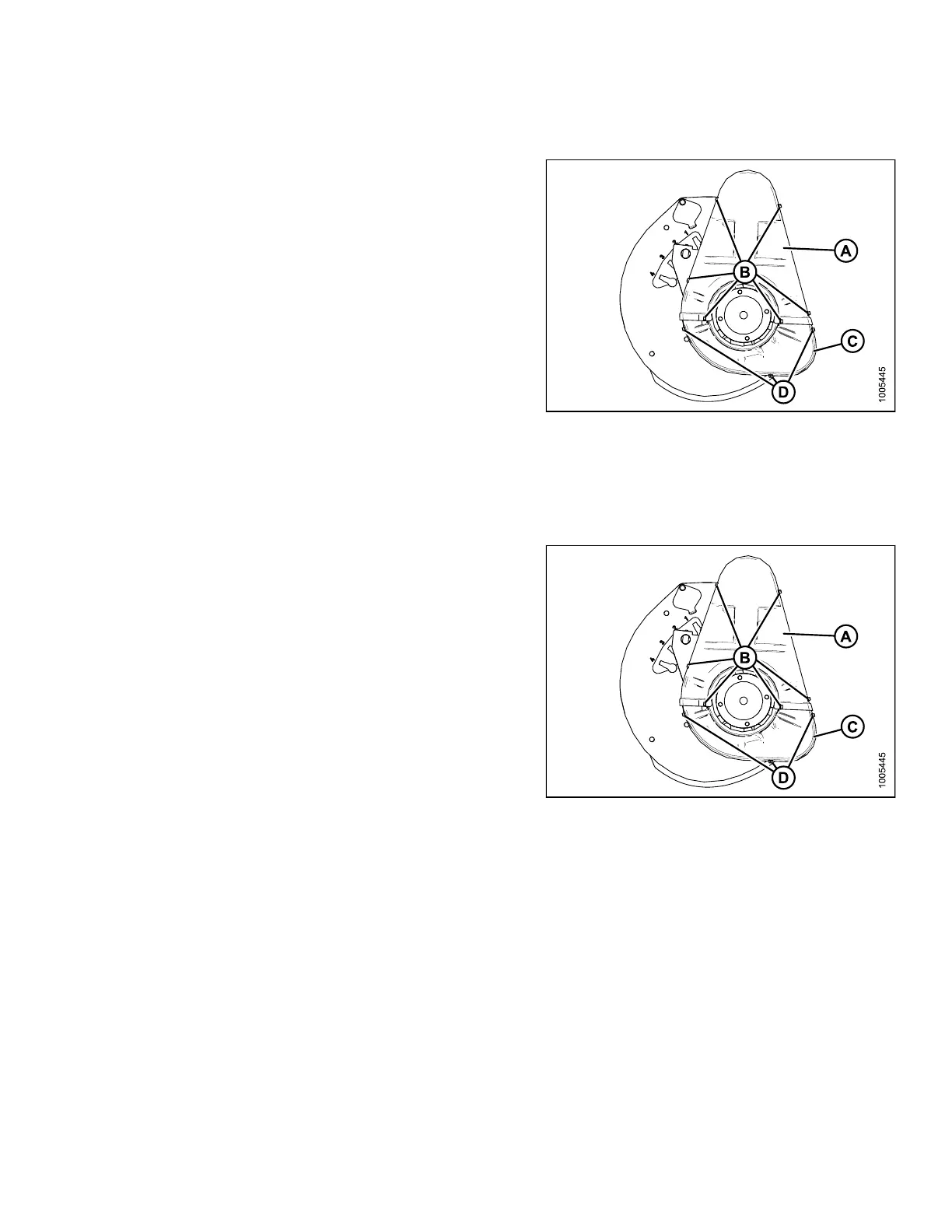
Installing Drive Cover
1. Position the lower cover (C) first (if removed) and
secure with three bolts (D).
2. Install upper cover (A) using the six bolts (B).
Figure 5.2
80: Double-Reel Drive Cover
5.14.5 Adj
usting Reel Drive Chain Tension
Removing
Drive Cover
1. Remove the six bolts (B) that secure the upper
cover (A) to the reel drive and to the lower cover (C).
NOTE:
The lower cover (C) may also be removed by
taking off the three bolts (D).
Figure 5.281: Drive Cover
147695 387 Revision A









 To Next Page