OPERATION
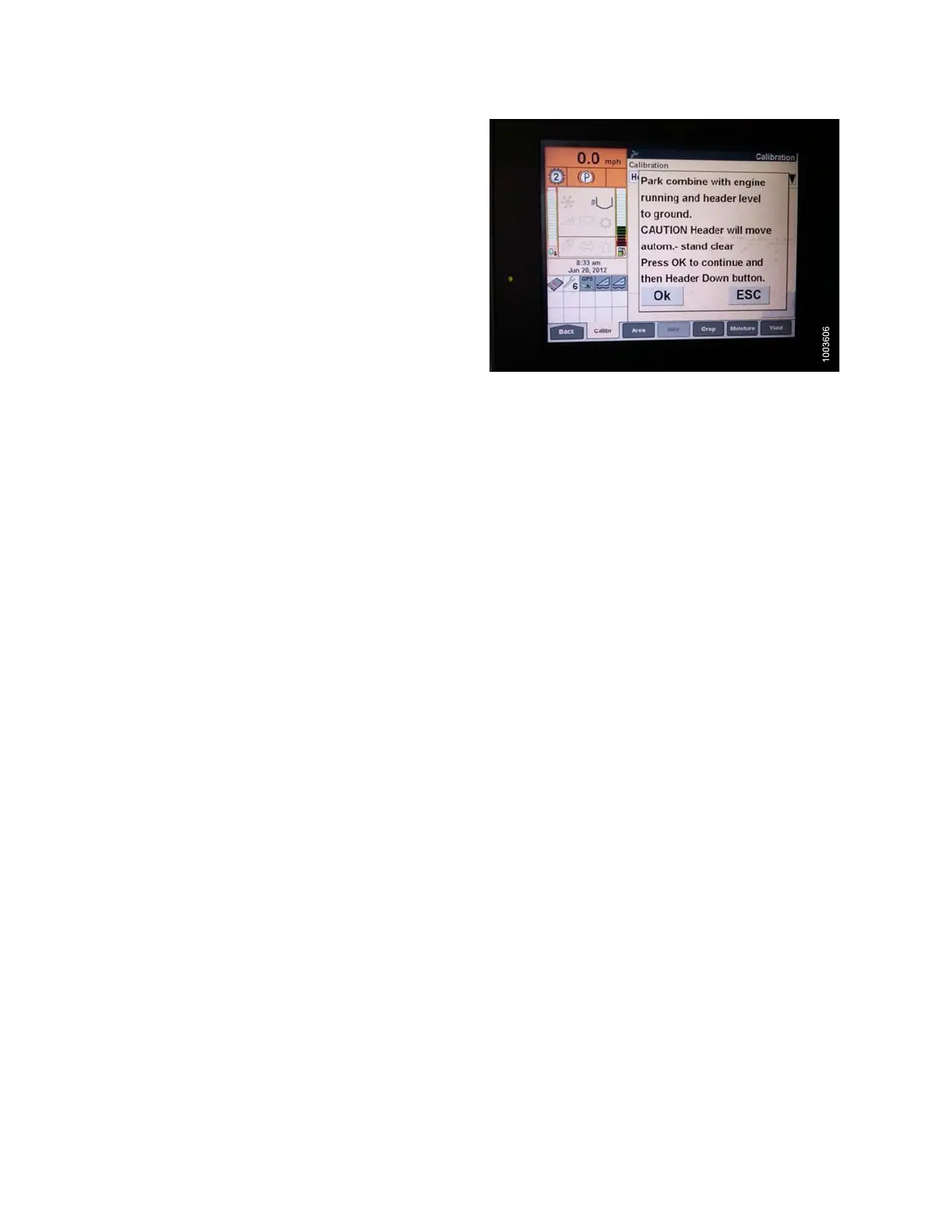
3. Follow the calibration steps in the order in which
they appear in the window. As you proceed through
the calibration process, the display will automatically
update to show the next step.
NOTE:
Pressing the ESC key during any of the steps
or letting the system sit idle for more than three
minutes will cause the calibration procedure
to stop.
NOTE:
Refer to your combine operator’s manual for an
explanation of any error codes.
Figure 3.255: Combine Display
4. Ensure tha
t CALIBRATION SUCCESSFUL message
is display
ed on the screen when all steps have been
completed
, and exit the CALIBRATION menu by
pressing t
he ENTER or ESC key.
NOTE:
If float was set heavier to complete ground
calibration procedure, adjust to recommended
operating fl oat after the calibration is complete.
5. Conduct the maximum stubble height calibration if unit
does not function properly.
Calibrating Maximum Stubble Height
This procedure describes how to calibrate the area counter to know from which height it should stop or start
counting. When the header is raised above this level, the area counter assumes you are not cutting crop; therefore,
you must raise the header to a specific height that you will always exceed when not cutting, and lower the header
toaspecific height you will always stay below when cutting.
Select the height of the header that corresponds to the description above.
IMPORTANT:
• If the value is set too low, area may NOT be counted since the header is sometimes raised above this threshold
although the combine is still cutting.
• If the value is set too high, the area counter will keep counting even when the header is raised (but below this
threshold) and the combine is no longer cutting crop.
147695 168 Revision A









 To Next Page