OPERATION
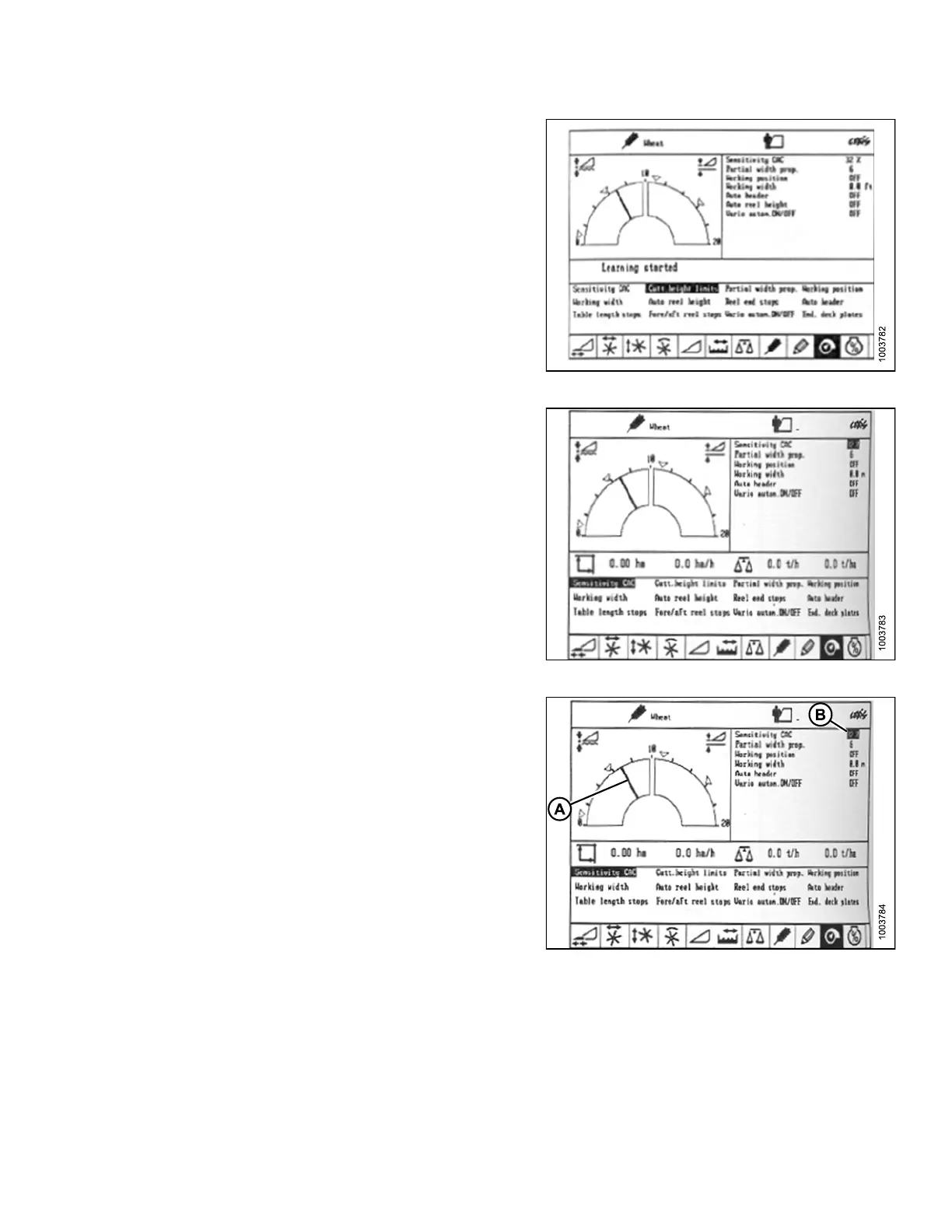
5. Use the ‘<’ or ‘>’ key to select CUTT.HEIGHT LIMITS,
andpresstheOKkey(C).
6. Follow the procedure displayed on the screen to
program the upper and lower limits of the header into
the CEB IS.
Figure 3.216: Combine Display
7. Use the ‘<’ or ‘>’ key to select SENSITIVITY CAC, and
press the OK key (C).
NOTE:
Setting the sen sit iv ity of t he AHHC system
impacts the reaction speed of the AHHC on
the header.
8. Use the ‘-’ key or the ‘+’ key to change the setting of
the reaction speed, and press the OK key (C).
Figure 3.217: Combine Display
9. Use line (A) or value (B) to dete rmine the
sensitivity setting.
NOTE:
The setting can be adjusted from 0–100%. When
sensitivity is adjusted to 0%, the signals from the
sensing bands have no effect on the automatic
cutting height adjustment. When sensitivity is
adjusted to 100%, the signals from the sensing
bands have maximum effect on the automatic
cutting height adjustment. The recommended
starting point is 50%.
Figure 3.218: Combine Display
147695 151 Revision A









 To Next Page