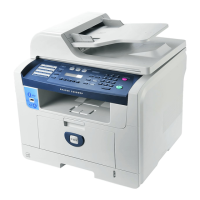
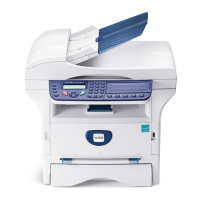
1-12 Phaser 6128MFP Service Manual
General Information
Scanning Specifications
Scanning Specifications
Characteristic Specifications
Scanning Mode
■ Platen Mode: Scan document using the document glass
■ Constant Velocity Transport (CVT) Mode: Scan
document via the Automatic Document Feeder (ADF)
Maximum Scan Size
■ Platen Mode: 215.9 mm x 297 mm (8.5 in. x 11.7 in.)
■ CVT mode; 215.9 mm x 355.6 mm (8.5 in. x 14 in.)
Media Size
Minimum
■ Fast Scan Direction: 148 mm (5.8 in.)
■ Slow Scan Direction; 210 mm (8.3 in.)
Maximum
■ Fast Scan Direction: 215.9 mm (8.5 in.)
■ Slow Scan Direction: 355.6 mm (14.0 in.)
USB Scanning
Resolution Up to 9600 dpi
■ Scan Interface
■ File Formats
TWAIN/ WIA
BMP, JPG, PDF, TIFF
Network Scanning
Resolution Up to 600 dpi
Color Mode Color, Black & White
Original Type Text, Photo, Mixed
File Format JPG, PDF, TIFF
Lighter/Darker 7 levels
Sharpness 3 levels
Contrast 3 levels
Auto Exposure Off, Normal, Higher (1, 2)
Scan to Desktop via
SMB
Up to 6 SMB servers
Scan to FTP Up to 6 FTP servers
Scan to E-mail Yes (no individual user log in)
Network Scan to
Computer via SMB
Document Glass,
150 dpi, mixed,
letter size
9 sec.


 To Next Page
 Loading...