Phaser 6128MFP Service Manual 5-35
Print-Quality Troubleshooting
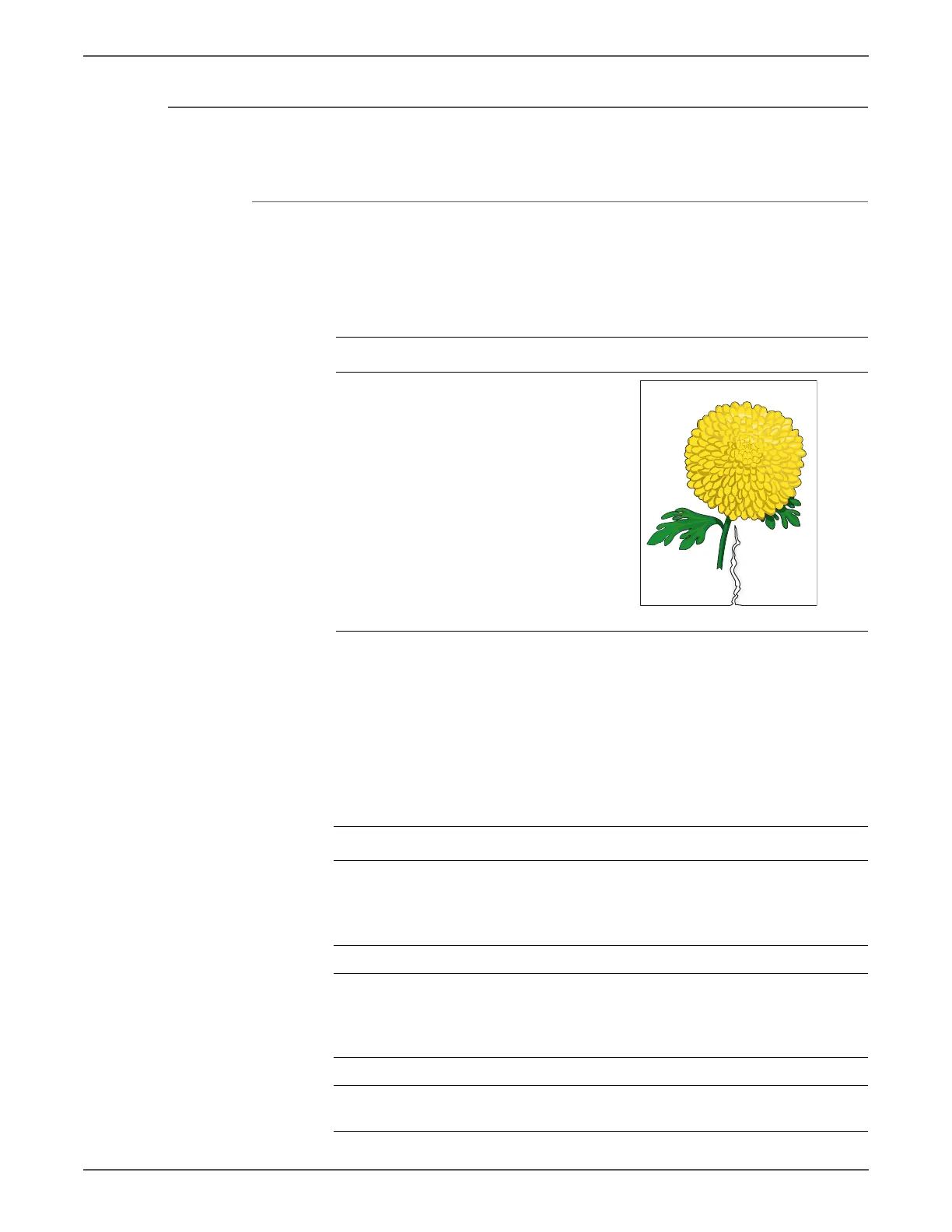
Damaged Media
Paper comes out from the printer wrinkled, folded, or worn-out.
Initial Actions
• Check the paper transfer path.
• Ensure there are no debris on the transfer path.
The Tray is recommended for media feeding. Media fed through the Manual
Feed is prone to skew depending on how the sheet is inserted.
Allow the Fuser to cool before starting the procedure.
Troubleshooting Reference Table
Applicable Notes Example Print
■ Separator Roller Assembly
(PL2.1.5)
■ Feed Roller Assembly (PL3.2.4)
■ Registration Roller Assembly
(PL3.2.9)
■ Metal Registration Roller
(PL3.2.10)
Troubleshooting Procedure Table
Step Actions and Questions Yes No
1 Check the paper condition
Is the paper dry and approved for
use?
Go to step 3. Replace with
dry, approved
paper, then go
to step 2.
2 Is the image printed correctly? Complete Go to step 3.
3 Open and close the Front Cover.
Does the Front Cover latch close
properly?
Complete Replace any
defective parts,
then go to step
4.
4 Is the image printed correctly? Complete Go to step 5.
5 Reseat the Imaging Unit.
Is the image printed correctly?
Complete Go to step 6.


 To Next Page
 Loading...