394
10.2 Error codes and countermeasures
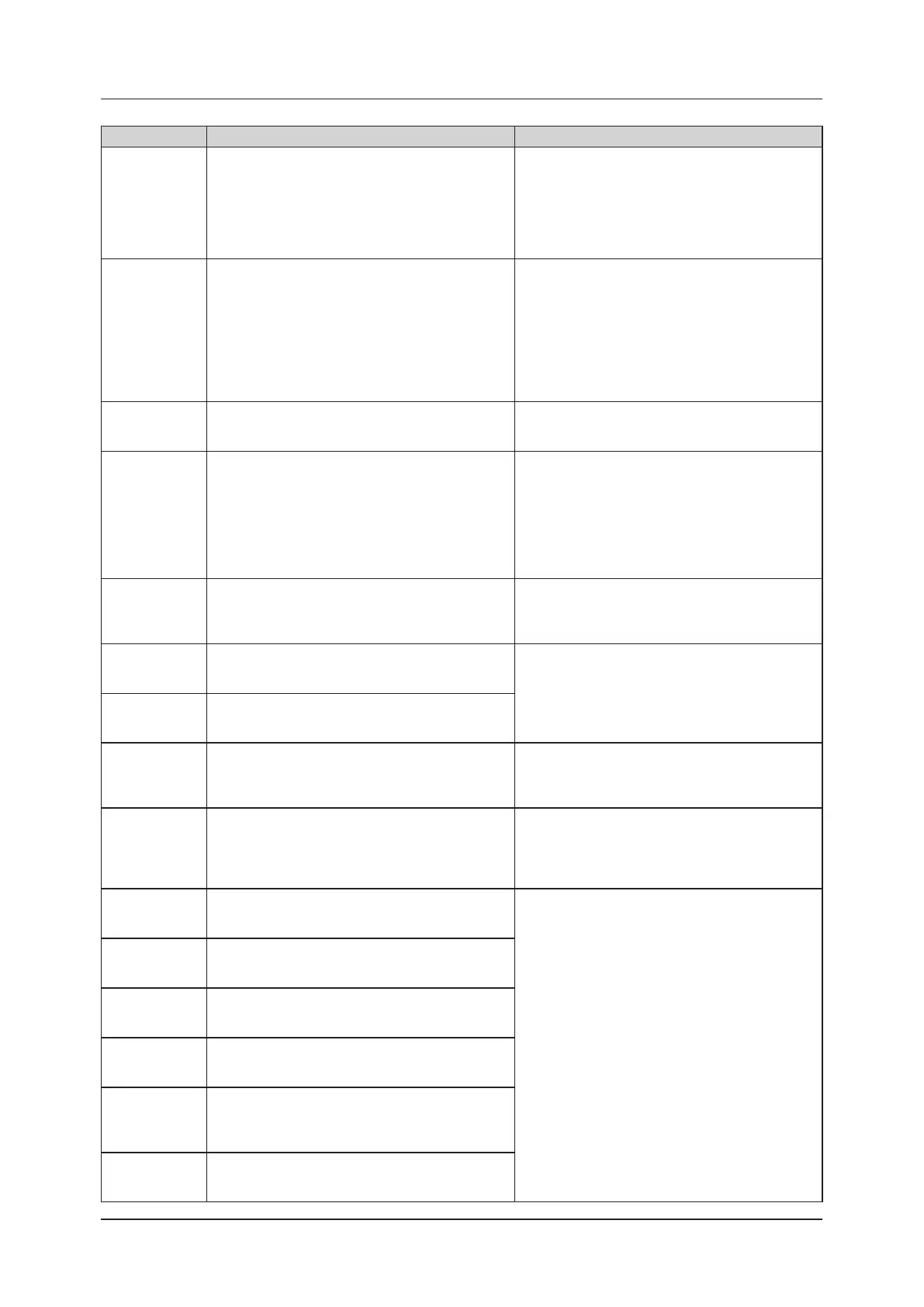
Error code Displayed message Problems/countermeasures
F0I34*
F0I35*
F0I36*
F0I37*
[DR Detector name] cable/cradle connection error
Poor connection of a cable or a cradle.
Please reconnect after checking for a foreign particle
in the connector.
(1) Conrm that the wired connection connector part of
the DR Detector, AeroDR Battery Charger, AeroDR
Battery Charger2 and I/F Cable doesn't have any
foreign objects attached.
(2) Conrm that the I/F Cable is not connected at an
angle.
(3) Reconnect.
F0I38*
[DR Detector name] cable/cradle connection error
Poor connection of a cable or a cradle.
Please reconnect after checking for a foreign particle
in the connector.
(1) Conrm that the wired connection connector part of
the DR Detector, AeroDR Battery Charger, AeroDR
Battery Charger2 and I/F Cable doesn't have any
foreign objects attached.
(2) Check the AeroDR Battery Charger or AeroDR
Battery Charger2 power.
(3) Conrm that the I/F Cable is not connected at an
angle.
(4) Reconnect.
F0I39*
[DR Detector name] power source error
If the panel after rebooting does not recover, contact a
service representative.
(1) Restart the DR Detector.
(2) Contact Konica Minolta technical representatives.
F0I46*
[DR Detector name] power source error
The AeroDR panel cannot be charging because of high
temperature inside the panel.
You can charge it again after cooling down.
If this error occurs frequently, contact a service repre-
sentative.
(1) Move the DR Detector away from an electrical
carpet, a location exposed to direct sunlight, or a
place where heat can build up, then wait until the
temperature falls.
If an error occurs, charging will not be possible.
However, it will be possible to carry out exposures.
(2) If the problem persists, contact Konica Minolta tech-
nical representatives.
F0I47* Please reconnect the cable or the cradle.
(1) Please reconnect the I/F Cable or the AeroDR Bat-
tery Charger.
(2) If the problem persists, contact Konica Minolta tech-
nical representatives.
F0J11*
[DR Detector name] internal error
If the panel after rebooting does not recover, contact a
service representative.
(1) Restart the DR Detector.
(2) Contact Konica Minolta technical representatives.
F0P01*
[DR Detector name] internal error
If the panel after rebooting does not recover, contact a
service representative.
F0Q00*
F0Q01*
[DR Detector name] shock detection
Detected a shock.
Be careful in handling the panel.
The DR Detector is precision equipment, therefore
subjecting it to strong impacts or excessive loads such
as falls and hits may cause it to malfunction.
Be careful in handling the DR Detector.
F0Q02*
F0Q03*
[DR Detector name] shock detection
Detected a shock.
Please run the panel check tool because of the pos-
sibility of malfunction.
The DR Detector may be malfunctioning.
(1) Use the drop/impact panel check tool to check if the
DR Detector is malfunctioning or not.
(2) If an error occurs, contact Konica Minolta technical
representatives.
F0Q10*
F0Q11*
F0Q12*
[DR Detector name] internal error
If the panel after rebooting does not recover, contact a
service representative.
(1) Restart the DR Detector.
(2) Contact Konica Minolta technical representatives.
F2E01*
[DR Detector name] internal error
If the panel after rebooting does not recover, contact a
service representative.
F2E17*
[DR Detector name] version update error
If the panel after rebooting does not recover, contact a
service representative.
F3205*
F3500*
[DR Detector name] internal error
If the panel after rebooting does not recover, contact a
service representative.
F3600*
F3601*
F3604*
F3605*
[DR Detector name] internal error
If the panel after rebooting does not recover, contact a
service representative.
F3606*
F3700*
[DR Detector name] internal error
If the panel after rebooting does not recover, contact a
service representative.













 To Next Page