Point User Guide 89
Print and e-mail options
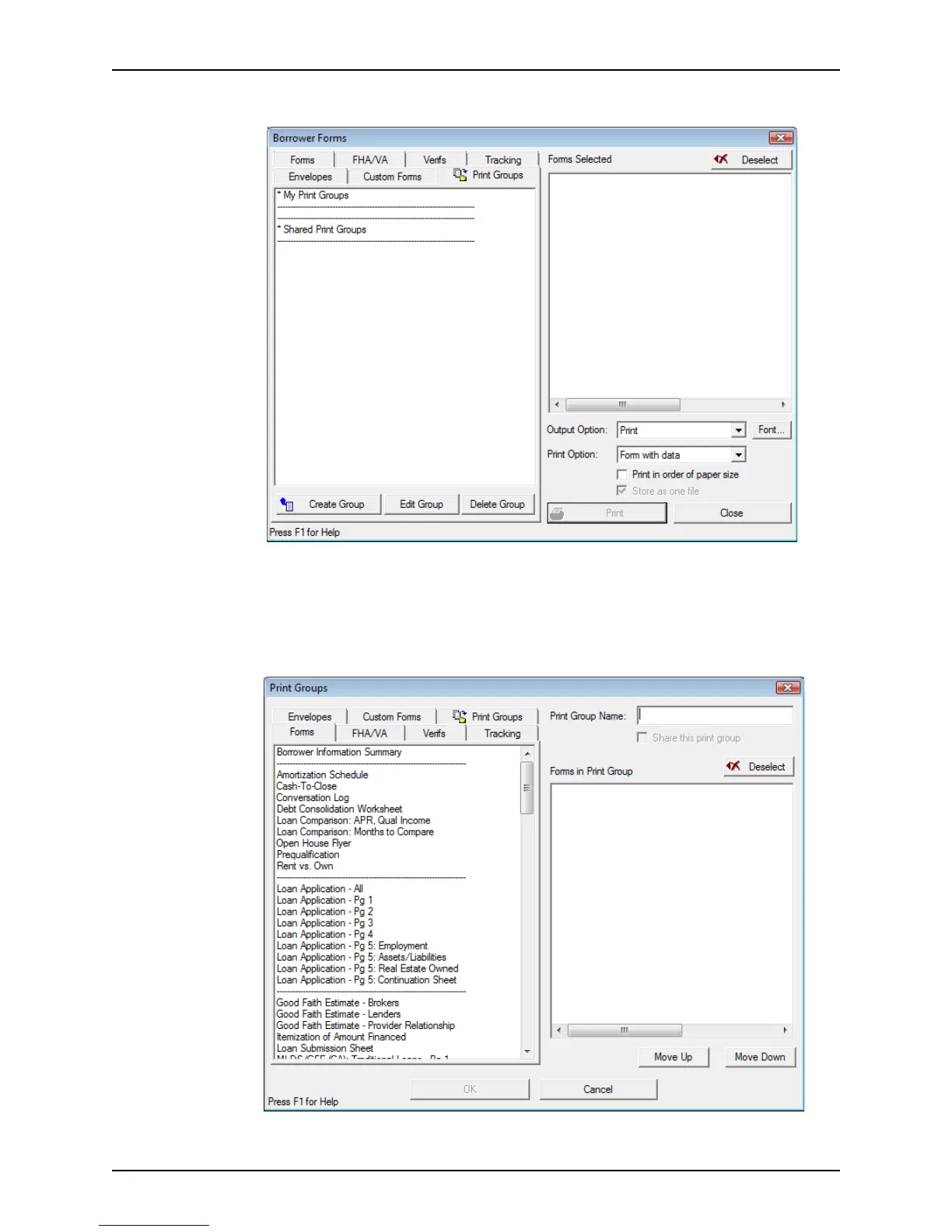
3 Click the Print Groups tab.
The Print Groups tab contains the list of your personal print groups and shared print
groups. Below the list of print groups are Create Group, Edit Group, and Delete
Group buttons. Use these buttons to create, edit, and delete your print groups.
4 Click Create Group.
The
Print Groups dialog box is displayed.
The
Print Groups dialog box is very similar to the Borrower Forms dialog box.



 To Next Page