Point User Guide 207
Electronic document storage
Adding non-Point documents to the repository
You can add any electronic document to the document repository if it is in one of the
following supported formats:
•PDF (.pdf)
• Images (.jpeg, .jpg, .gif, .bmp, .tif, .tiff)
• Microsoft Word (.doc, .docx)
•Text (.txt)
• Rich text (.rtf)
•HTML (.html, .htm)
To add an existing document on your computer to the document repository:
1 Open the borrower or prospect file that contains the information you want to store.
2 Select eLoanFile > Document Storage to access the
Document Storage dialog
box.
3 Click Add.
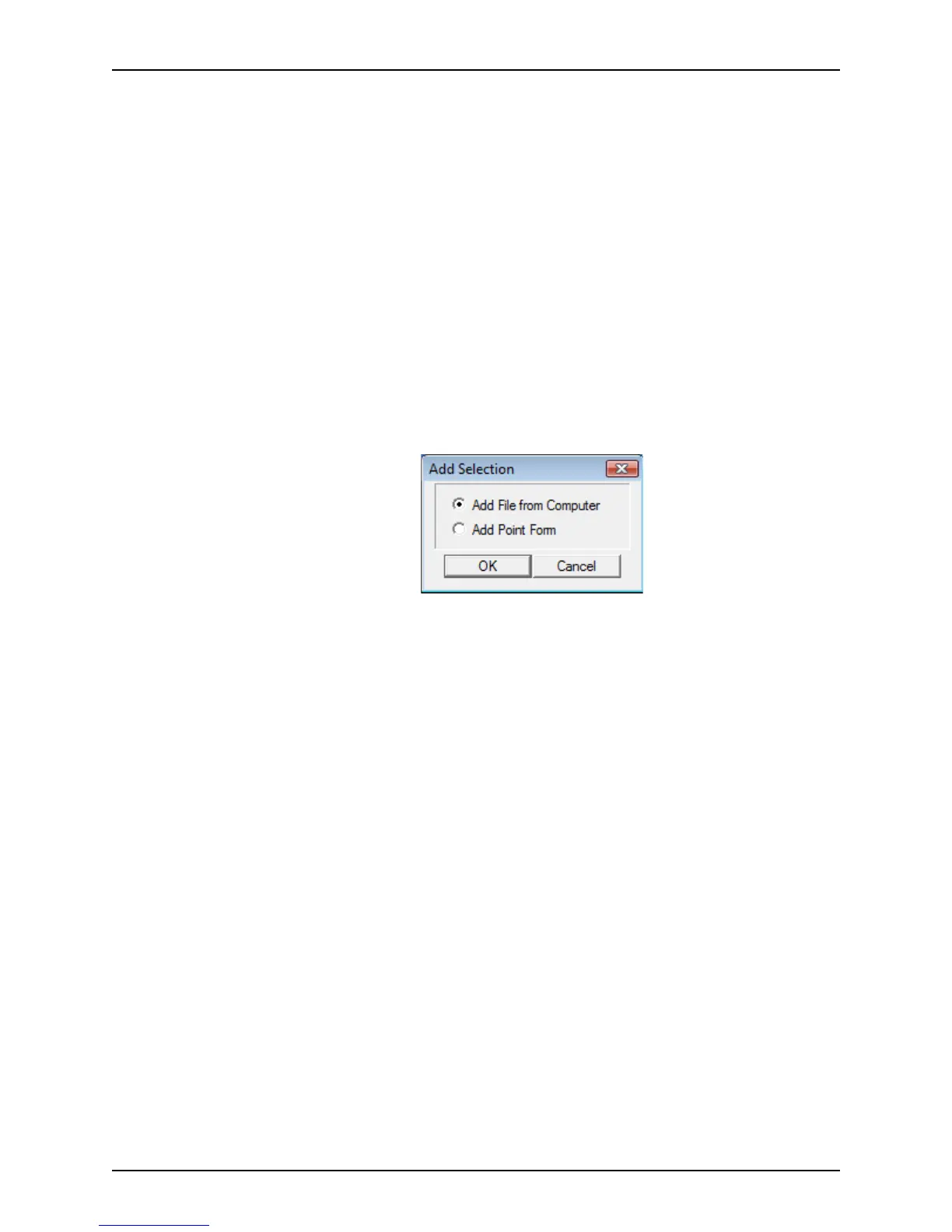
The
Add Selection dialog box is displayed.
4 Select
Add File from Computer and click OK.
The
Add Document dialog box is displayed.



 To Next Page