234 Calyx Software
Loan tracking
3 Enter any information about the loan representative, processor, or underwriter that
has not already been populated.
4 Select File > Save.
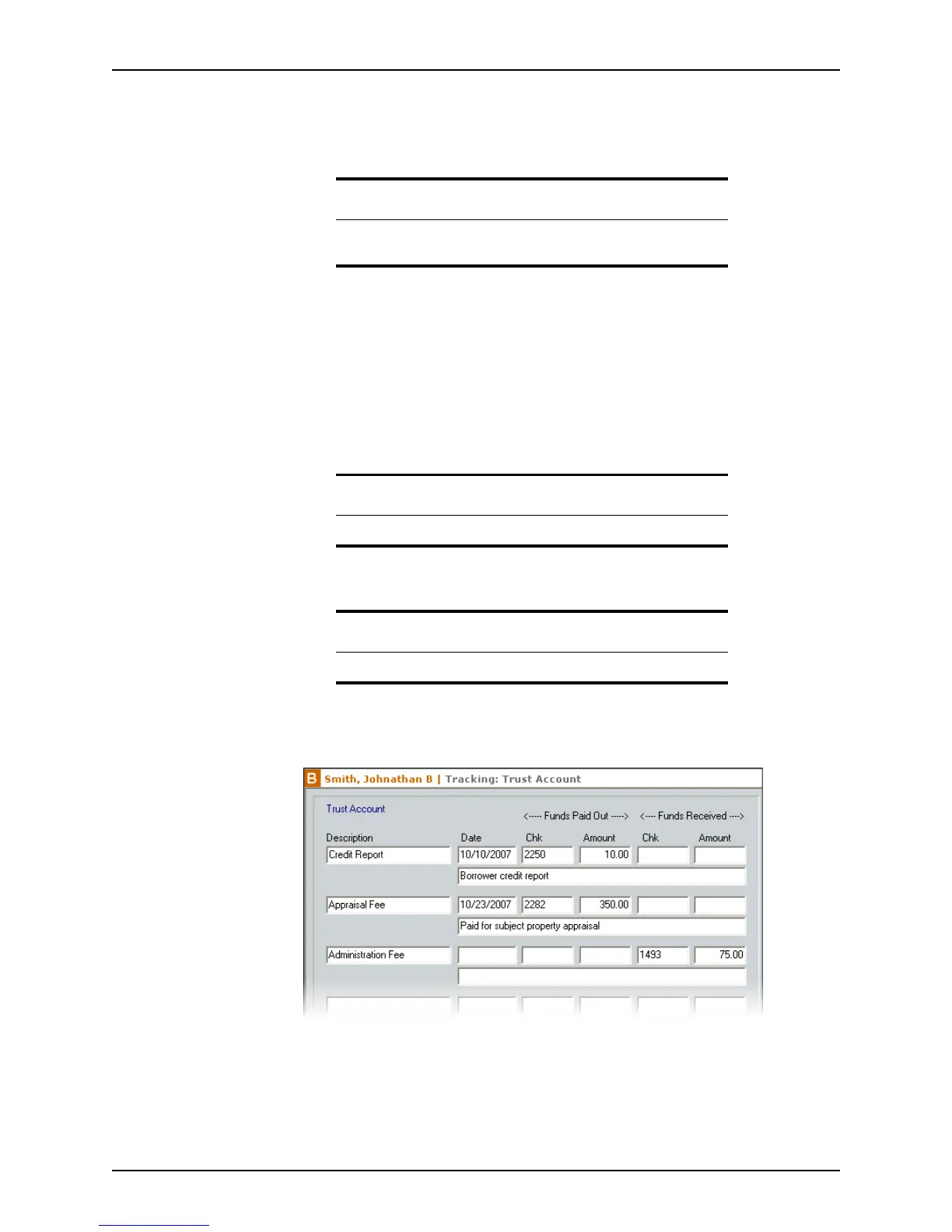
Tracking trust account information
The Trust Account screen is useful for recording financial information such as:
• Funds paid out
• Funds received
• Check numbers
• Dates
• Client funds in broker’s custody
To complete the
Trust Account screen:
1 Open a borrower file.
2 Select Track >Trust Account.
3 In the
Description field, enter a description of the payment.
4 In the
Date field, enter the date the payments was sent or received.
5 In the
ChkNumber and Amount fields, enter the information in either the Funds Paid
Out
or Funds Received sections. Do not enter both.
Related information
Refer to Creating dropdown lists, on page44, for information about how
to create custom dropdown lists.
Attention
Trust account tracking is not available in prospect files.
Note
You can list up to 16 transactions in the trust account.



 To Next Page