Point User Guide 45
Creating escrow and title tables
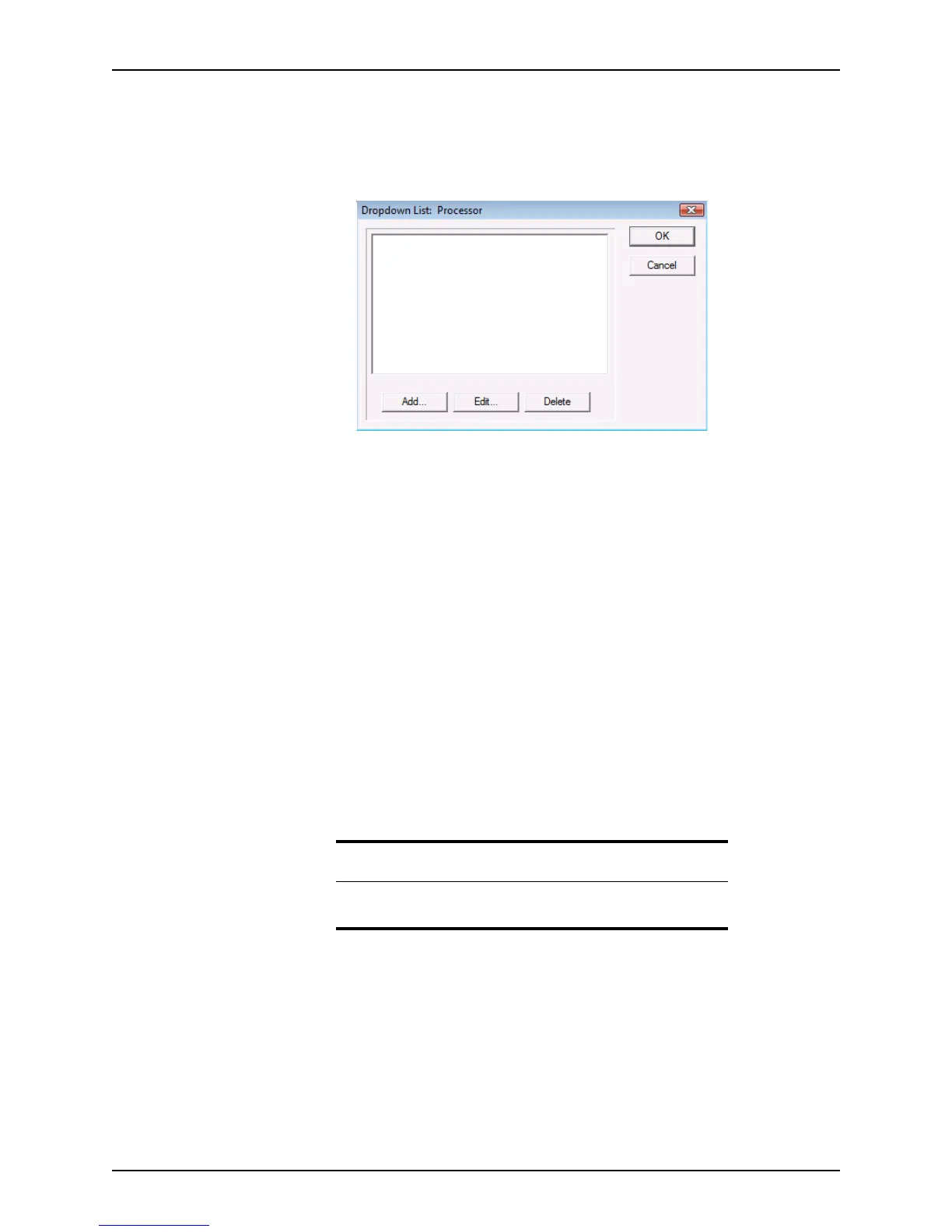
The interface for creating dropdown lists is the same for all options. The Processor option
is used in the following example to illustrate the process:
1 Select Utilities > Dropdown Lists > Processor.
The
Dropdown List: Processor dialog box is displayed.
2 To add an option, click Add to open the
Add Selection dialog box.
3 Enter a processor name, and click OK.
To edit an option, select the option and click Edit. Modify the processor name in the
Edit Selection dialog box and click OK.
To delete an option, select the option to delete and click Delete.
4 After you are finished adding and editing options, click OK.
Creating escrow and title tables
Use the Escrow Tables and Title Tables options to create tables for standard escrow and
title fees. You can access the tables by clicking the Tab le button in the
Title Charges
section in the
Good Faith Estimate. Separate tables are used for purchases and
refinances.
The interface for creating escrow and title tables for purchases and refinances is the
same. For illustration purposes, the Escrow Purchase option is used in the following
example:
1 Select Utilities > Escrow Tables > Purchase.
Tip
Select Utilities > Title Tables > Lender’s Policy Purchase to create a
lender’s purchase title table dropdown list.



 To Next Page