Point User Guide 53
Communications
Requesting and receiving files from a remote host
You can download prospect and borrower files, as well as all template files. Downloading
template files is an effective way of updating agents and branches with the latest
programs and investor guidelines.
You must know the names of the files you want transferred before you can connect to the
computer in Host mode.
1 Select the Loans tab from the navigation panel.
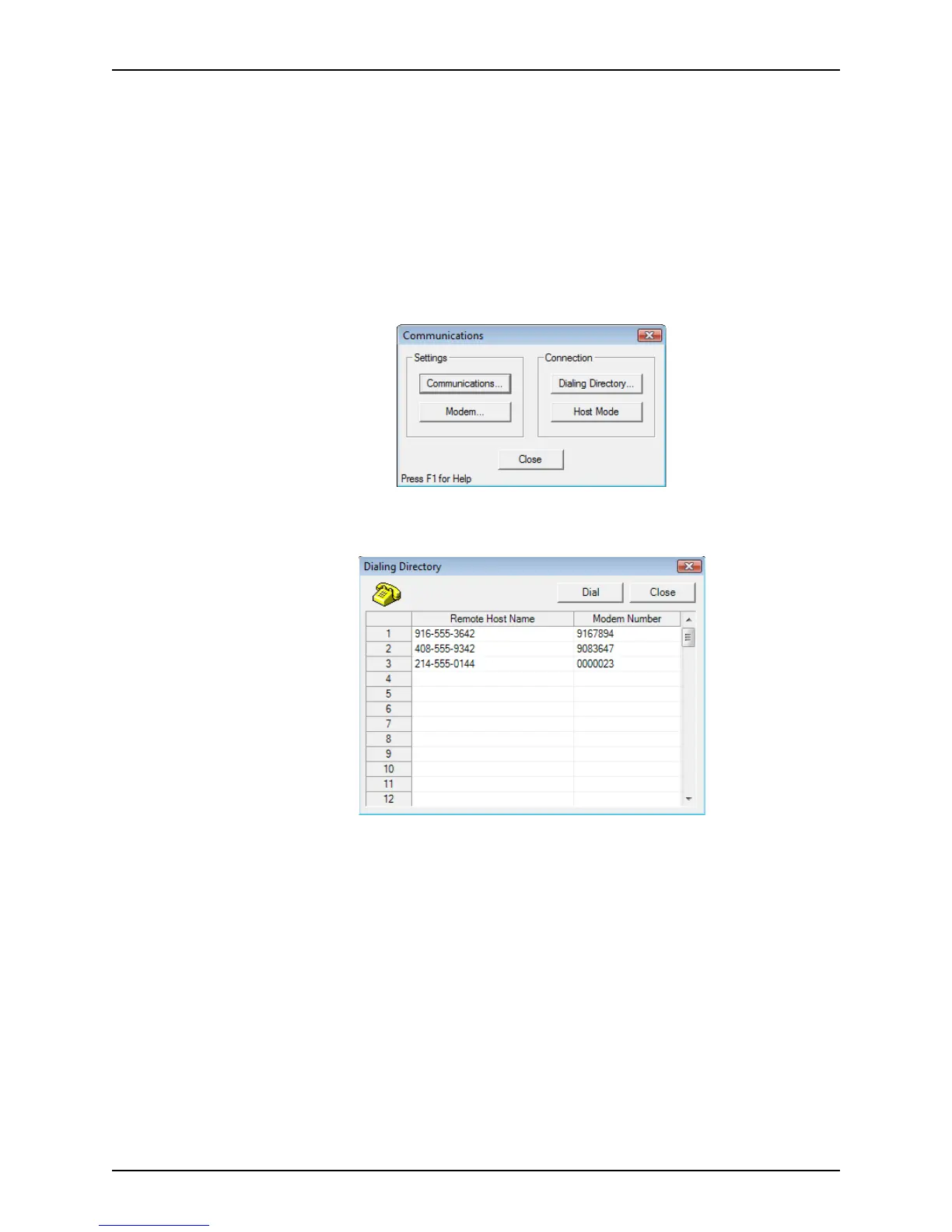
2 Select Utilities > Communications.
The
Communications dialog box is displayed.
3 Select Dialing Directory in the
Connection section.
The
Dialing Directory dialog box is displayed.
4 Select the number you need from the list.
If the number you need is not already in the list, you will need to add it.
5 Click Dial.



 To Next Page