216 Calyx Software
Loan tracking
The status field is disabled if a predefined status is selected.
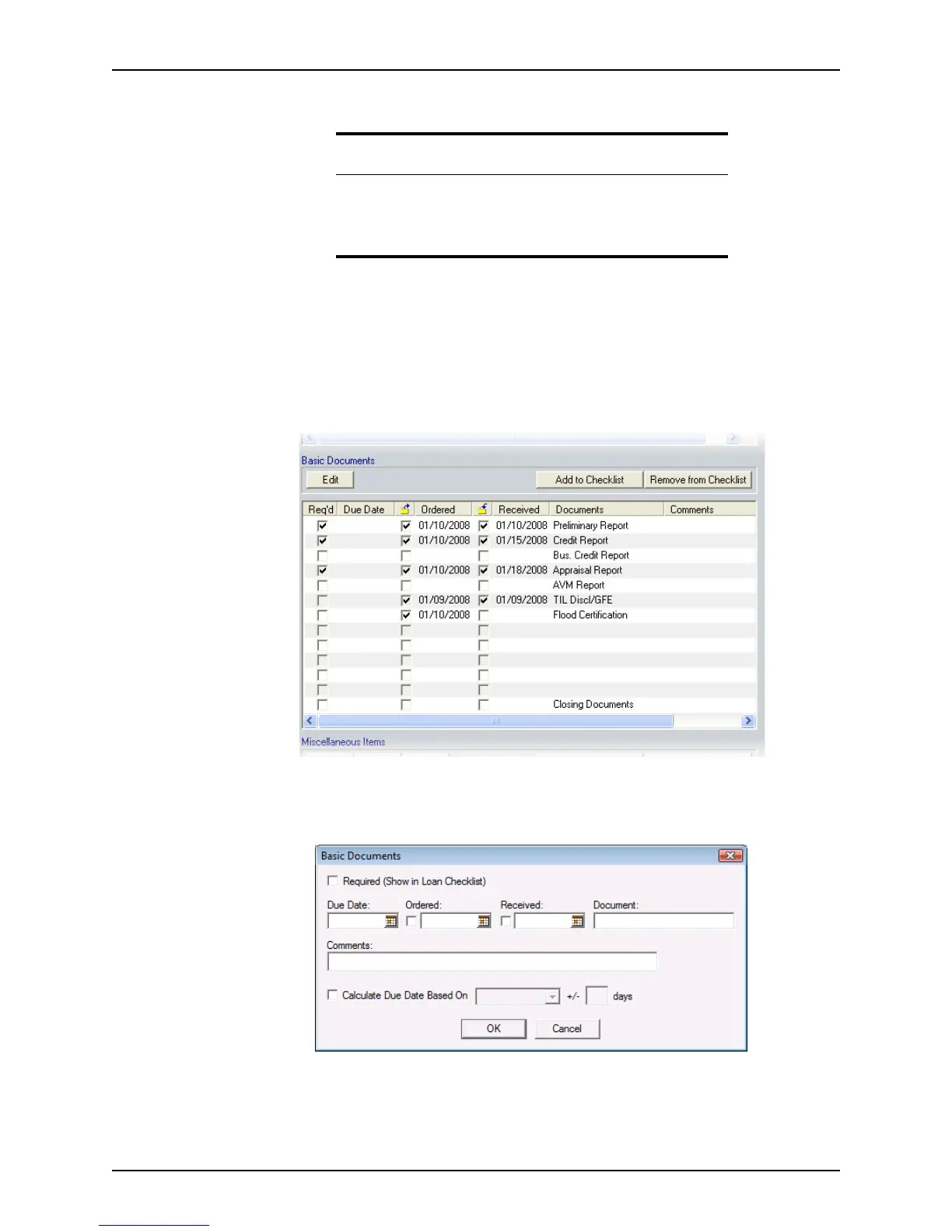
Tracking basic documents
To track the basic documents in a loan:
1 Open a prospect or borrower file.
2 Open the
Status and Checklist screen.
3 Scroll to the
Basic Documents section.
4 Edit an item:
a Double-click an item or click Edit to open the
Basic Documents dialog box. To
add a user-defined document, select a blank field.
The
Document field is disabled if a predefined document is selected.
Related information
• For more information about the information bar, see Information bar,
on page19.
• For more information about entering data from Cardex, see
Transferring database entries into a loan file, on page451.



 To Next Page