Point User Guide 21
Navigation panel
Reports & Marketing tab
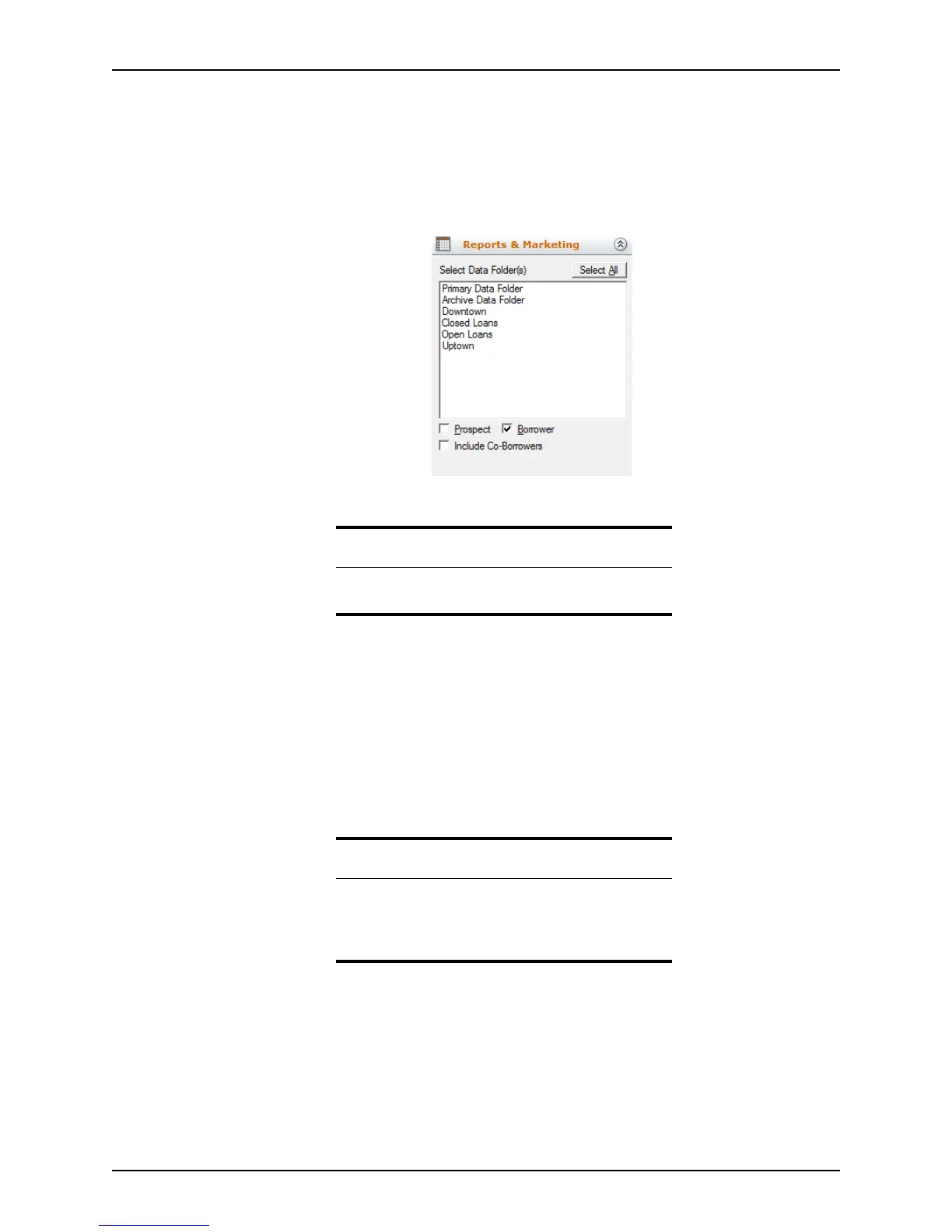
The reports and marketing functions are accessible from the Reports & Marketing tab.
Use reports to manage day-to-day business events and clients. Use marketing documents
to help you market loans effectively by creating custom letters, e-mails, and mailing labels.
You can also create queries and customize letters and e-mails with HTML using Microsoft
Word® or Microsoft Outlook®.
The following options specify where the data is to be retrieved when the report is
generated:
Select All/Deselect All
Toggles between Select All
or Deselect All when selecting data folders. Only the
data folders to which you have access are displayed.
Prospect/Borrower
Specifies the file type from which you generate your report. You can select both
file types as well as co-borrowers.
Important
It is important that you verify that the time and date settings
on your computer are correct before you run any reports.
Related information
•See Standard reports, on page365, for more information
about building and running reports.
•See Standard marketing documents, on page397, for
more information about marketing documents.



 To Next Page