Point User Guide 287
Subordinate financing
Creating concurrent loans for investment properties
Use the information provided to complete a concurrent loan for an investment property.
To create the first loan:
1 Create a new prospect or borrower file.
2 Complete the following information in the
Borrower Information screen:
a In the
Loan Type section, select Conventional, specify Investment as the property
type, and select
First Mtg as the lien position.
b Enter the first mortgage information in the
SalesPrice, ApprValue, LoanAmt,
InterestRate, andTerm/Due fields.
c Enter
20% in the Downpmt field.
The
LTV and the CLTV fields should both contain 80%.
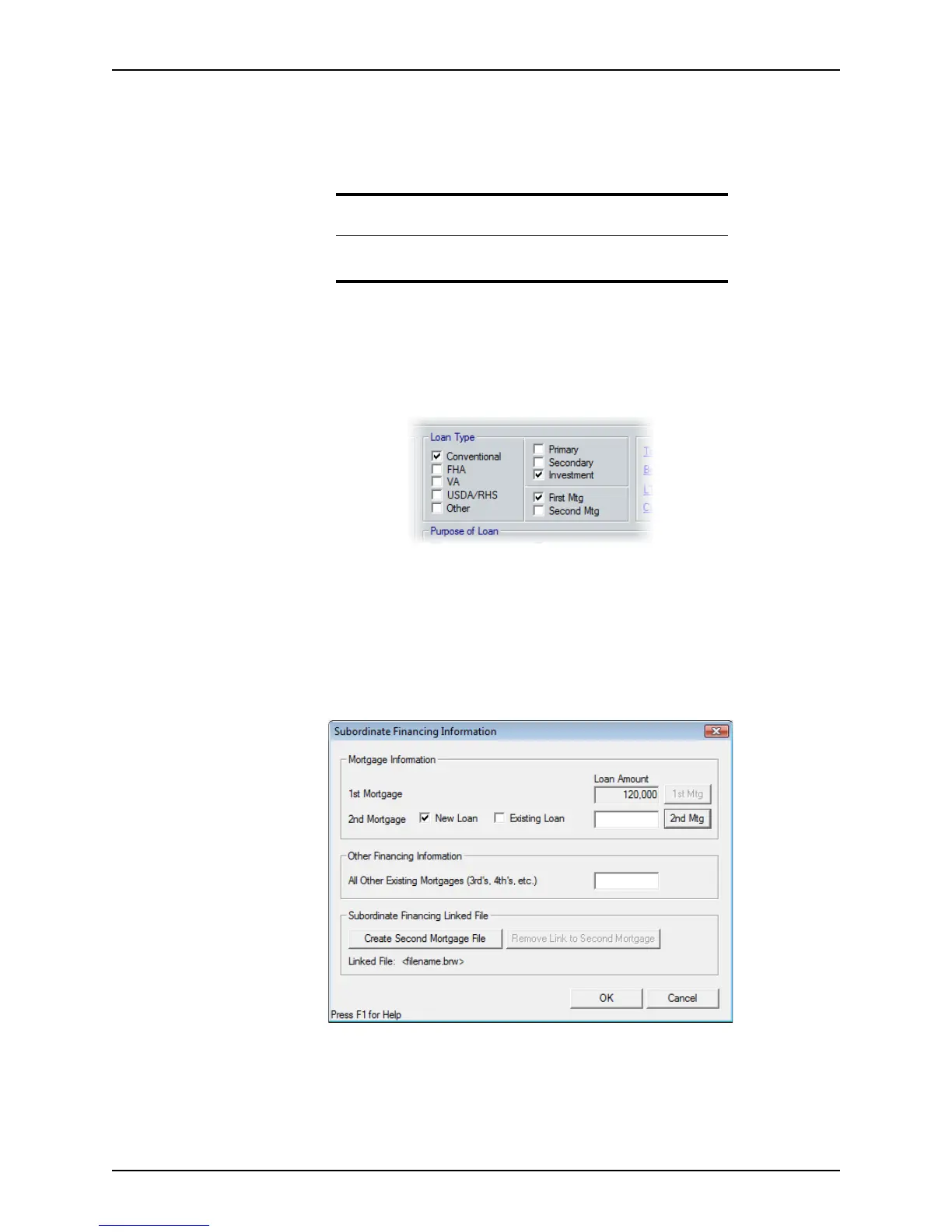
d Click the Sub Financing button.
The
Financing Information dialog box is displayed.
e Enter 10% of the sales price in the
2ndMortgage field and click OK.
This amount automatically populates the
OtherFinfield in the Monthly Income
and Combined House Expense Information
section on page 2 of the Loan
Application
.
Note
The closing costs for the first loan transfer to the ClosingCostsfromNew
FirstMortgage field on the
Good Faith Estimate for the second loan.



 To Next Page