270 Calyx Software
Banker functions
Supplementary screens
Several of the banker screens include sub screens that contain additional information to
help the user locate certain information more quickly and efficiently.
Program and rate lock details
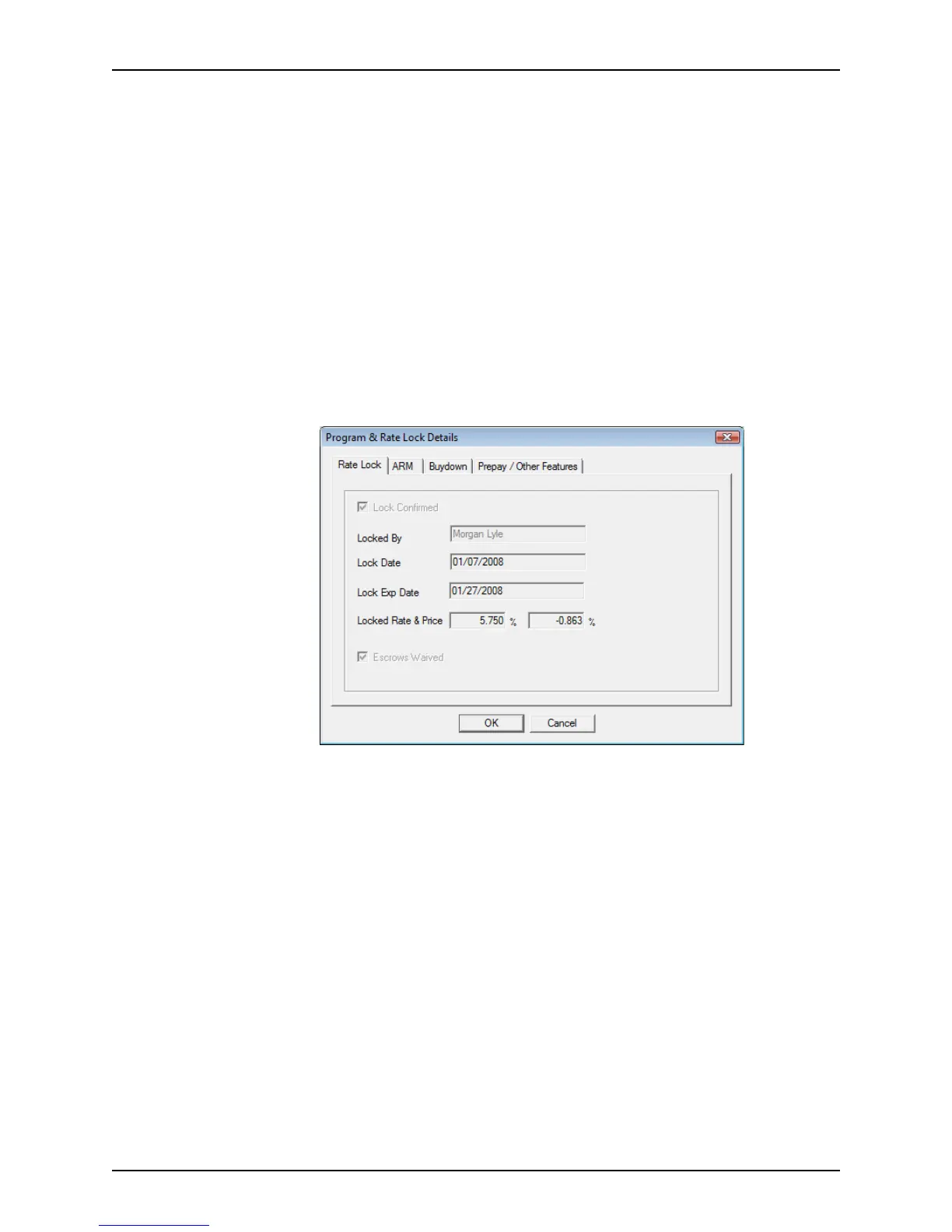
The Program & Rate Lock Details dialog box provides quick access to information
about the rate lock, rate terms, buydown, and prepayment details.
The
Program & Rate Lock Details dialog box is accessible by clicking the Loan
Program Details button on the
Secondary Marketing screen, or the Program/Lock
Details button on the
Conditions and Closing screens.
To access or complete the
Program & Rate Lock Details dialog box:
1 Click the Program/Lock Details or Loan Program Details button.
The
Program & Rate Lock Details dialog box is displayed.
The
Program & Rate Lock Details dialog box contains the following four tabs:
• Rate Lock
• ARM
• Buydown
• Prepay/Other Features
The Rate Lock tab contains rate and lock details. This information is populated from
information that was entered in other screens and cannot be edited.



 To Next Page