Point User Guide 233
Tracking loan team members
Tracking loan team members
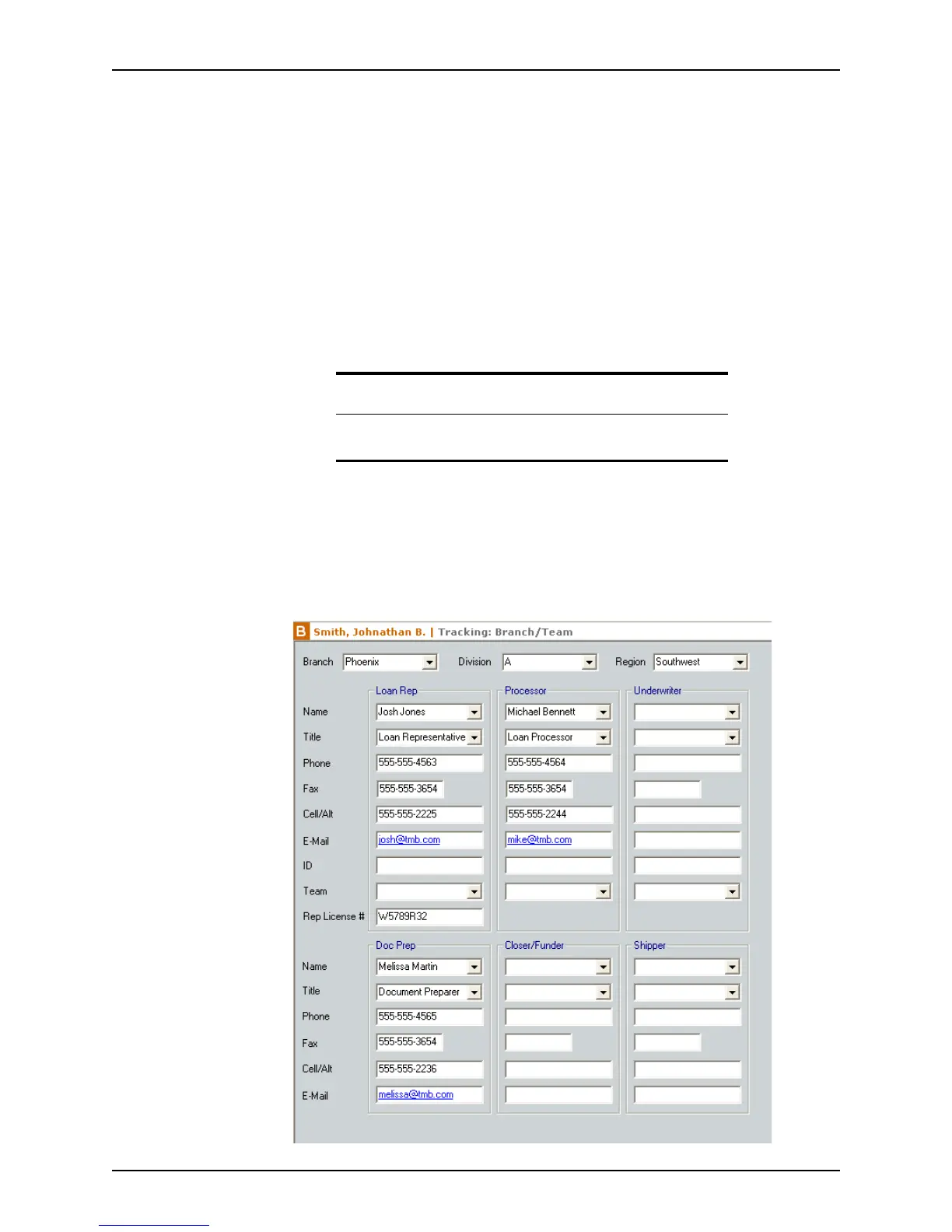
The Branch/Team screen tracks the following items:
• Branch information
• Division data
• Region information
• Team information
– Loan Rep
– Processor
– Underwriter
– Doc Prep
– Closer/Funder
– Shipper
You can customize the dropdown lists for this information from the Utilities > Dropdown
Lists menu.
To access the
Branch/Team screen:
1 Open a prospect or borrower file.
2 Select Track > Branch/Team.
Note
Branch/Team tracking is predominantly used by larger multi-branch
organizations with multiple staff involved in a single loan.



 To Next Page