Point User Guide 349
Interfaces
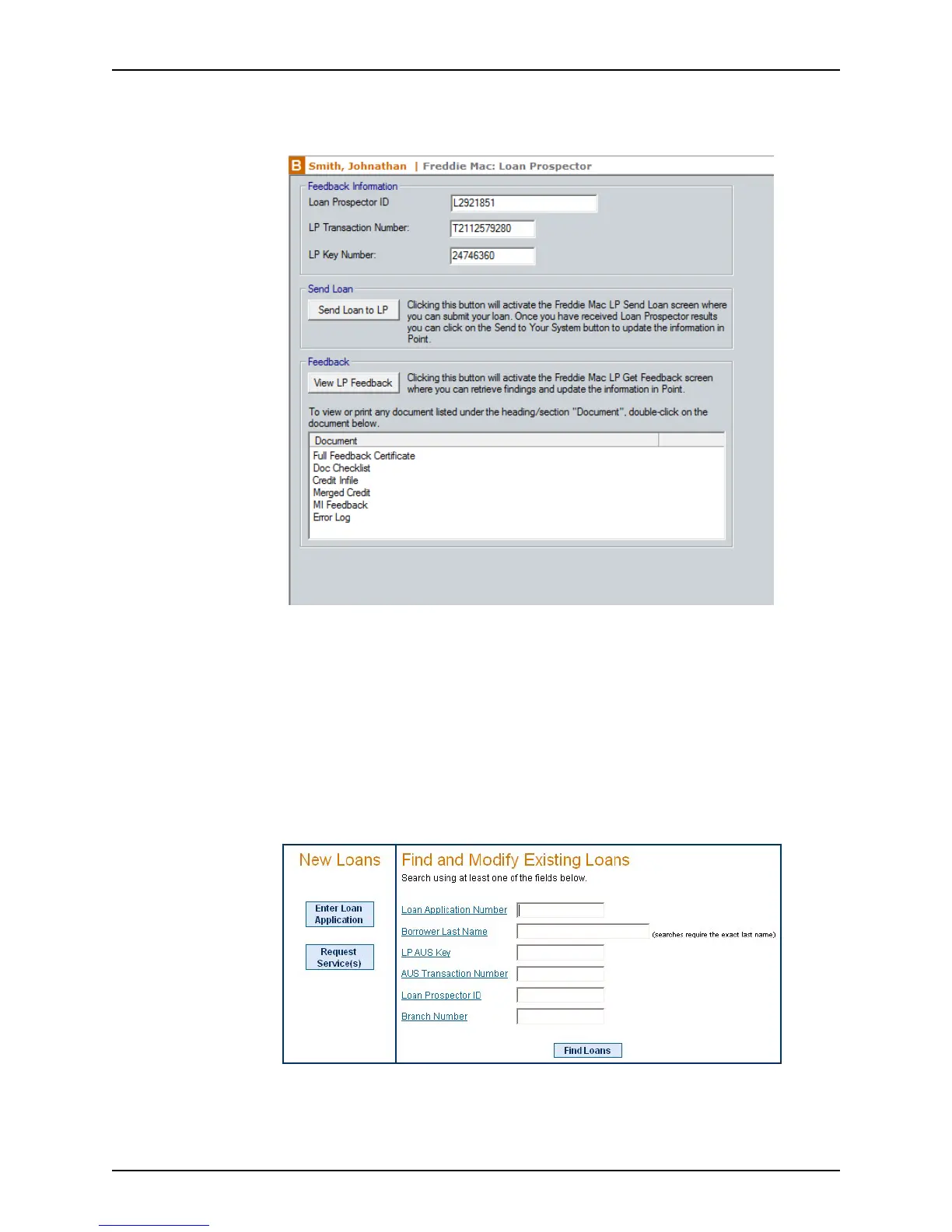
To view the imported screens:
1 Select Interfaces > Freddie Mac > Loan Prospector.
The imported screens are listed in the
Feedback section.
2 Double-click the document you want to view.
Viewing the Loan Prospector Feedback Certificate
To view the LP Feedback Certificate of a file you submitted to Loan Prospector without
using Point:
1 Select Interfaces > Freddie Mac > Loan Prospector.
2 Click the View LP Feedback button.
3 Log in to display the LP Get Feedback screen.
4 Complete the required fields to access the loan feedback.



 To Next Page