474 Calyx Software
Data folder and user management
6 Click OK to return to the Data Folder Manager.
Setting user access to data folders
To set up employee access to the data folders:
1 Open Point Administrator.
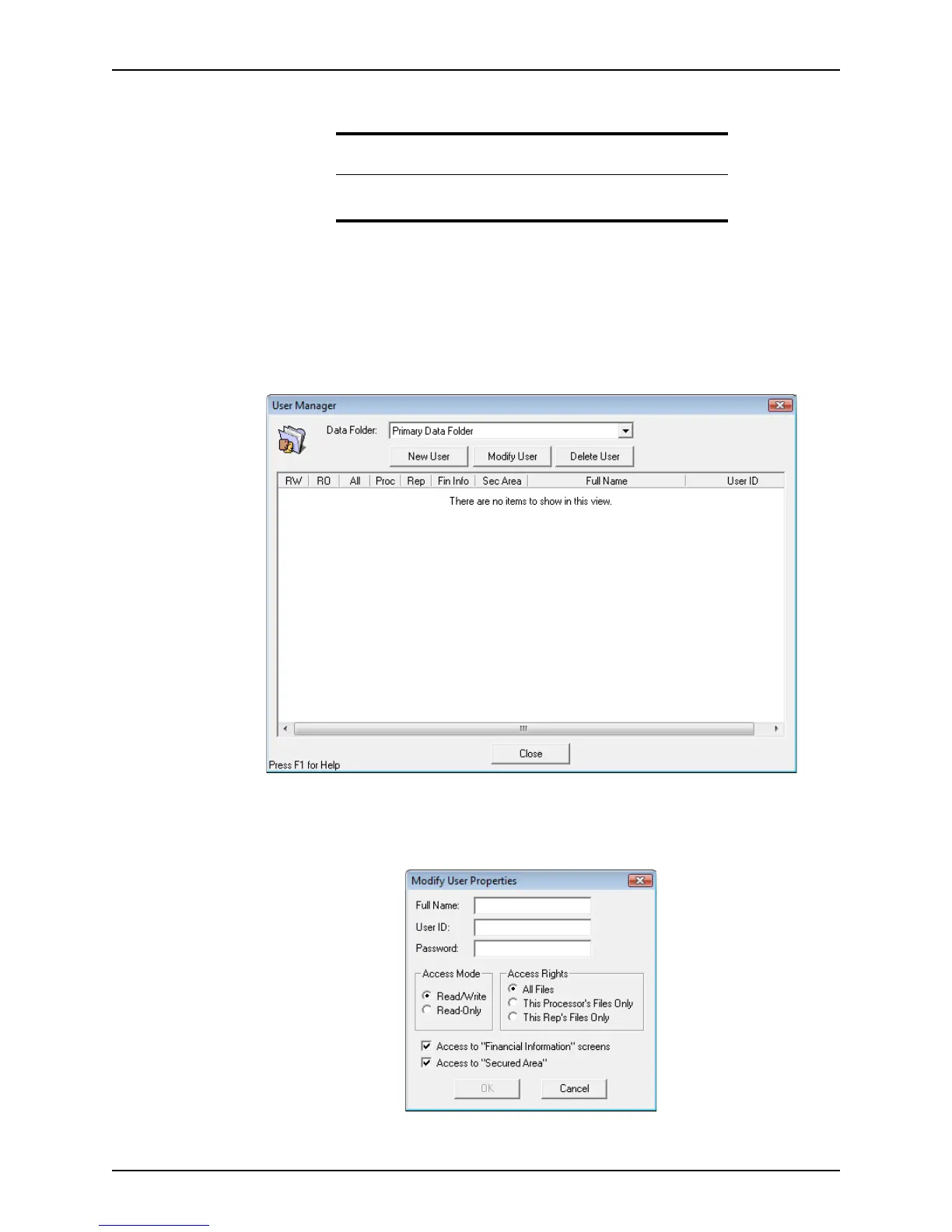
2 Click Setup Users in the
Users section.
The
User Manager dialog box is displayed.
3 Select the folder to set the properties for from the Data Folder dropdown list.
4 Click New User.
The
Modify User Properties dialog box is displayed.
Related information
For information about setting user-level access, refer to Setting data
folder security and accessibility, on page473.



 To Next Page