34 Calyx Software
User interface
Verification
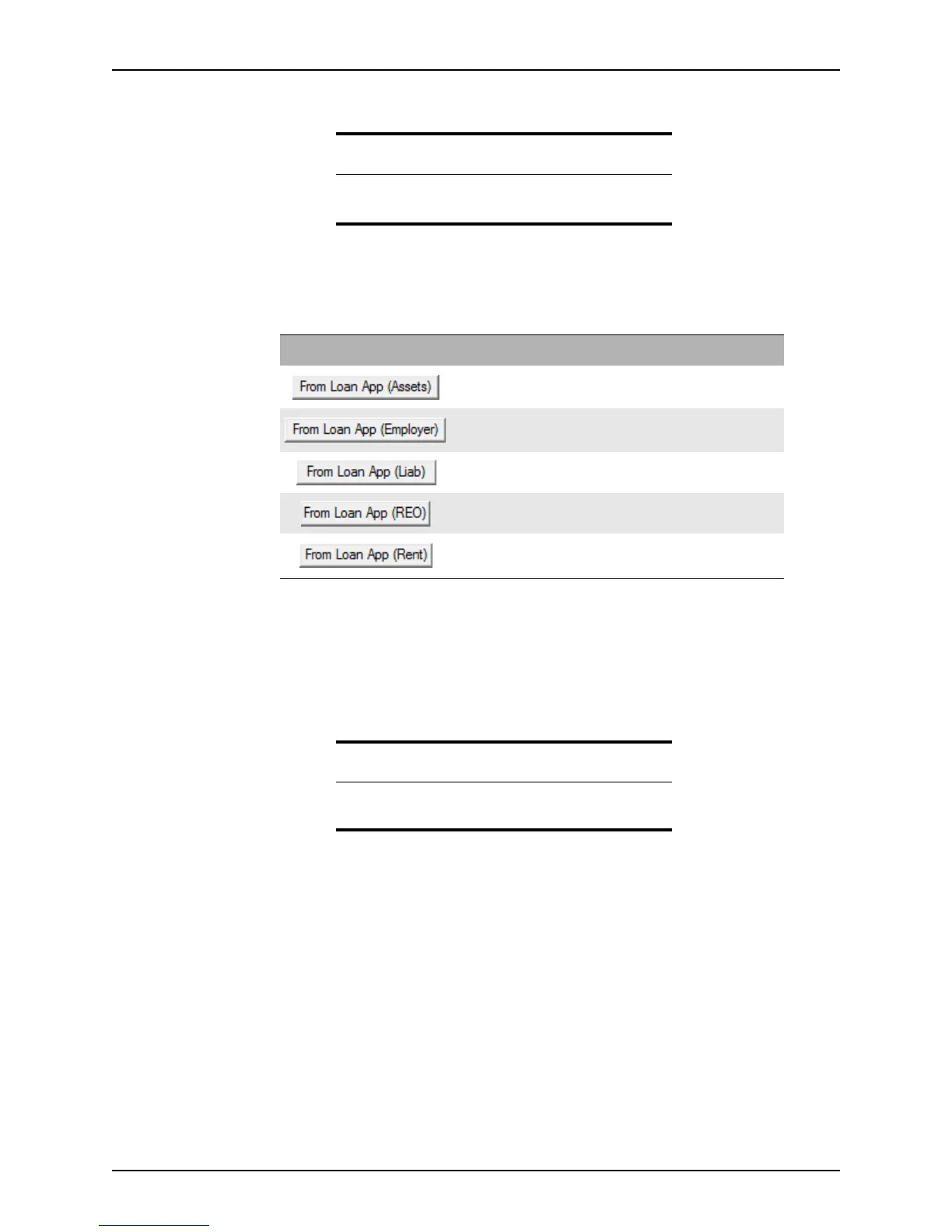
The following buttons are located on the Deposit, Employment, Loan, and Mortgage/Rent
verification screens.
Opening multiple files
To open multiple loan files at one time, select the Keep Open check box in the workspace
before you open another file. The new file opens to the
Information screen without
closing the open file. You can switch among the open files by selecting the file name from
the list of open files in the Window menu.
Related information
Additional buttons are described in Loan Application, on
page29,
and Marketing, on page31.
Button Description
Imports the assets from the Loan Application to the
Verification of Deposit.
Imports the employment information from the Loan
Application
to the Verification of Employment.
Imports the liabilities from the
Loan Application to the
Verification of Loan.
Imports mortgage information from the Loan Application
REO section to the
Verification of Mortgage/Rent.
Imports the rental information from the Loan Application to
the
Verification of Mortgage/Rent.
Tip
Select the Keep Open check box to keep the loan file open
when you open another file.



 To Next Page