Point User Guide 333
Interfaces
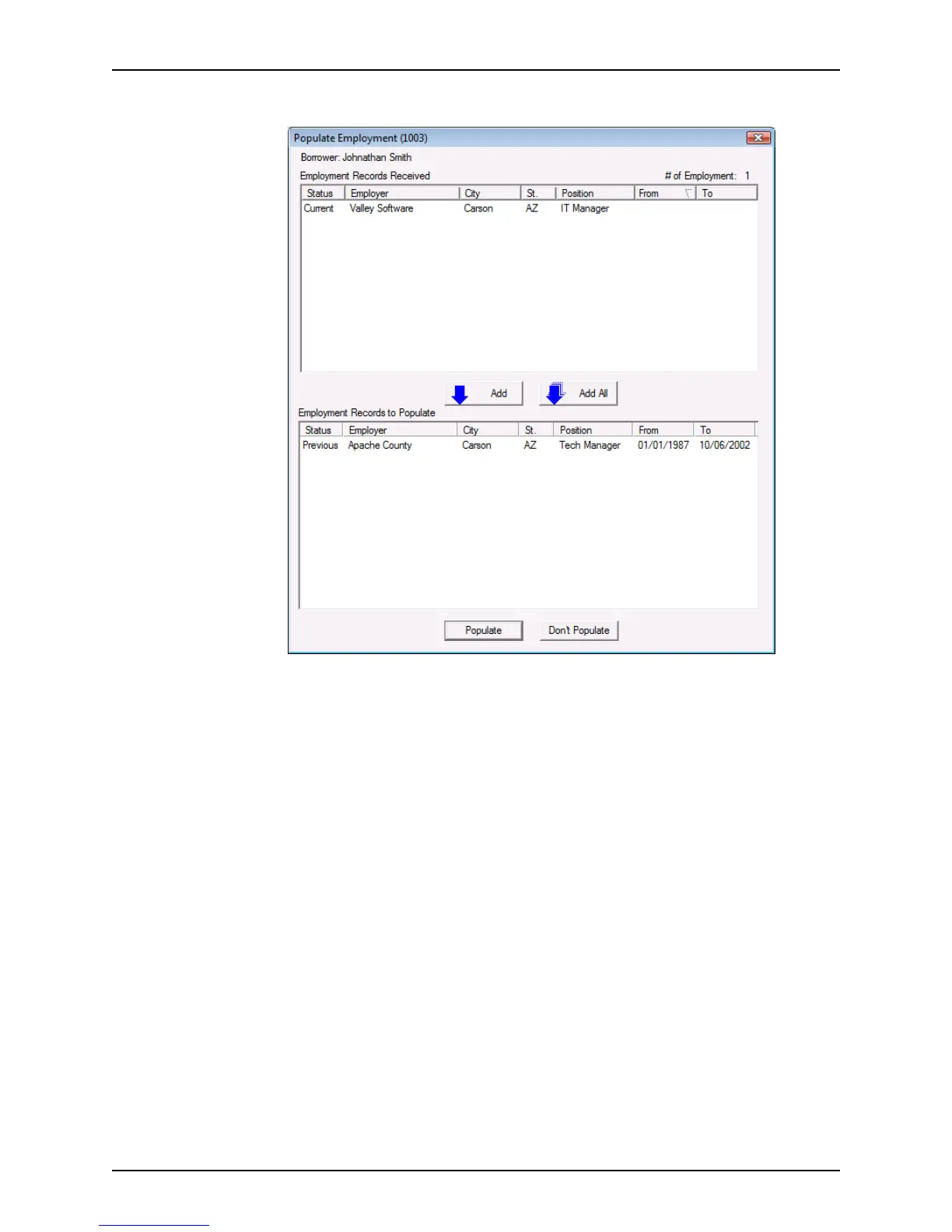
2 Click View.
3 Select the records received to populate into the
Loan Application and click Add or
click Add All to add all records.
4 Click
Populate.
Click Don’t Populate to return to the loan file.
Interfaces
Use the Interfaces menu to order products and services from vendors who have
integrated their software to work with Point, making it possible to exchange data without
having to exit the application.
The Fannie Mae and Freddie Mac interfaces enable you to request a variety of online
services. Any information that you enter into the Point screens automatically populates the
Fannie Mae and Freddie Mac screens, so you only need to enter the data once.
Installing interfaces and exchanging data
You can access, install, or process data by using the Interfaces menu.
Depending on the vendor, you can exchange data with vendors in Point either through a
web interface or through software the vendor provides.



 To Next Page