Point User Guide 161
Forms
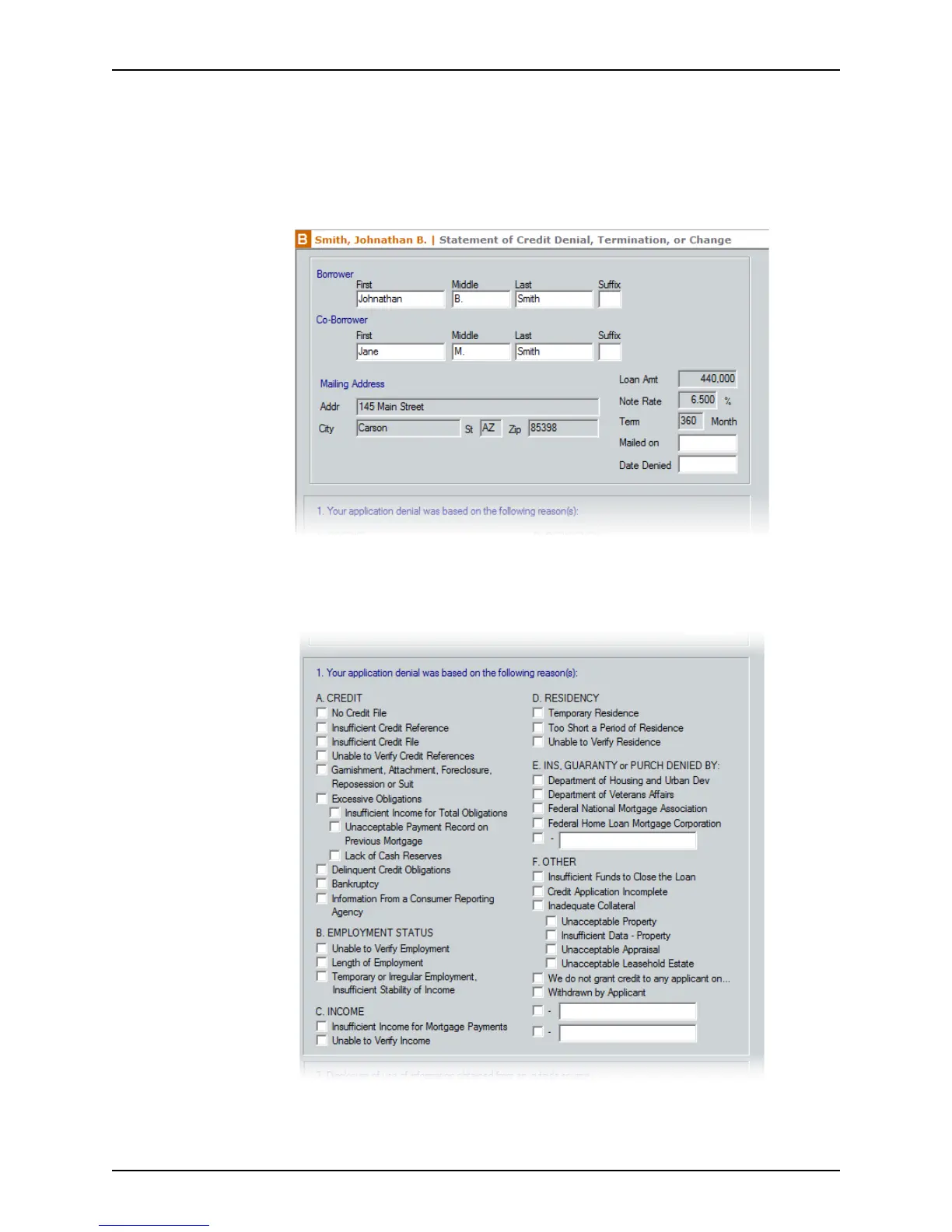
Completing the Statement of Credit Denial, Termination, or Change
To complete the Statement of Credit Denial, Termination, or Change:
1 Open a prospect or borrower file.
2 Open the
Statement of Credit Denial, Termination, or Change from the Forms
menu or the shortcut toolbar.
3 Enter the date the denial was mailed In the
Mailedon field and enter the date the
credit was denied in the
DateDenied field.
4 Select the reasons that the credit was denied in the denial reasons section.



 To Next Page