64 Calyx Software
Utilities configuration
5 Select the number of digits to append to the file name from the Counter dropdown list.
6 Click OK.
Saving files automatically
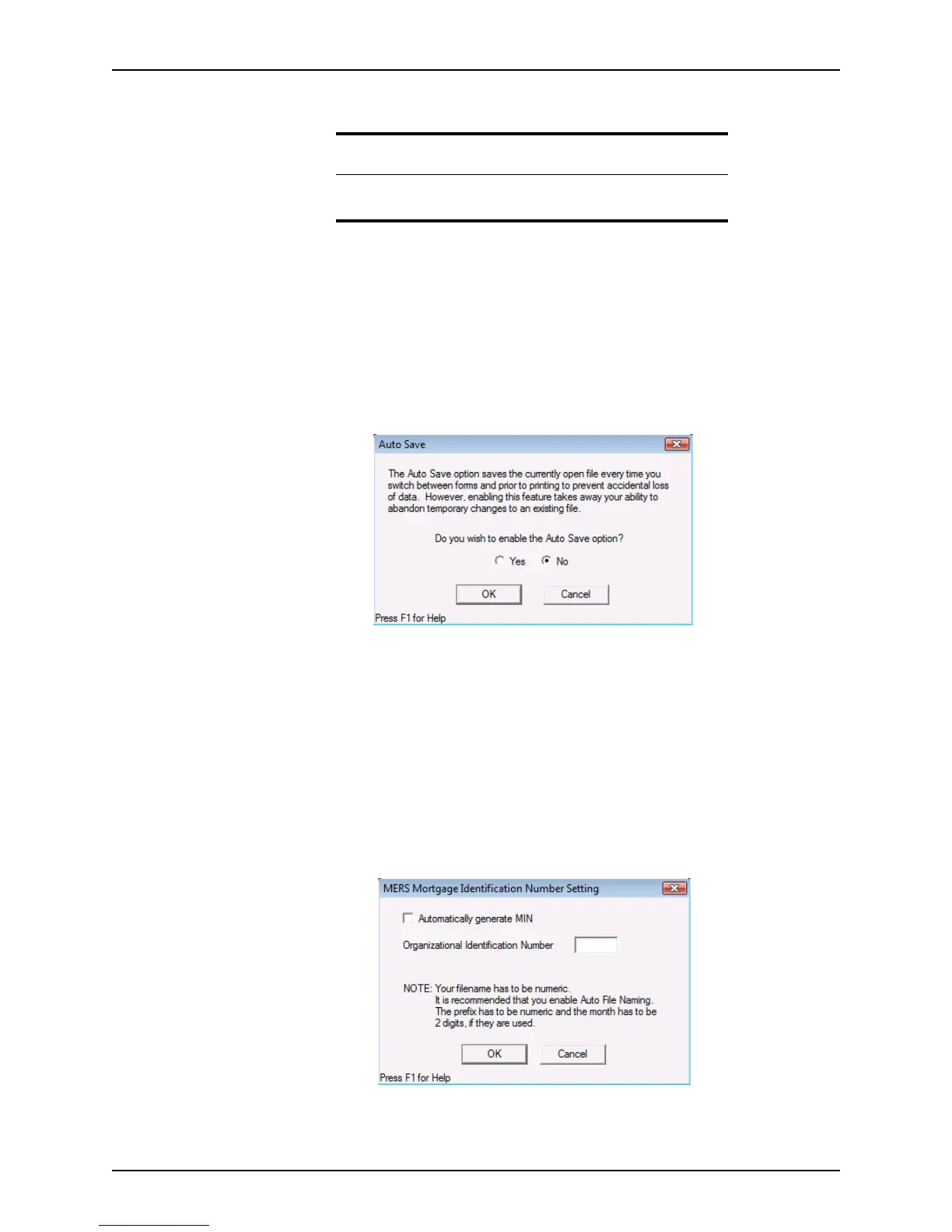
Enable the Auto Save option to automatically save loan files when you switch screens
and before printing.
1 Select Utilities > Auto Save.
The
Auto Save dialog box is displayed.
2 Select Yes to enable Auto Save.
3 Click OK.
Generating the Mortgage Identification Number automatically
Use the Auto MIN Generation option to automatically generate the Mortgage
Identification Number.
To automatically generate the MERS MIN:
1 Select Utilities > Auto MIN Generation.
The
MERS Mortgage Identification Number Setting dialog box is displayed.
2 Select the
Automatically generate MIN check box to enable automatic MIN
generation.
Attention
To generate automatic MERS MIN Numbers for your files, the file name
cannot exceed ten characters.



 To Next Page