354 Calyx Software
Templates
Creating loan program templates
To create a loan program template:
1 Select the Templates tab from the navigation panel.
2 In the
Select a Template Category section, select Loan Program, and click the New
button.
The
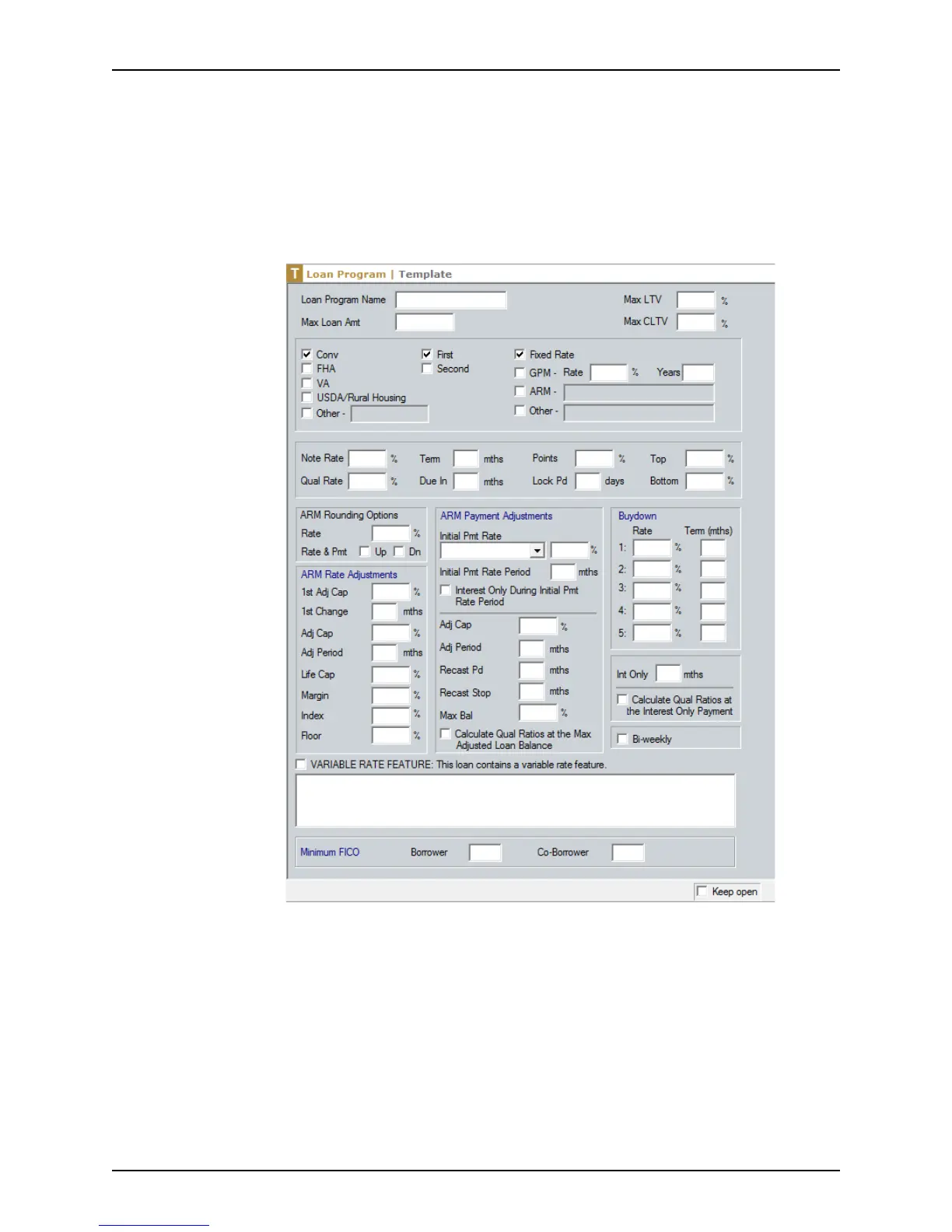
Loan Program: Template screen is displayed.
3 In the
LoanProgramName field, enter a brief, descriptive name of the template. This
name displays in the loan program list when you select the template.
4 Complete all the applicable fields. If the loan is an adjustable, buydown, or graduated
payment mortgage (GPM), complete all fields related to that loan type.
For an adjustable rate mortgage, select the check box that indicates whether
adjustments should round up or down.



 To Next Page