Point User Guide 451
Data transfer
Data transfer
Cardex-enabled fields in Point forms are indicated by the Cardex symbol ( ). Populate
Cardex-enabled fields from the Cardex database or export the data in these fields to the
Cardex database.
Transferring database entries into a loan file
To transfer data from Cardex into a form in a loan file:
1 Open a prospect or borrower file.
2 Select a Cardex-enabled field.
The
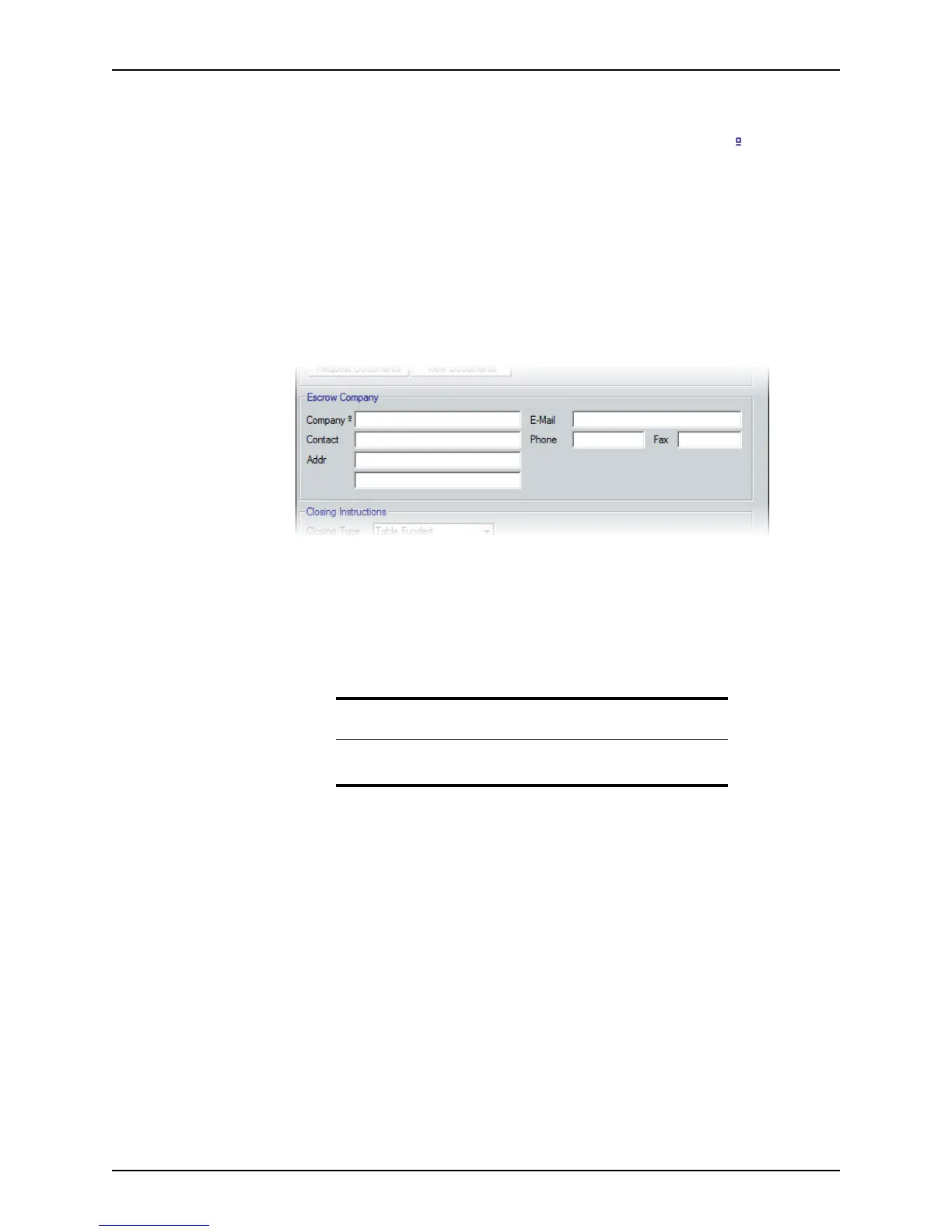
Escrow Company section in the Closing screen is used in the following example:
Notice the Cardex symbol next to the
Company field label.
3 Select the
Company field and click the Cardex icon on the toolbar.
The
Cardex Database (Browsing for all records) dialog box is displayed.
4 If needed, perform a search to locate the record to transfer into the loan file.
5 When you locate the record, select it and click Select.
The data in the Cardex record transfers into the loan file.
Transferring information from a loan file
To transfer information from a loan file to Cardex:
1 Open a prospect or borrower file.
2 Navigate to a Cardex-enabled field that is already populated with information.
Attention
The Select button is available only when a Cardex-enabled field is
selected in the loan file.



 To Next Page