Point User Guide 371
Standard reports
Point compares the specified number of days to the date when the various documents
were sent. If the number of days exceeds the setting, the loan is included in the Late
Documents report, which indicates how overdue each item is.
Contact Information report
The Contact Information report is an excellent tool for managing Prospects. If you
customize the condition builder for the
Contact Date field, the generated report includes all
Prospects in the current data folder with a call or a meeting scheduled for that day.
Business Summary report (with Excel)
The Business Summary Report contains several panels. Several viewing options are
available for the data in this report. You can access them through the buttons at the top of
the report.
• Dash Board
• Yearly Trend
• Monthly Trend
• LO Summary
•Data
The LO (Loan Officer) Summary is described here.
LO summary
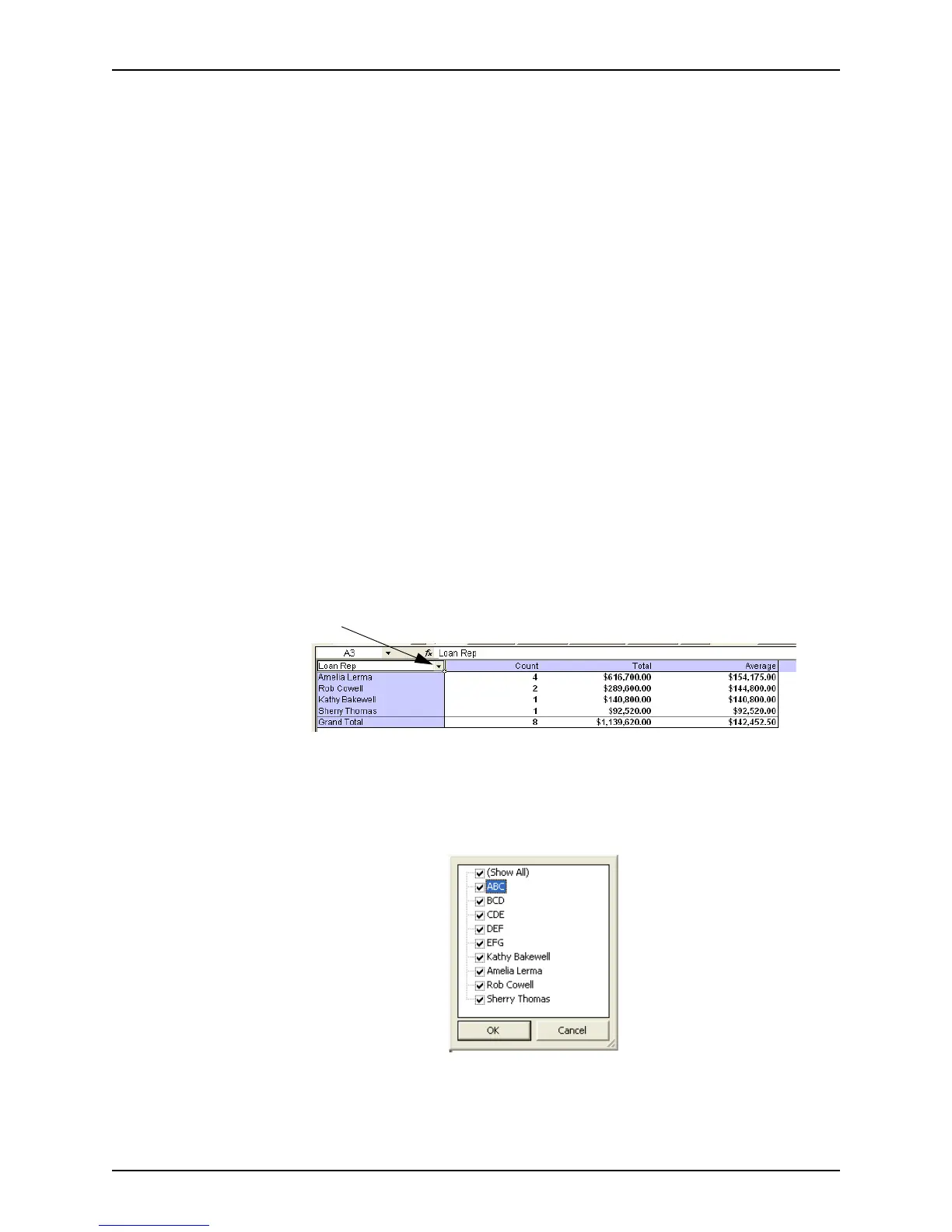
The LO Summary report contains a table of sales figures by loan officer. By customizing
necessary data in the table, you can view a chart of the information by clicking the Dash
Board button.
Customizing
Use the dropdown arrow in the Loan Rep field to remove a loan representative from the
total data calculation or to select a specific representative for which you want to view the
data.



 To Next Page