258 Calyx Software
Banker functions
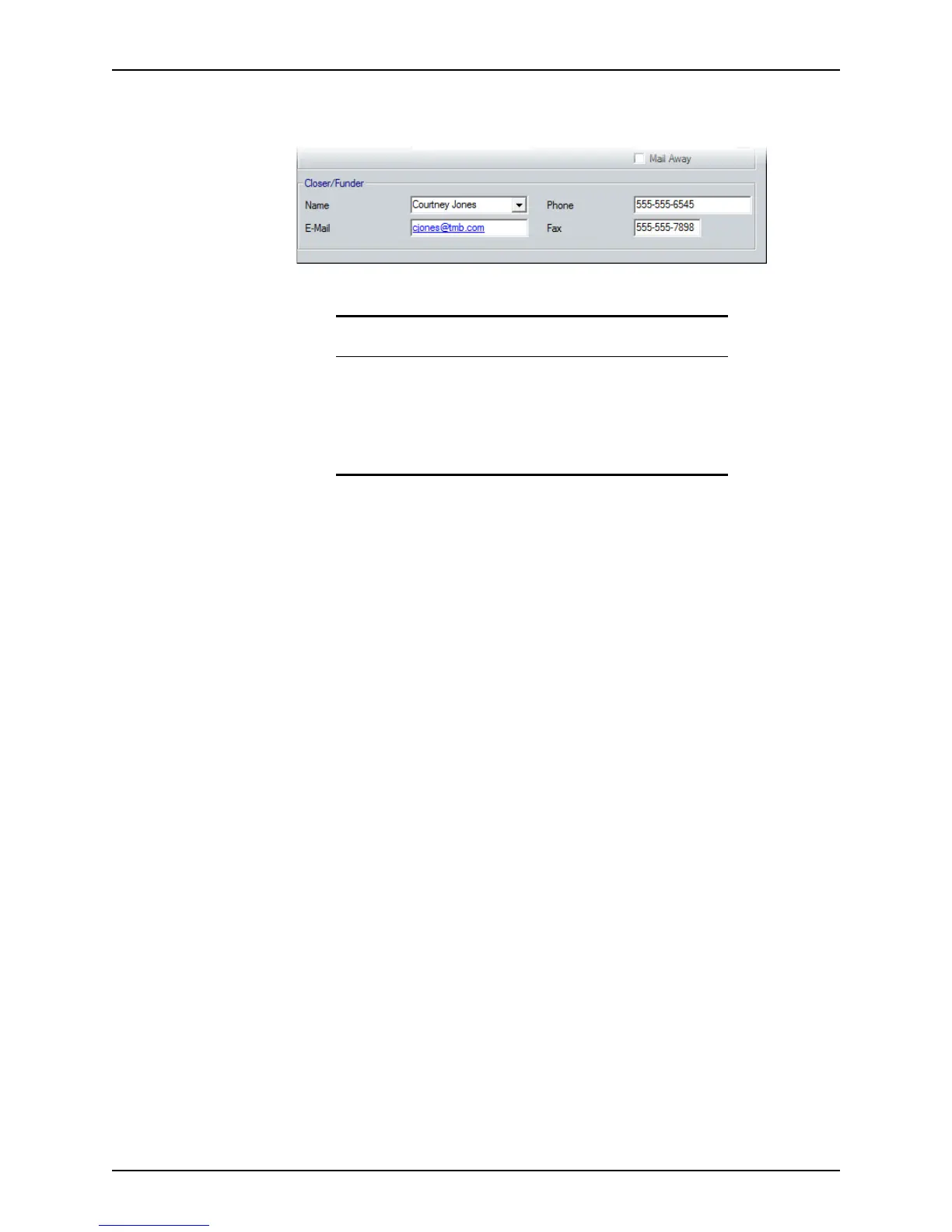
14 Complete the Closer/Funder section with the name and contact information of the
person who is processing the closing of the loan.
Funding loans
Use the Funding screen to manage your revenue while balancing the sources and uses
of all funds necessary for the transaction. This revenue includes the borrower’s deposited
funds, the required down payment, closing costs, and transaction fees, payable either to
the lender or to third party vendors, as described in the
Good Faith Estimate.
The information on this screen also helps you to ensure that the transaction balances and
that the profitability of the loan are at or above the target that was established by the
lender. Many fields on this screen are prepopulated from various other Point screens.
To use the
Funding screen:
1 Open a borrower file.
Related information
• Refer to Specifying investors and products, on page308, for more
information about selecting products and investors.
• Refer to Chapter 19, Contact management (Cardex), for information
about using the Cardex database.
• Refer to Program and rate lock details, on page270, for information
about the
Program & Rate Lock Details dialog box.



 To Next Page