470 Calyx Software
Data folder and user management
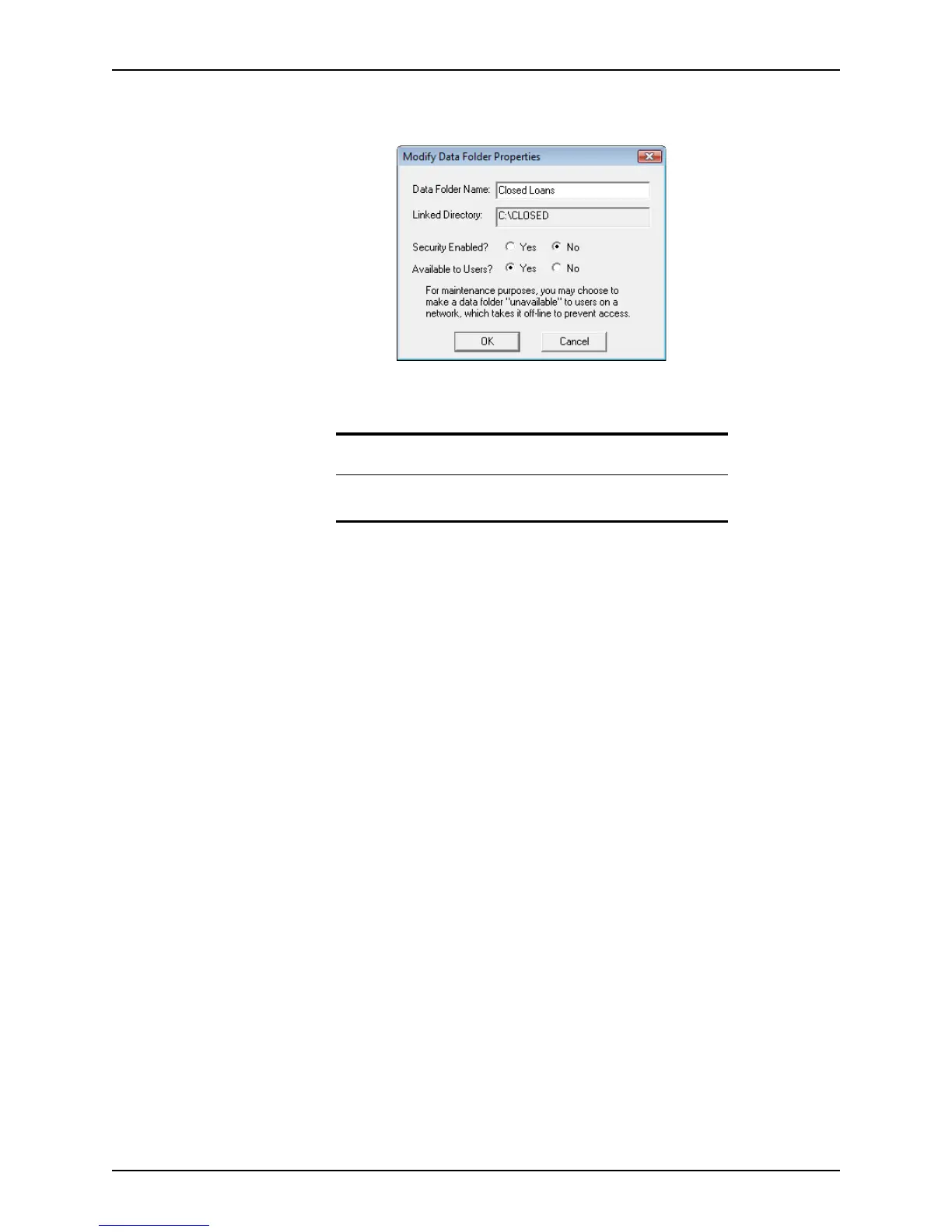
3 Select the data folder you want to modify and click Modify Properties to open the
Modify Data Folder Properties dialog box.
4 To restrict access to this folder, select
Yes next to Security Enabled. To make it
accessible to all users, leave the
No default.
5 To make the folder unavailable to users on the network, select
No. Keep the Yes
default to keep the folder available to network users.
6 Click OK to return to the
Data Folder Manager.
Connecting to existing data folders
If you have a data folder that was created externally, you can connect to it from the Data
Folder Manager
.
To connect to an existing data folder:
1 Open Point Administrator.
2 Click Setup Data Folders.
Attention
Clicking Yes requires users to enter their user ID and password to log in
to Point.



 To Next Page