430 Calyx Software
Tasks
b Enter the date in the date field.
7 In the
Borrower information section, select the search criteria from the dropdown lists
and enter the search text.
8 Select the field to sort the data by from the Sort by dropdown list and select ascending
or descending order.
9 Click Search.
The tasks that match the search criteria are displayed in the work space.
Editing tasks
To edit a tasks:
1 Select the Tasks tab from the navigation panel.
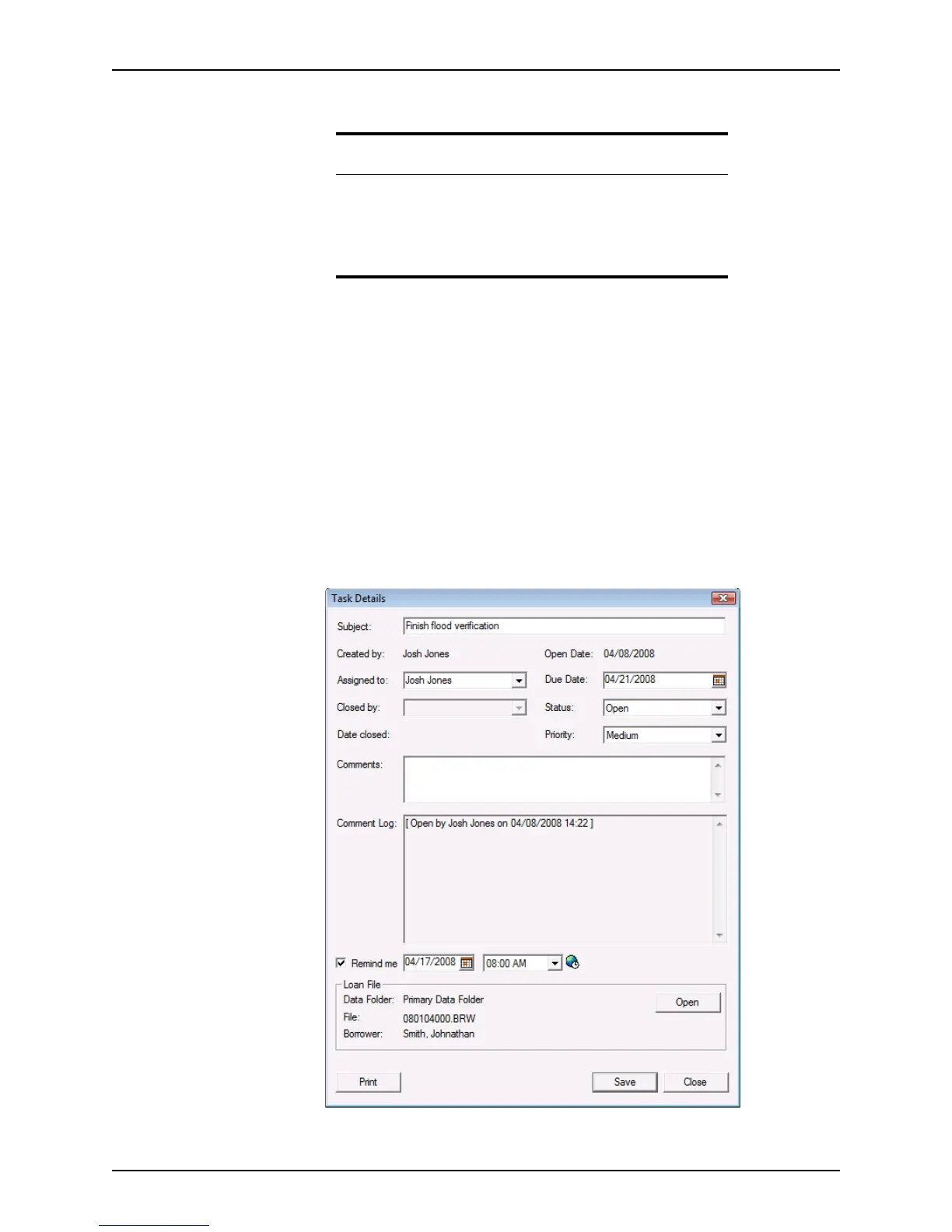
2 Select a task and click Open to open the
Task Details dialog box.
Note
If you select Between from the condition list when specifying a condition
for
Duedate, Opendate, or Dateclosed, the second date field
becomes enabled. Enter the date to begin the search in the first date field
and the date to end the search in the second field.
Only one date is required for all other conditions.



 To Next Page