Point User Guide 97
Entering mortgage type and loan terms
Entering mortgage type and loan terms
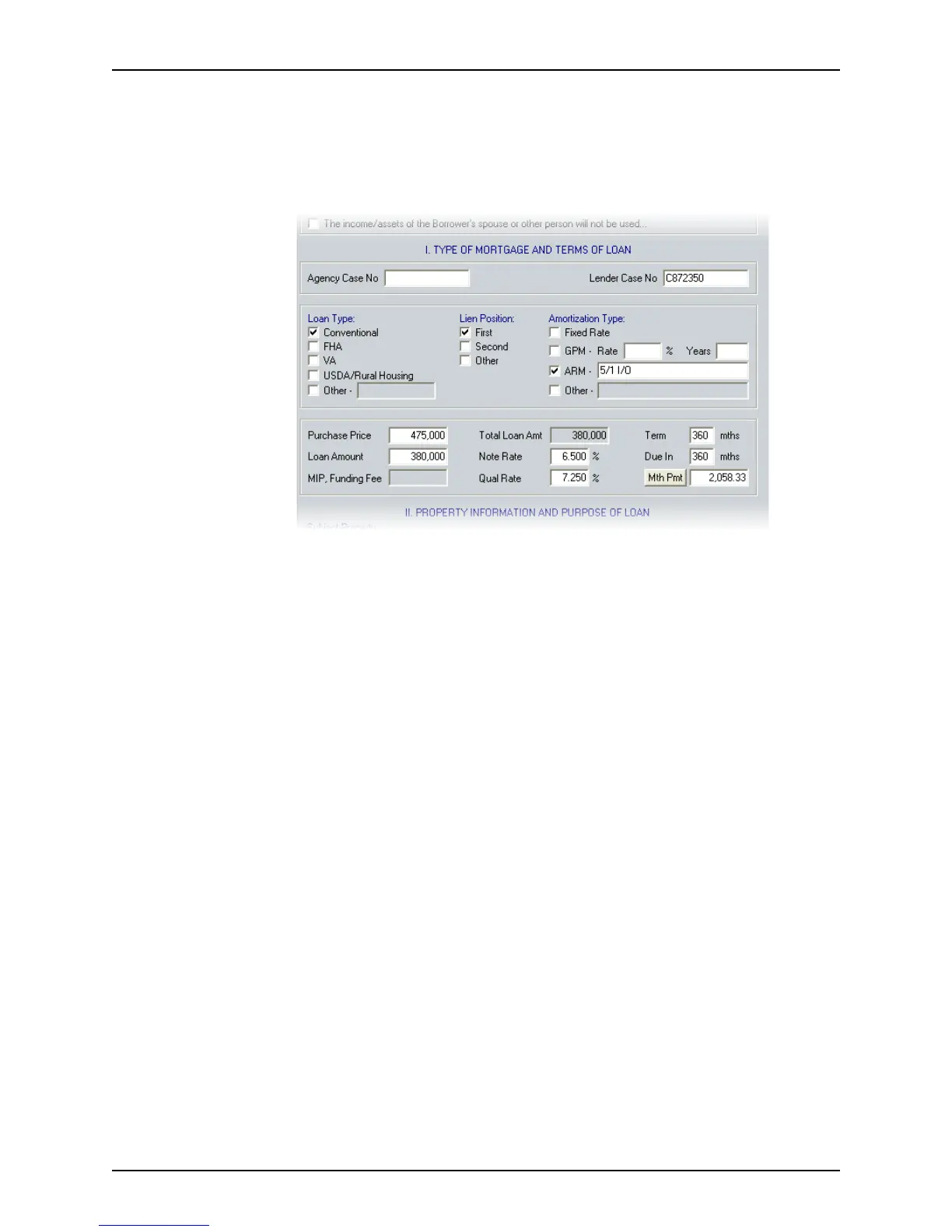
To enter the mortgage type and loan terms:
1 Open page 1 of the
Loan Application and go to Section I. Type of Mortgage and
Terms of Loan
.
2 Enter the
AgencyCaseNo and LenderCaseNo.
The agency case number is required for government loans, but is not required by all
lenders.
The lender case number does not apply for all loans. However, when it is applicable, it
is required for submission.
3 Specify the loan type, lien position, and amortization type.
Unless otherwise selected in the
Borrower Information or Prospect Information
screen, the following default options are preselected:
• Conventional mortgage
• First lien
• Fixed Rate loan
4 If not already specified, complete the
PurchasePrice, LoanAmount, NoteRate, Qual
Rate
, and TermDueIn fields.



 To Next Page