18 Calyx Software
User interface
Prospect/Borrower
Selects the type of loan file to search.
Search By
Selects the criteria to search from the dropdown list.
Search
Initiates the search for files that match the selected criteria.
Advanced Search
Opens the
Advanced Search dialog box which is used to refine your search
criteria and search in multiple data folders.
List Co-Borrowers
Lists the co-borrower files in the selected data folder.
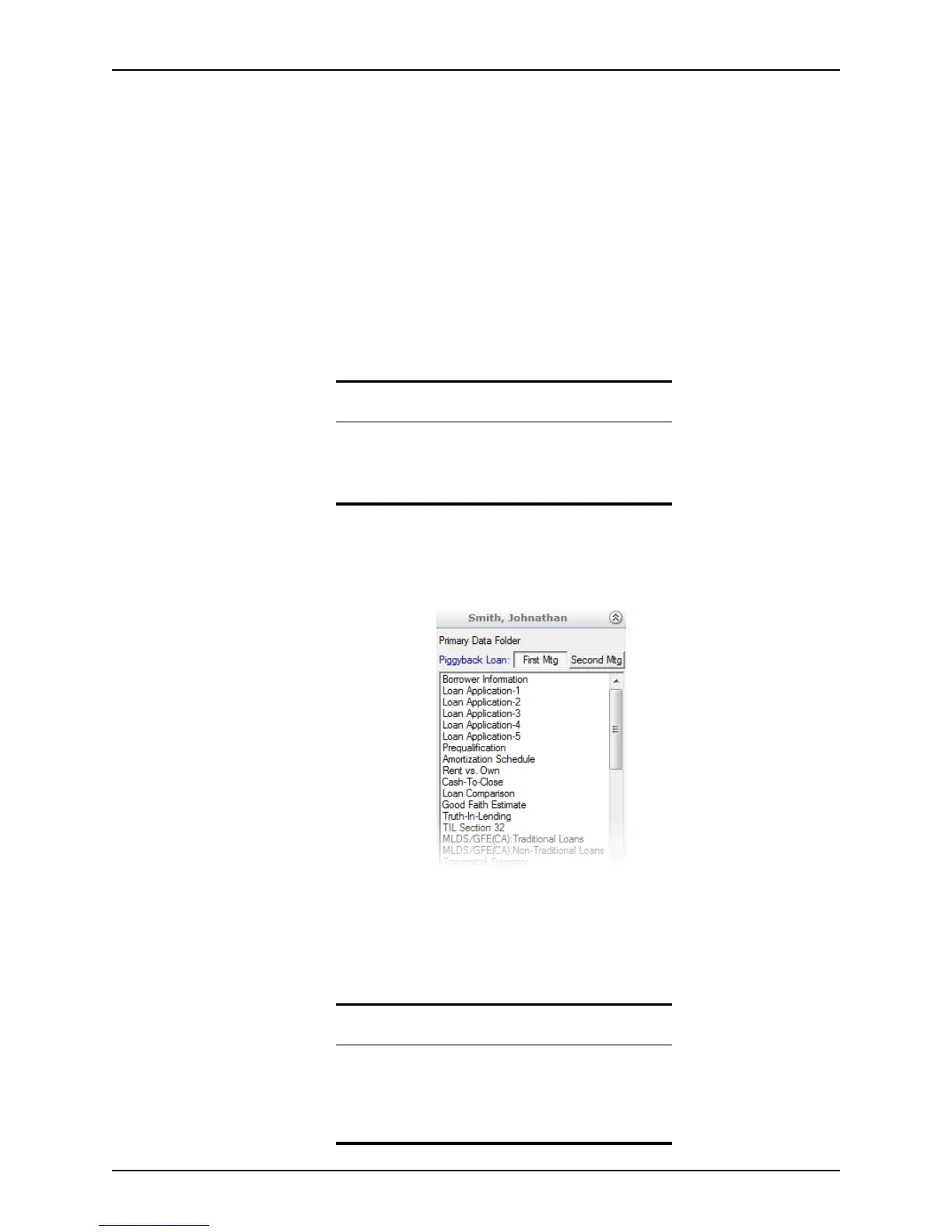
Shortcut toolbar
The shortcut toolbar is a part of the navigation panel where the various Point forms are
listed. It is an alternative to using the Forms menu to access screens.
The shortcut toolbar is not available when you are creating a master template, so you
must select the forms to include in your template from the Forms menu.
Use the First Mtg and Second Mtg
buttons to toggle between linked first and second
mortgage files. These buttons are visible only after a second mortgage is linked to the first
mortgage file.
Related information
• Refer to Searching for loan files, on page75, for
information about locating loan files.
• Refer to Creating new data folders, on page466, for
information about creating data folders.
Related information
• Refer to Linking first and second mortgage files, on
page80, for information about linking first and second
loan files.
• Refer to Chapter 12, Loan scenarios, for information about
processing second mortgages.



 To Next Page