Point User Guide 159
Forms
Leave the field blank if the lender is due the entire fee paid by the borrower.
The fees are calculated and totaled.
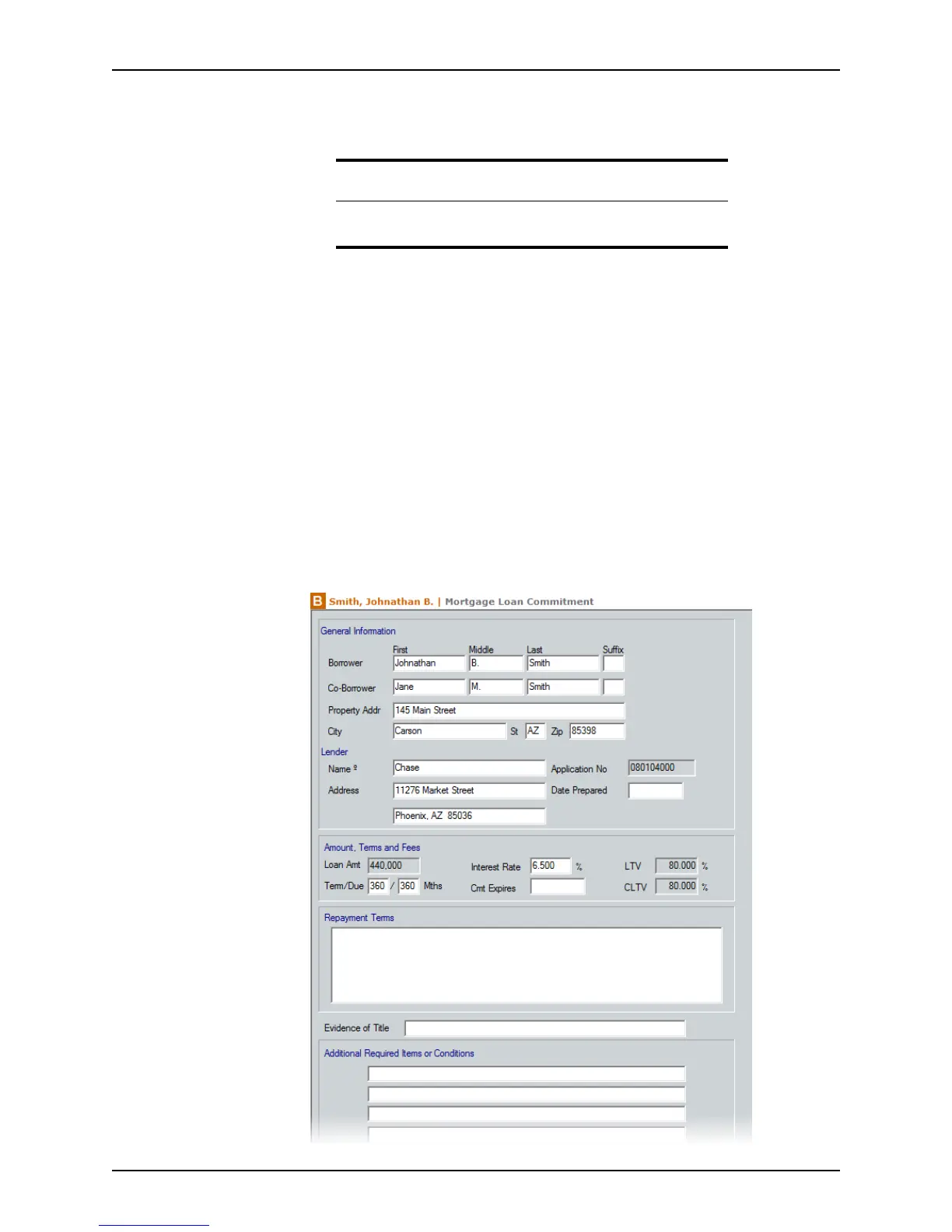
Mortgage Loan Commitment
The Mortgage Loan Commitment form is similar to a lock-in letter and communicates
the rate lock and loan lock status to the borrower.
The
Mortgage Loan Commitment consists of two pages. The first page contains a
number of input fields. The second page is always the same.
Completing the Mortgage Loan Commitment screen
Because the Mortgage Loan Commitment is one of the last steps in processing a loan,
much of the information is already populated
To complete the
Mortgage Loan Commitment screen:
1 Open a borrower file.
2 Open the
Mortgage Loan Commitment screen from the Forms menu or the
shortcut toolbar.
Note
The Borrower’s Total Owed should equal the sum of the amount due to
the lender, plus the amount Paid/Due to the broker.



 To Next Page