478 Calyx Software
Data folder and user management
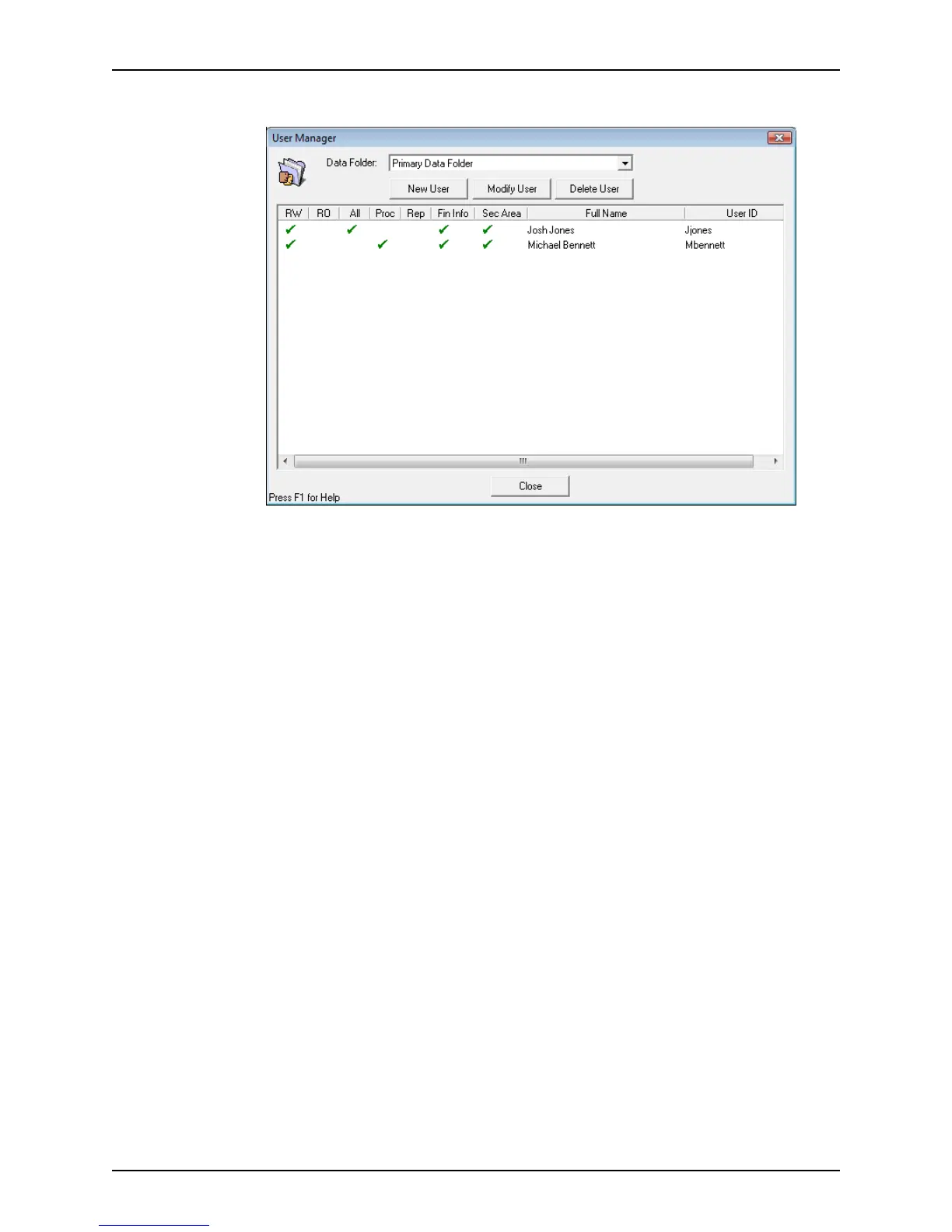
2 Click Setup Users to open the User Manager dialog box.
3 Select the user you want to modify and click Modify User.
The
Modify User Properties dialog box is displayed.
4 Make the necessary changes and click OK to return to the
User Manager dialog box.
Removing user access
To remove a user’s access to a data folder:
1 Open Point Administrator.
2 Click Setup Users to open the
User Manager dialog box.
3 Select the folder from the Data Folder dropdown list.
4 Select the user to delete.
5 Click Delete User and click Yes to confirm the deletion.
To remove the same user from multiple folders, repeat the process for each folder.
Changing the template directory
The default template directory is c:\PNTTEMPL.
To change the default template directory:
1 Open Point Administrator.
2 Click Change Template Directory to open the
Template Folder Manager dialog
box.
3 Click Browse to navigate to the new template directory location or enter the path
manually.



 To Next Page