Point User Guide 221
Locking rates and registering loans
Locking rates and registering loans
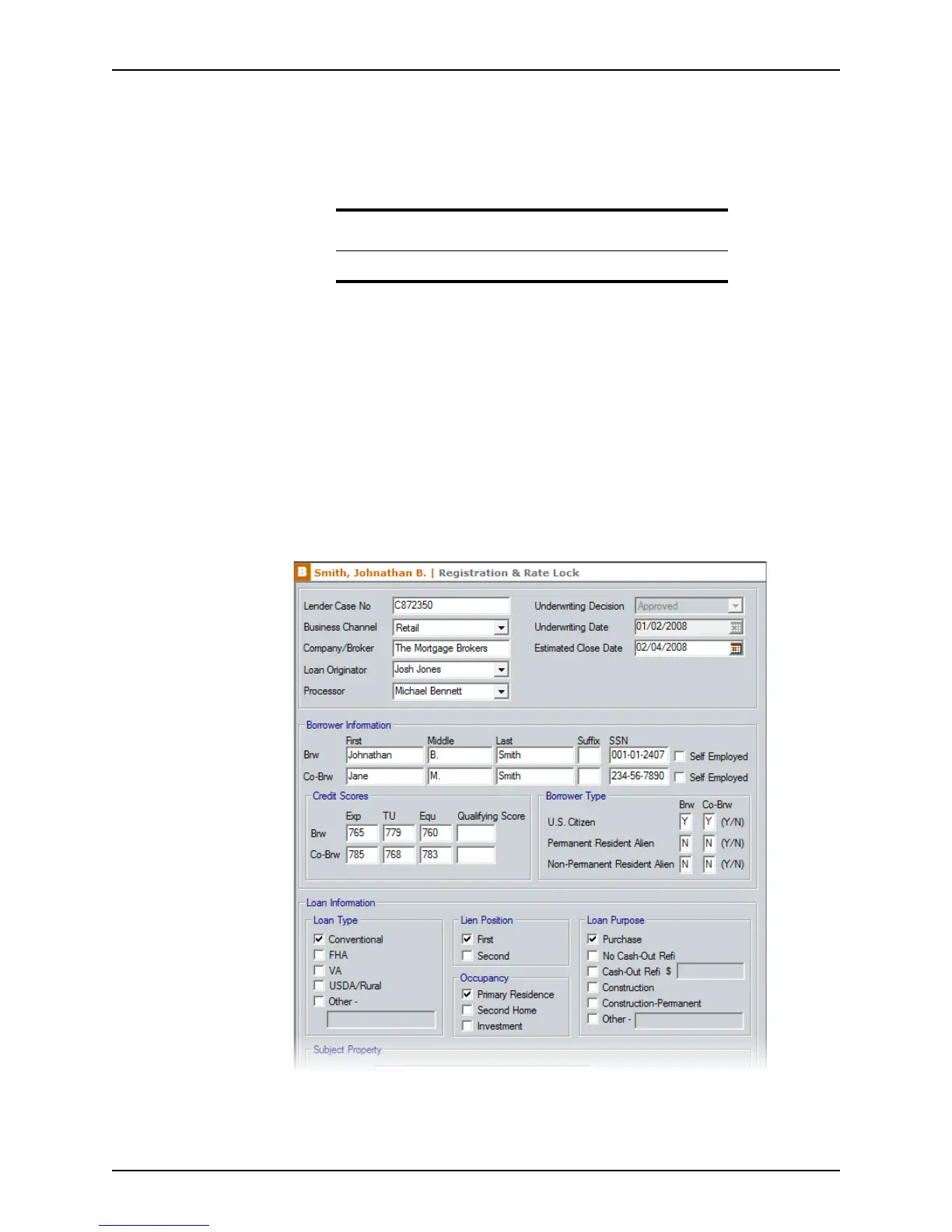
The Registration & Rate Lock screen provides a resource for both bankers and
brokers; loan originators can use this screen to lock their loans with either a wholesale
lender or their own secondary marketing department.
The loan originator will typically use this screen three times:
• When negotiating the primary market rate and price with the borrower.
• When registering and locking the loan with either a wholesale lender or their
secondary marketing department
• To record the confirmation of the lock request from either the wholesale lender or
the secondary marketing department.
To complete the
Registration & Rate Lock screen:
1 Open a borrower file.
2 Select Track > Registration & Rate Lock.
The
Registration & Rate Lock screen is displayed.
Most of the general loan, borrower, and property fields are populated from information
that was entered in the
Borrower Information screen. Underwriting information is
Attention
The Registration & Rate Lock screen is not available in prospect files.



 To Next Page