384 Calyx Software
Reports
• Mail Merge Marketing format
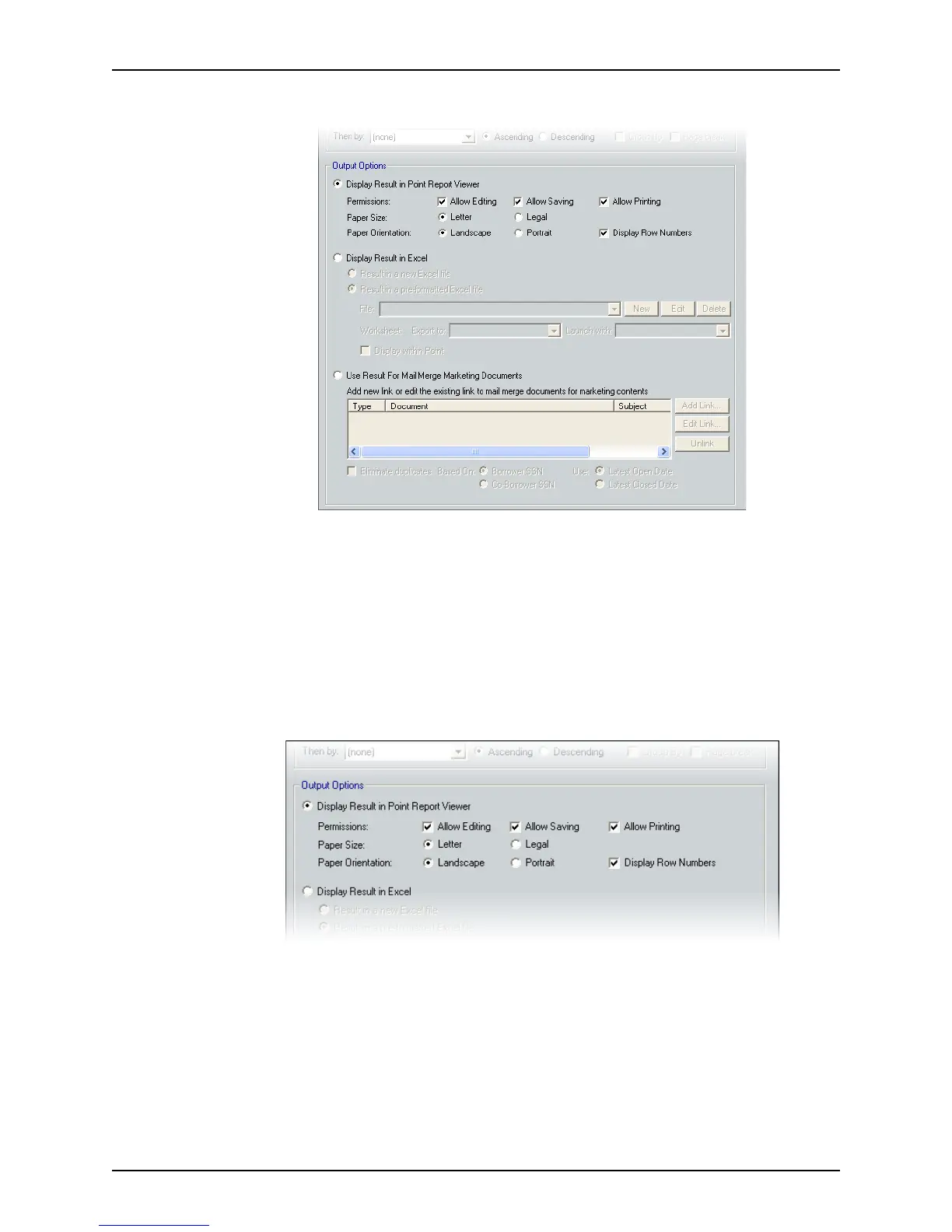
Specifying Point Report Viewer output
When you create a template that outputs a report in Point Report Viewer format, you can
do the following actions after the report is generated:
• Format the report
• Save the report
• Export report to XML, Microsoft Excel, or ASCII format
To set a report template to generate report output in Point Report Viewer:
1 Select
Display result in Point Report Viewer in the Output Options section.
2 Specify whether editing, saving, or printing the report is allowed by selecting the
corresponding Permissions check boxes.
3 Specify whether the report is to print on
Letter or Legal size paper.
4 Specify the paper orientation,
Landscape or Portrait.
5 To display the row numbers in the report, select the
Display Row Numbers check box.
6 Select File > Save to save the template.
Access the new template from the Reports & Marketing tab when the
Reports option
is selected.



 To Next Page