Point User Guide 37
Company default information
Creating the default conditions list
The information in the Condition Types dialog box is used to populate loan conditions in
the Banker >
Conditions screen. You can establish a standard set of default conditions
that are added to the conditions list when you click the Add Defaults button or you can
select from the list of conditions when you click the Add Conditions From Pick-List button.
To create the default conditions list:
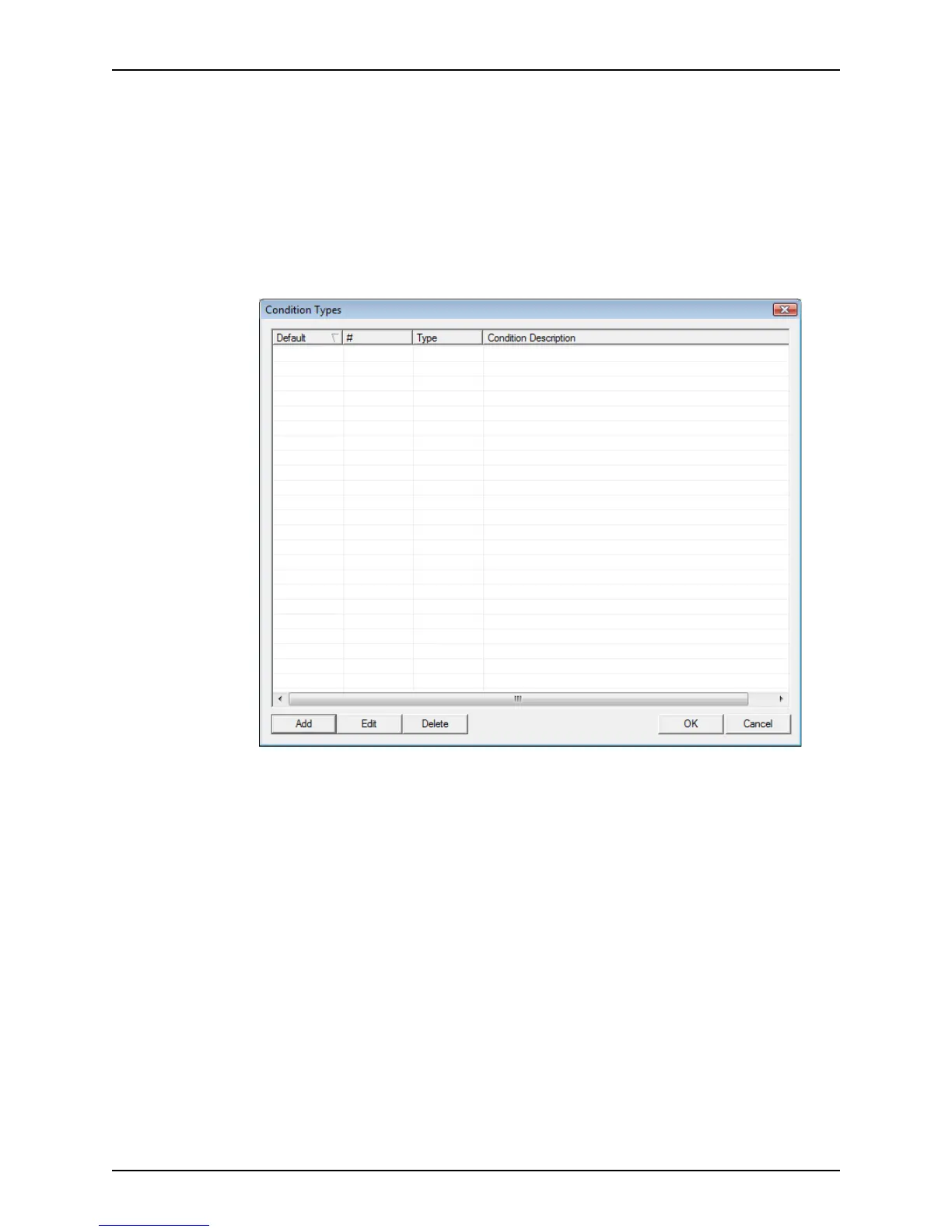
1 Select Utilities > Company Defaults > Condition Types.
The
Condition Types dialog box is displayed.
2 Click Add to add a new condition.



 To Next Page