Point User Guide 39
Company default information
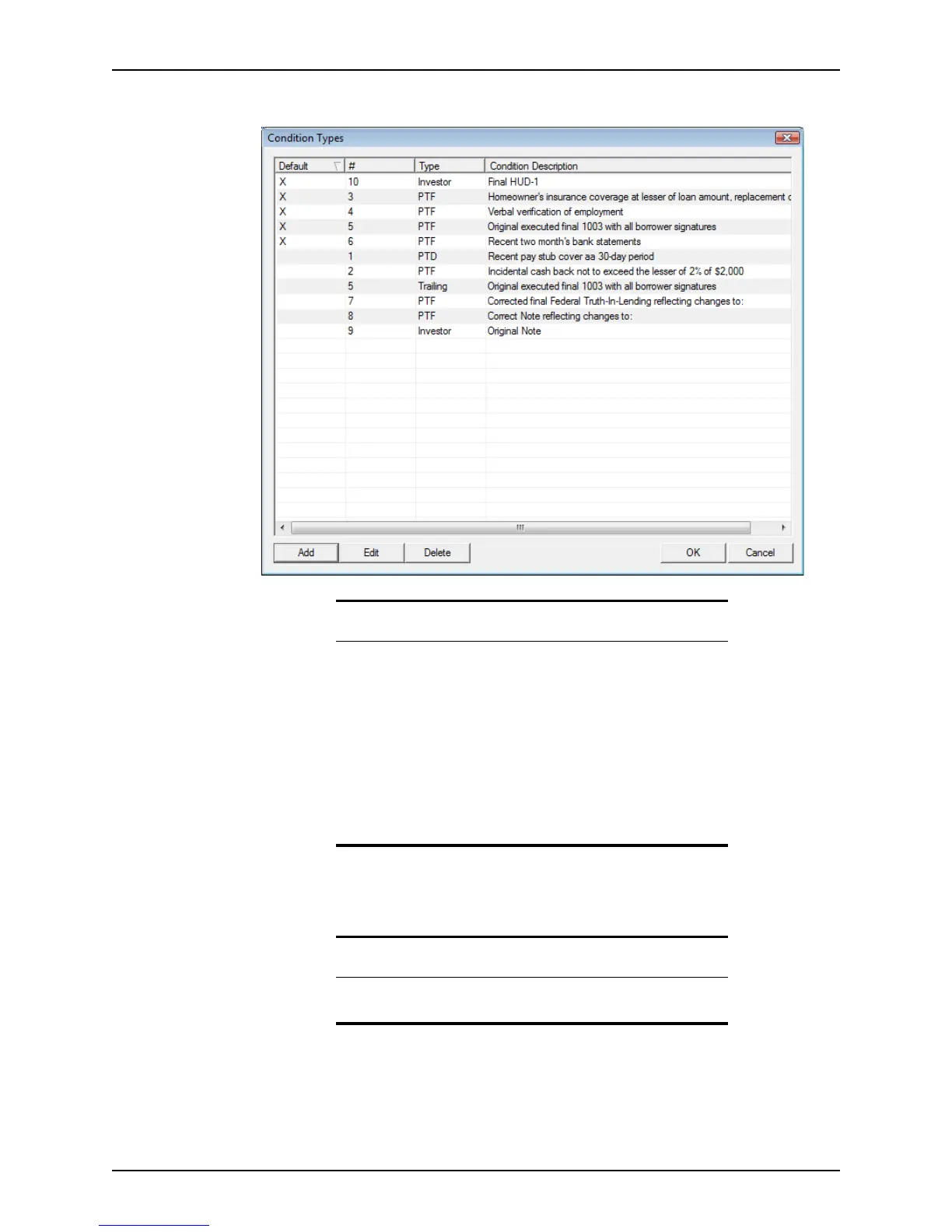
4 Repeat the process for each condition.
Use the Edit and Delete buttons to edit and delete existing conditions.
5 Click OK to exit the
Condition Types dialog box.
Specifying the default escrow account payments
Use the Initial Escrow Account Setup dialog box to calculate the escrow payments. In
addition to two user-defined calculations, you can calculate the following payments:
• Escrow for taxes
Tips
• To sort the documents by one of the columns, click the column
heading to sort the records in ascending order. Click the column
heading again to sort in descending order.
The default sort order is by the
Default column in descending order,
the
# column in ascending order, then by the Type column in
descending order.
The sort order is retained for all subsequent loan files until you
change it again.
• To resize the column width, place the cursor on the vertical line
between columns, click and hold, and drag the column to the
desired width.
Related information
For more information about entering conditions, refer to Recording and
tracking loan conditions, on page249.



 To Next Page